9.22. Font Selection
Notes
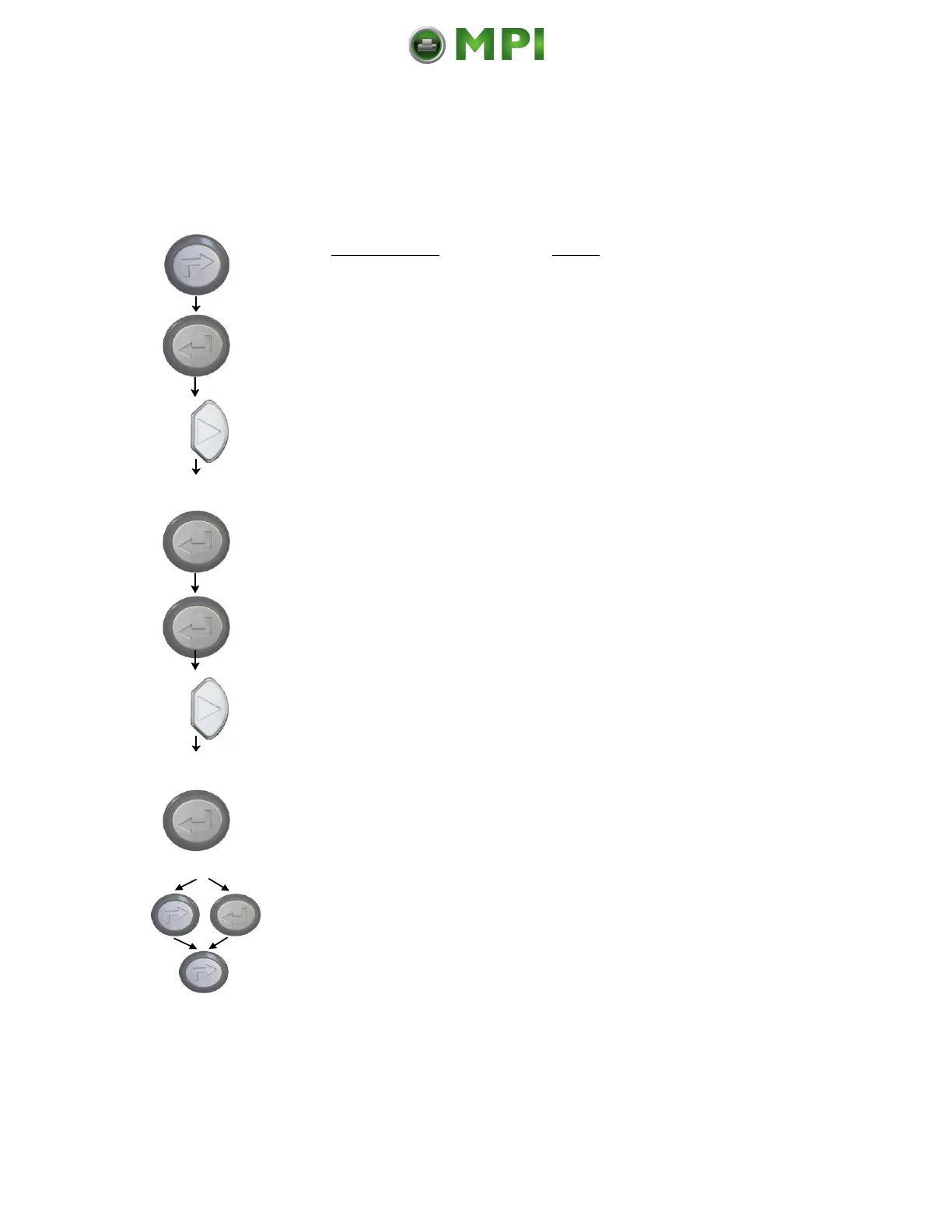
Turn the printer OFF LINE with this
key.
The ENTER key gives the user access
to the menu structure.
Press the NEXT or PREVIOUS key
until [Page Menu ] is displayed.
Press the NEXT or PREVIOUS key
until the desired font number (e.g.
5507 Langeoog) is displayed.
The font number 5507 Langeoog is
selected.
In addition this new value can be
saved as setup value (using the
ENTER key).
After this decision turn the printer
ONLINE again: Press the ONLINE
key longer than 2 seconds.



 To Next Page