Setting up the Printer 51
_________________________________________________________________________________________
_______________________________________________________________________________________________
MICROPLEX Operator’s Manual logiJET T4-2 /T6-2 /RFID Edition 2.2
6. Setting up the Printer
6.1. Attaching the Printer to a Network/PC and to the Power Supply
1. Make sure the printer, computer, and any other attached devices
are turned off and unplugged.
2. Use a proper interface line to connect the printer to the computer or to
attach the printer to the network.
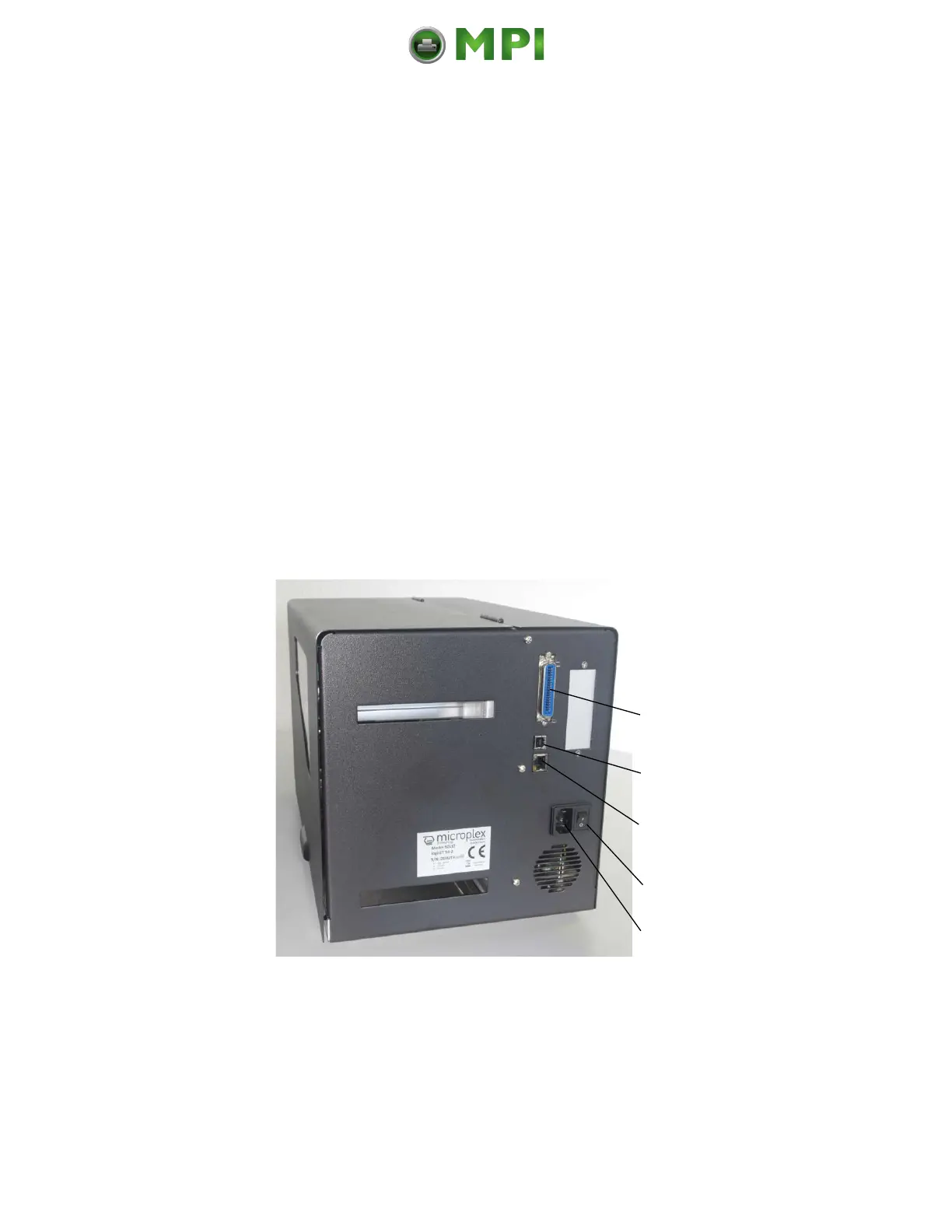
The logiJET T4-2 /T6-2 /RFID printers are provided with several interfaces; see
chapter 14 Specifications, too.
Fig. 6.1.a Rear view of the printer
Mantenimiento Periféricos Informáticos C/Canteras, 15 28860 Paracuellos de Jarama (Madrid) Tel: 00 34 917481604 Web: https://mpi.com.es/



 To Next Page