Panel Functions 127
________________________________________________________________________________________________
_______________________________________________________________________________________________
MICROPLEX Operator’s Manual logiJET T4-2 /T6-2 /RFID Edition 2.2
9.26. Contrast (Density) Setting
Using this function the print density (contrast) of the printed characters
can be changed.
Panel display
[ON LINE ]
[OFF LINE ]
[Menu Level 1 ]
[Engine ]
[Printspeed ]
[Contrast ]
[Contrast: 85 % ]
[Contrast: 60 % ]
[Save as Setup? ]
Notes
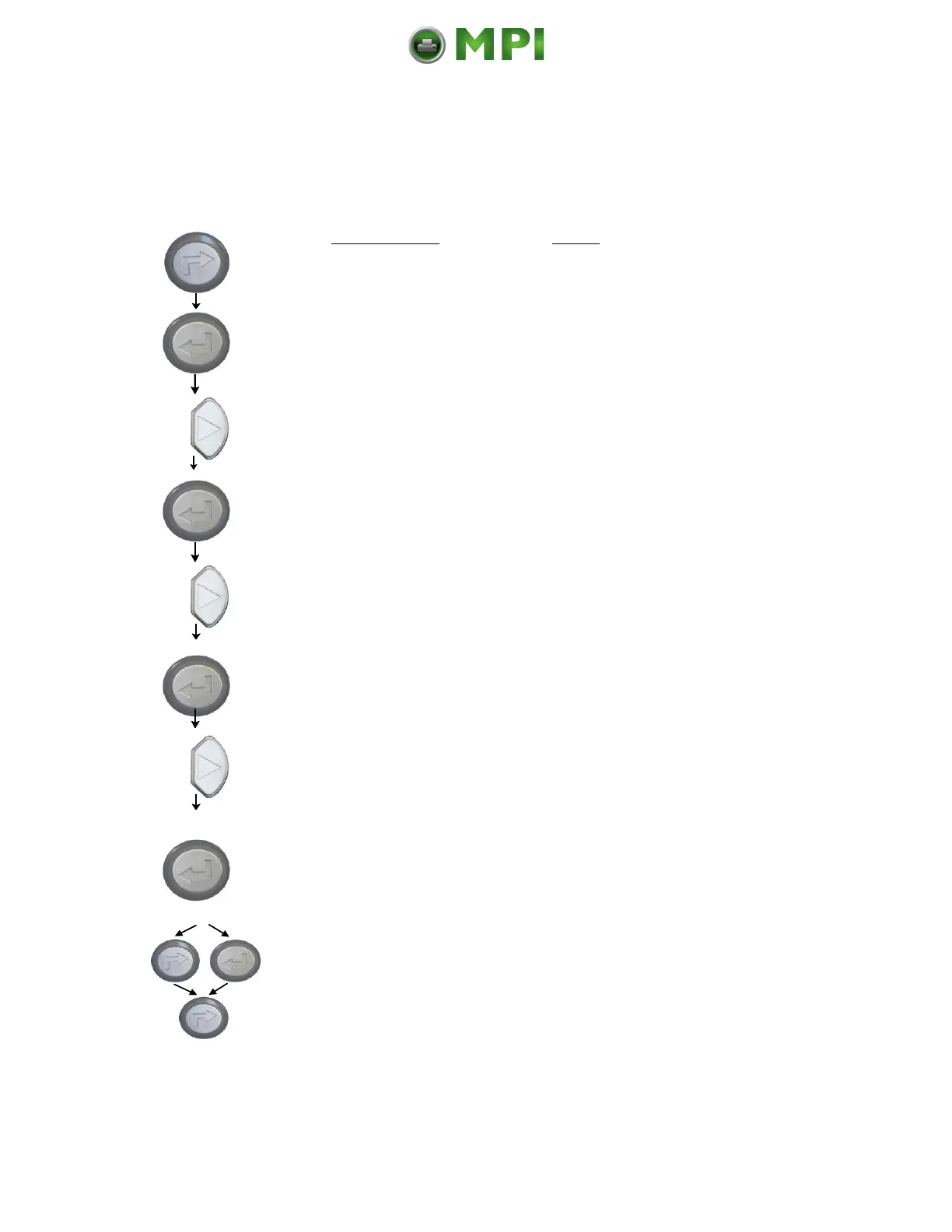
Turn the printer OFF LINE with this
key.
The ENTER key gives the user access
to the menu structure.
Press the NEXT or PREVIOUS key until
[Engine ] is displayed.
Press the NEXT or PREVIOUS key until
[Contrast ] is displayed.
The currently set value is displayed.
Press the NEXT or PREVIOUS key to
change the contrast.
Values from 10% to 120% are
settable *.
The contrast is reduced to 60 % (the
density is decreased).
In addition this new value can be
saved as setup value (using the ENTER
key).
After this decision turn the printer
ONLINE again: Press the ONLINE
key longer than 2 seconds.
* Note: Please consider that using high contrast values (more than 100%) can
result in a reduced lifetime of the printhead.
Mantenimiento Periféricos Informáticos C/Canteras, 15 28860 Paracuellos de Jarama (Madrid) Tel: 00 34 917481604 Web: https://mpi.com.es/



 To Next Page