148 Using the RFID Functions
_______________________________________________________________________________________________
_______________________________________________________________________________________________
MICROPLEX Operator’s Manual logiJET T4-2 /T6-2 /RFID Edition 2.2
10.2.2. Selecting the Communication Protocol
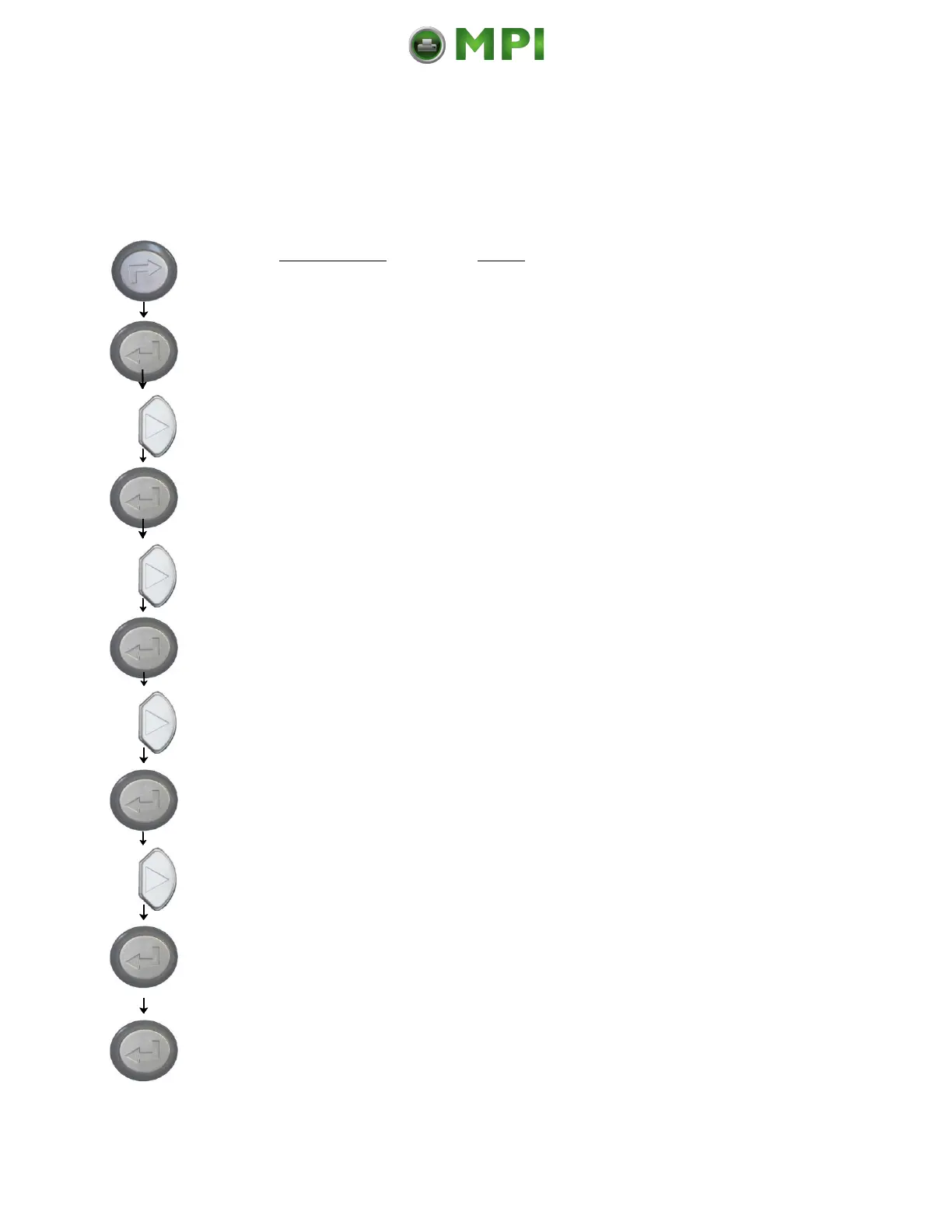
With this panel function the protocol for communication between RF
Write/Read module and transponder is selected (matching to the RFID label
type in use).
Panel display
[ON LINE ]
[OFF LINE ]
[Menu Level 1 ]
[Engine ]
[Printspeed ]
[RFID Menu ]
[RFID Mode ]
[Protocol ]
[Gen 2 ]
[ISO18000-6b ]
[Saved ! ]
Notes
Turn the printer OFF LINE with this key.
The ENTER key gives the user access to
the menu structure.
Press the NEXT or PREVIOUS key until
[Engine ] is displayed.
Press the ENTER key to select the RFID
menu.
Press the NEXT or PREVIOUS key until
[RFID Menu ] is displayed.
Press the ENTER key to select the RFID
menu.
Press the NEXT or PREVIOUS key until
[Protocol ] is displayed.
Press the ENTER key to select the Protocol.
Press the NEXT or PREVIOUS key until the
desired value is displayed.
The protocol ISO18000-6b is selected
(saved as setup value).
Turn the printer ON LINE again:
Press the ENTER key longer than 2
seconds.
Mantenimiento Periféricos Informáticos C/Canteras, 15 28860 Paracuellos de Jarama (Madrid) Tel: 00 34 917481604 Web: https://mpi.com.es/



 To Next Page