Panel Functions 99
________________________________________________________________________________________________
_______________________________________________________________________________________________
MICROPLEX Operator’s Manual logiJET T4-2 /T6-2 /RFID Edition 2.2
9.4 . Adjusting the Zero Position of the Material Transport (Sync.Sens.Offset)
With this function the position of printout and tear off/cut on the material is
adjusted. This is carried out by setting an offset from the printer-detected punch
position (gap or start of the label, compare figure 9.4.a). The setting range for the
offset is approximately ± 20 mm.
Please execute this offset adjusting after you have successfully adjusted the
Sync sensors. (See previous sections).
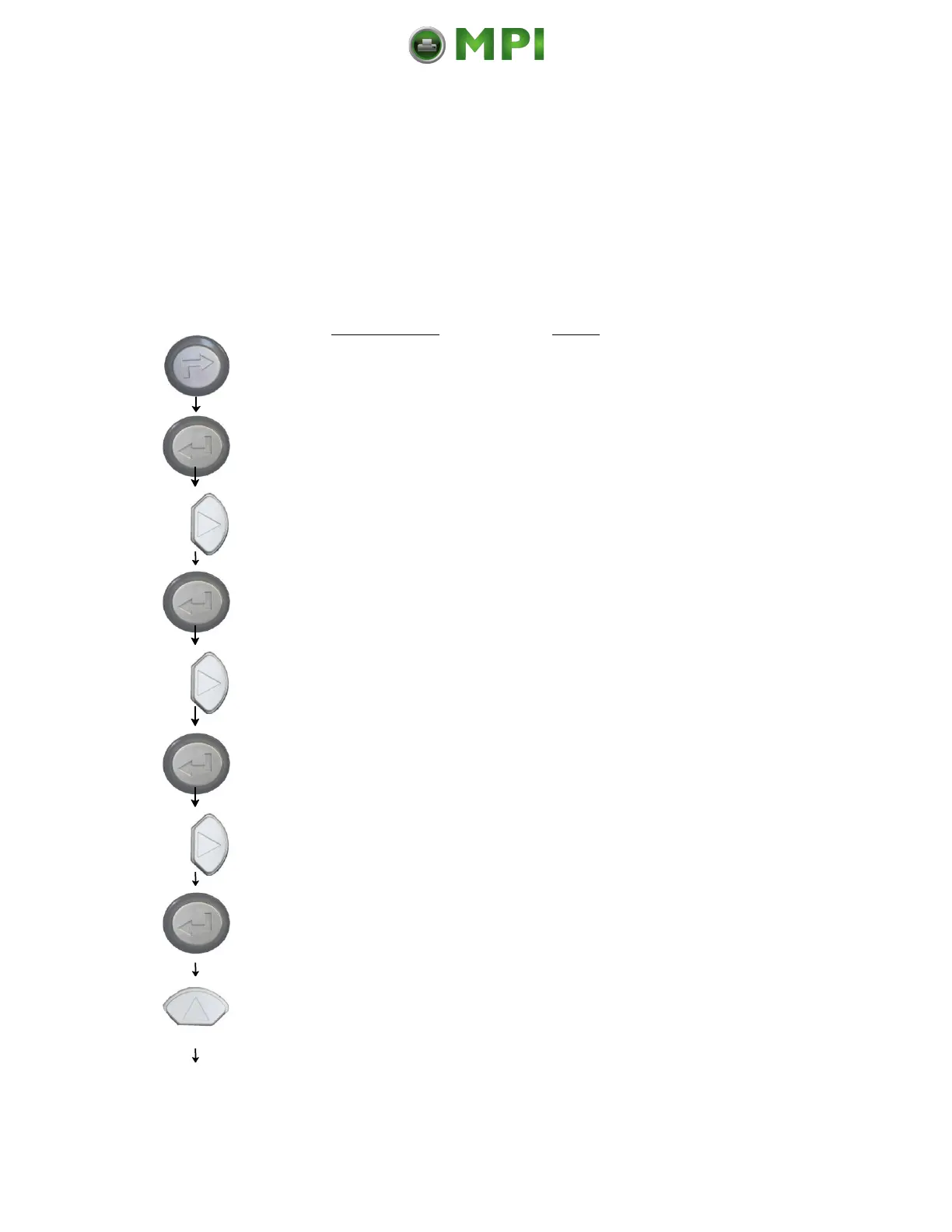
Panel display
[ON LINE ]
[OFF LINE ]
[Menu Level 1 ]
[Engine ]
[Printspeed ]
[Sync. Menu ]
[Sync.Sens.Type ]
[Sync.Sens.Offset ]
[Offset: + 0.0 mm ]
[Offset: + 1.0 mm ]
Notes
Turn the printer OFF LINE with this key.
The ENTER key gives the user access to
the menu structure.
Press the NEXT or PREVIOUS key until
[Engine ] is displayed.
Press the NEXT or PREVIOUS key until
[Sync. Menu ] is displayed.
Press the NEXT or PREVIOUS key until
[Sync.Sens.Offset ] is displayed.
The currently set value is displayed.
Press the NEXT or PREVIOUS key until
the desired offset is displayed.
Mantenimiento Periféricos Informáticos C/Canteras, 15 28860 Paracuellos de Jarama (Madrid) Tel: 00 34 917481604 Web: https://mpi.com.es/



 To Next Page