64 Controlling the Printer via the integrated Website (WebPanel)
________________________________________________________________________________________________
_______________________________________________________________________________________________
MICROPLEX Operator’s Manual logiJET T4-2 /T6-2 /RFID Edition 2.2
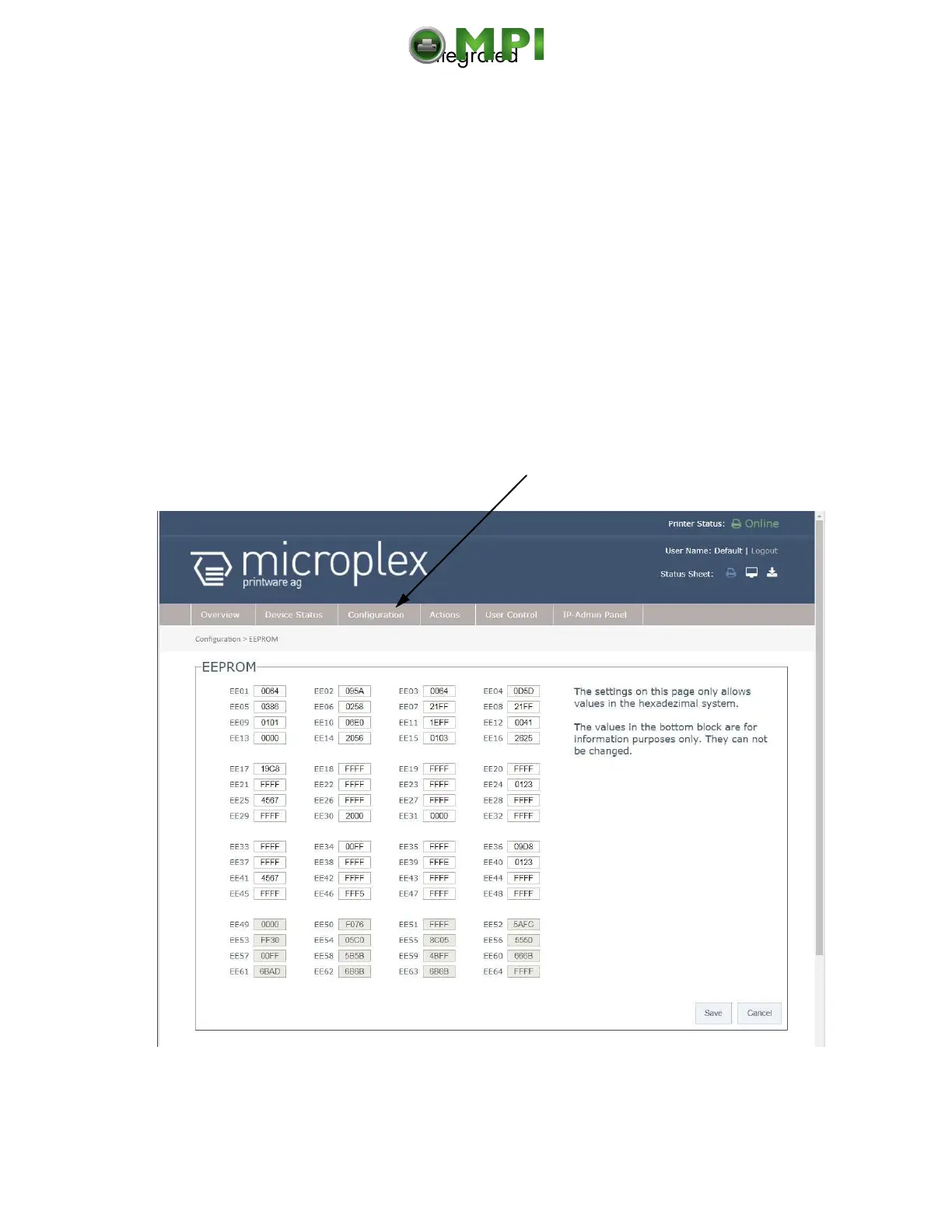
7.3.6. EEPROM Page
Attention:
You have to be very careful when changing parameters via the EEPROM
page. If you use wrong parameters, the printer could hang up!
Before you change EEPROM parameters of the print system it is
recommended to generate a Status Sheet! This facilitates a reset of the printer
(resetting the parameters to the former settings).
The parameters must be written in hexadecimal numbers (0000 to FFFF). These
EEPROM values are printed out in the first to third line of the Status Sheet.
Fig. 7.3.6.a logiJET T4-2 /T6-2: EEPROM page of the MICROPLEX WebPanel
Mantenimiento Periféricos Informáticos C/Canteras, 15 28860 Paracuellos de Jarama (Madrid) Tel: 00 34 917481604 Web: https://mpi.com.es/



 To Next Page