184 Operator Maintenance
_______________________________________________________________________________________________
_______________________________________________________________________________________________
MICROPLEX Operator’s Manual logiJET T4-2 /T6-2 /RFID Edition 2.2
11.3. Adjusting the Right Pressure Value
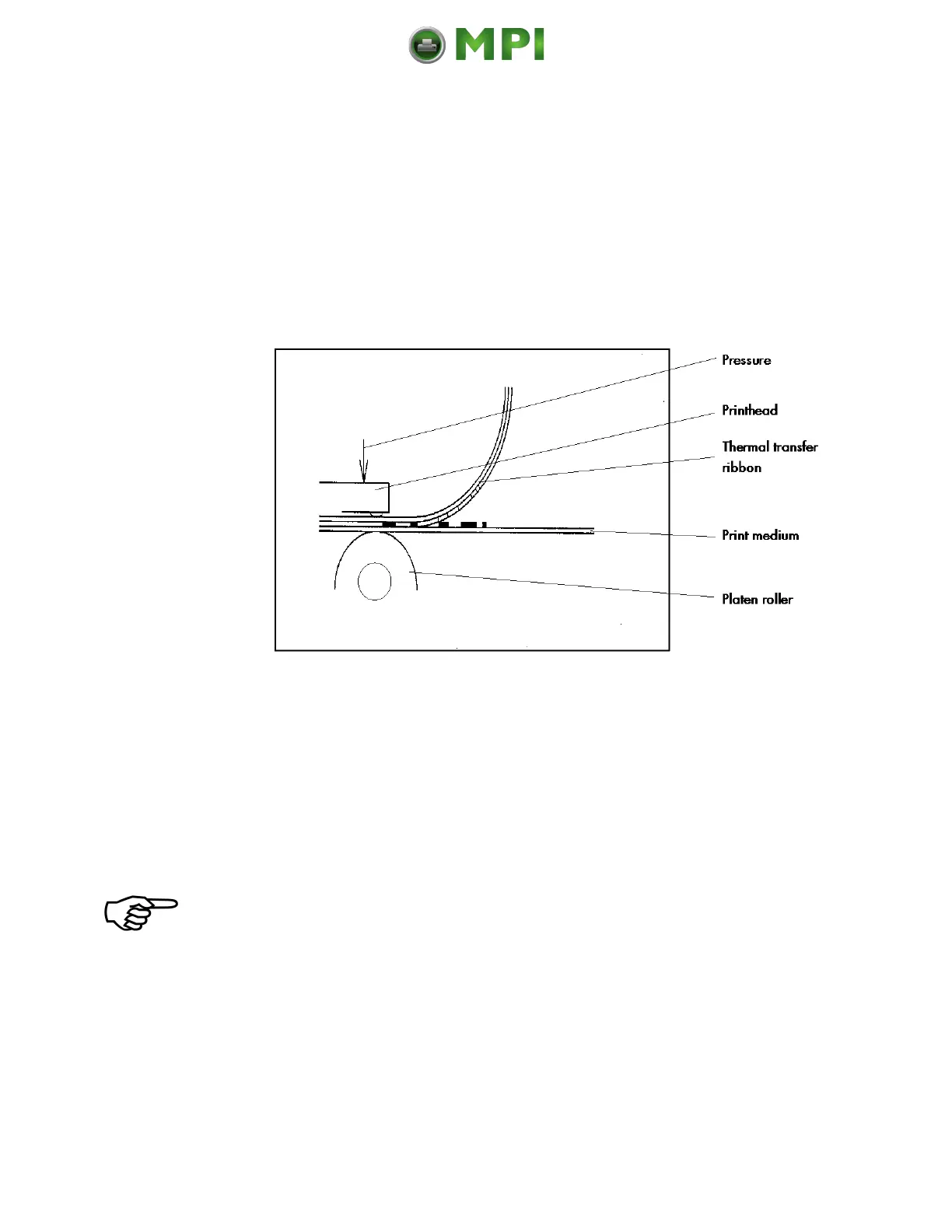
A correction of the pressure value is necessary, if the diameter of
the new printmedia is bigger or smaller than the previous one.
In addition the pressure value can be modified in order to adapt
the characteristics of the consumables. An increase of the
pressure value, for example, can improve the transfer of the
image onto the printmedia.
Fig. 11.3.a Principle view of the print process
While printing small labels the printhead may come in contact with
the print roller just in that area that isn’t covered by the label.
This may lead to an accelerated abrasion of the printhead and to a
print quality that isn’t even over the whole print width.
The operation steps to adjust the pressure value are described in
section 5.4 (Printhead Pressure Adjusting).
Please consider that increasing the pressure value will increase the
friction between printhead, ribbon, printmedia and the print roller, too.
The abrasion of the concerning components (for example the
printhead surface) will be accelerated considerably due to the
increase of the pressure value.
Mantenimiento Periféricos Informáticos C/Canteras, 15 28860 Paracuellos de Jarama (Madrid) Tel: 00 34 917481604 Web: https://mpi.com.es/



 To Next Page