18 Installation
_______________________________________________________________________________________________
_______________________________________________________________________________________________
MICROPLEX Operator’s Manual logiJET T4-2 /T6-2 /RFID Edition 2.2
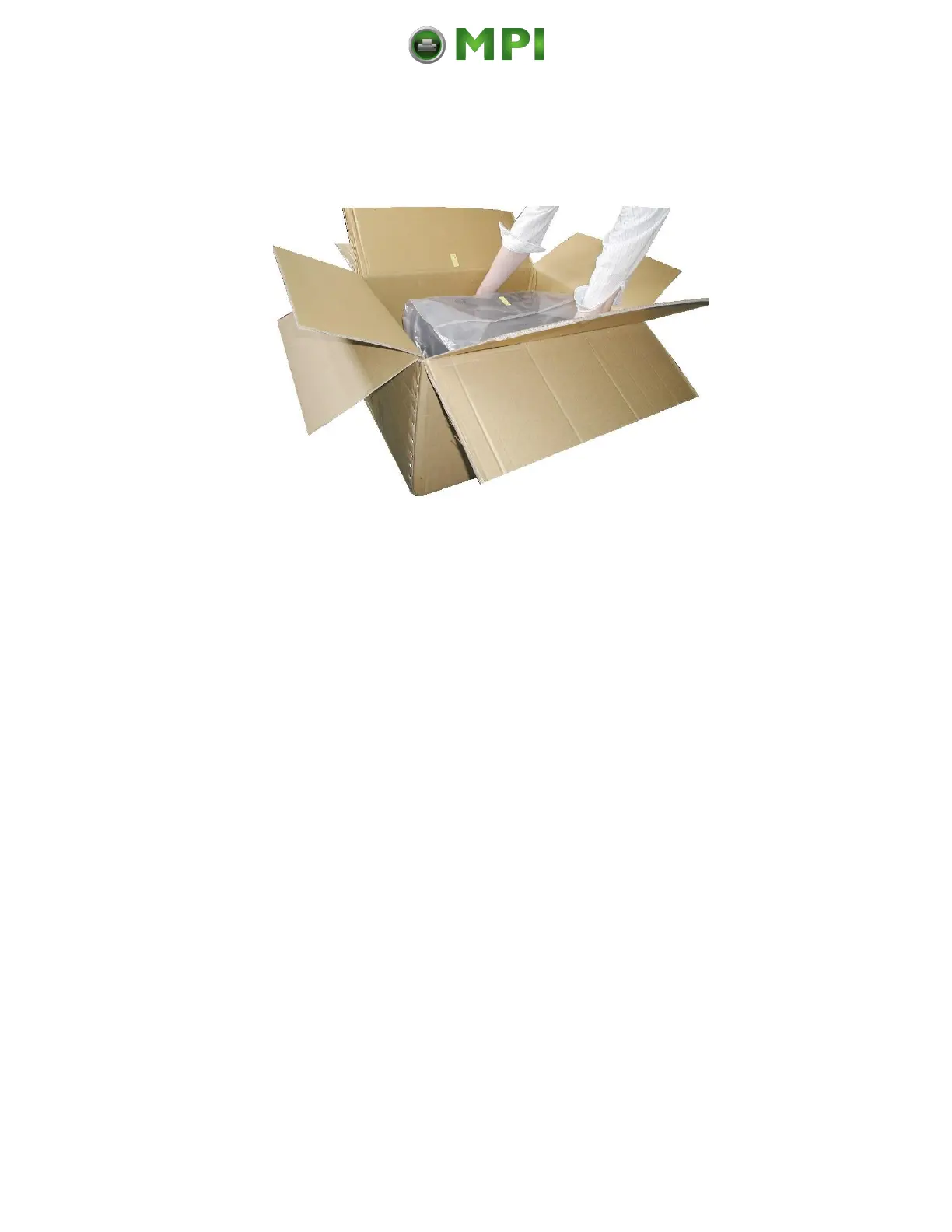
Fig. 2.1.b Lifting the printer
3. Remove the foil covering the printer.
4. Place the printer onto a suitable base (see section 2.3).
Please retain the original packing materials in case the printer
has to be transported in the future.
Mantenimiento Periféricos Informáticos C/Canteras, 15 28860 Paracuellos de Jarama (Madrid) Tel: 00 34 917481604 Web: https://mpi.com.es/



 To Next Page