70 Control Panel
________________________________________________________________________________________________
_______________________________________________________________________________________________
MICROPLEX Operator’s Manual logiJET T4-2 /T6-2 /RFID Edition 2.2
Buttons („Panel keys“)
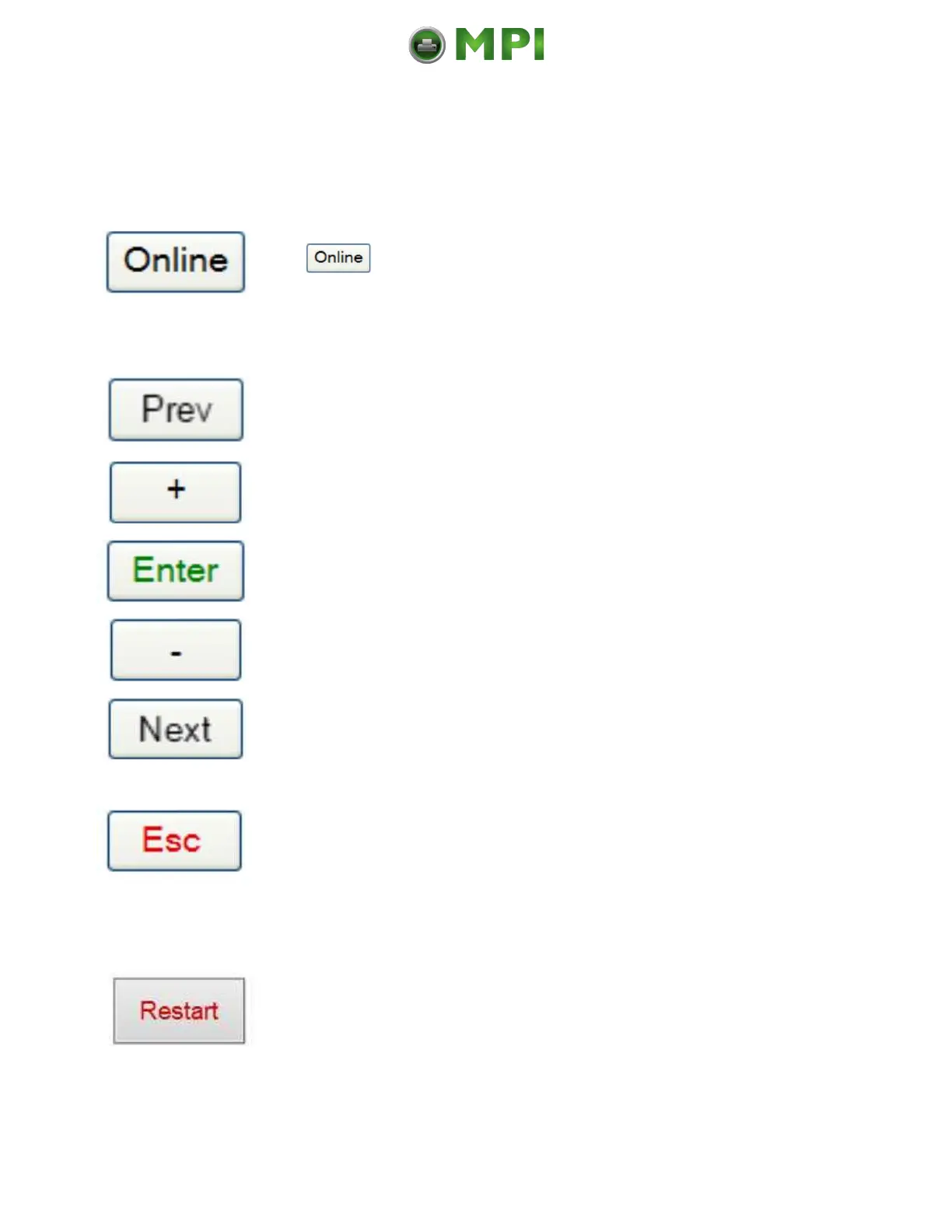
The key turns the printer ON / OFF LINE.
These keys are used for working within the different levels of the
menu structure.
This structure and the panel functions are described in the
following.
Using this key a “Restart” is released in the OFF LINE mode.
You can back out e.g. error messages by a Restart.
Mantenimiento Periféricos Informáticos C/Canteras, 15 28860 Paracuellos de Jarama (Madrid) Tel: 00 34 917481604 Web: https://mpi.com.es/



 To Next Page