Safety and Compliance Information
59
OM-296747A | 4/15/24
2.9 Additional Product Specific Safety
Features
Additional handheld laser device safety features are discussed in section 7 [▶101]
of this Owner’s Manual. Ensure you review and understand these important
product features listed here.
• Fiber Interlock - section 7.1.1 [▶101]
• External Interlocks - section 7.1.2 [▶101]
• Head Nozzle and Workpiece Clamp Interlock - section 7.1.3 [▶102]
• Torch Two Level Trigger - section 7.1.4 [▶102]
• Overheating Control - section 7.1.5 [▶102]
• Plasma Detection - section 7.1.6 [▶103]
• Gas Pressure Monitoring - section 7.1.7 [▶104]
• Emergency Stop Button - section 7.1.8 [▶104]
• Warning and Status Lights - section 7.1.9 [▶105]
2.10 Activation Code Required at First Power
Up
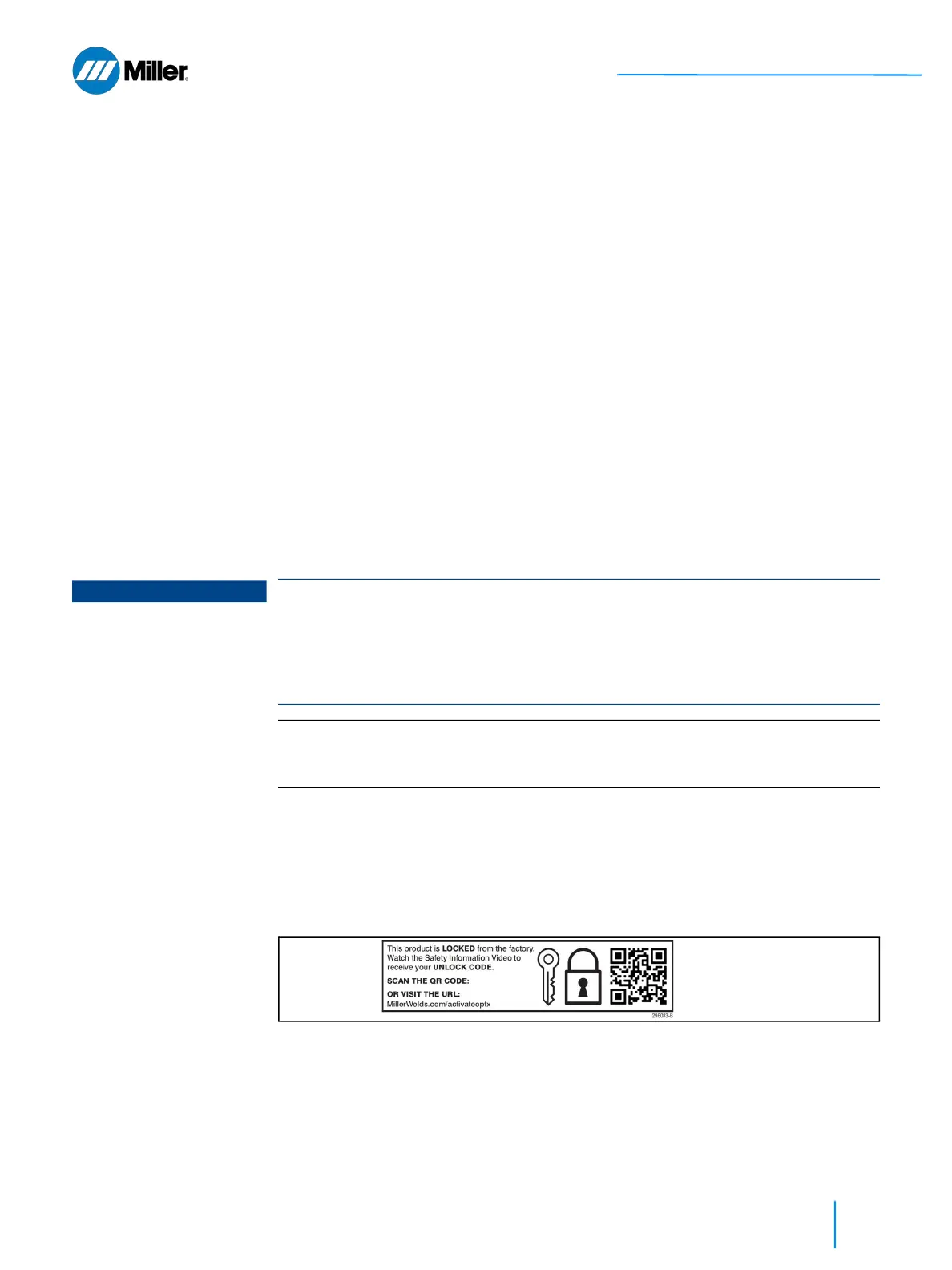
When the system arrives there will be a removable label over the keyswitch. Scan
the QR code to access the activation portal. Or go to the website:
MillerWelds.com/activateoptx
To activate the OptX device complete the safety training webinar and obtain the
activation code.
▼Figure 5. Scan the QR Code to Access the Product Activation Portal
1. Use the Laser Power rotary control knob to set the activation code (turn knob
counterclockwise).
2. Press and hold both Mode buttons until the Mode display starts flashing
quickly and then release the buttons (takes ~5 seconds).
If the inputted code was correct, the displays will update to show the current mode index
settings. If code was incorrect the power display will reset back to 9990.
NOTICE
When the OptX device is turned ON for the very first time, the system will boot-up
into a “locked” state. The unit front panel will be set to “9990”, “999”, and “99”. If
the unit is connected to a computer, the web page interface also displays “Unit
Locked”. When locked the front panel will not allow changes from the two lower
knobs. Laser emission cannot be turned on while unit is locked regardless of
interlock or alarm state (see Figure 6 [▶ 60]).
IMPORTANT
To receive the 4-digit activation code, users must first complete the Miller Laser
Safety Training webinar. Activation code is provided upon successful completion
of training webinar.















 To Next Page