Operating Laser Welder
115
OM-296747A | 4/15/24
7.5 Quick Start Cleaning Using Preset
Programs
This section is only applicable when operating in laser cleaning mode.
Personnel Qualifications: Operating Personnel (refer to section 1.4 [▶19]).
1. Verify the door safety interlock circuit is working and lights the error indicator
on the front panel of the device when the door is opened (external interlocks
A or B open). Closing the door will clear the alarm. Refer to section 5.8.3 [▶88].
2. Select cleaning nozzle. Install nozzle on torch (section 7.3 [▶107]).
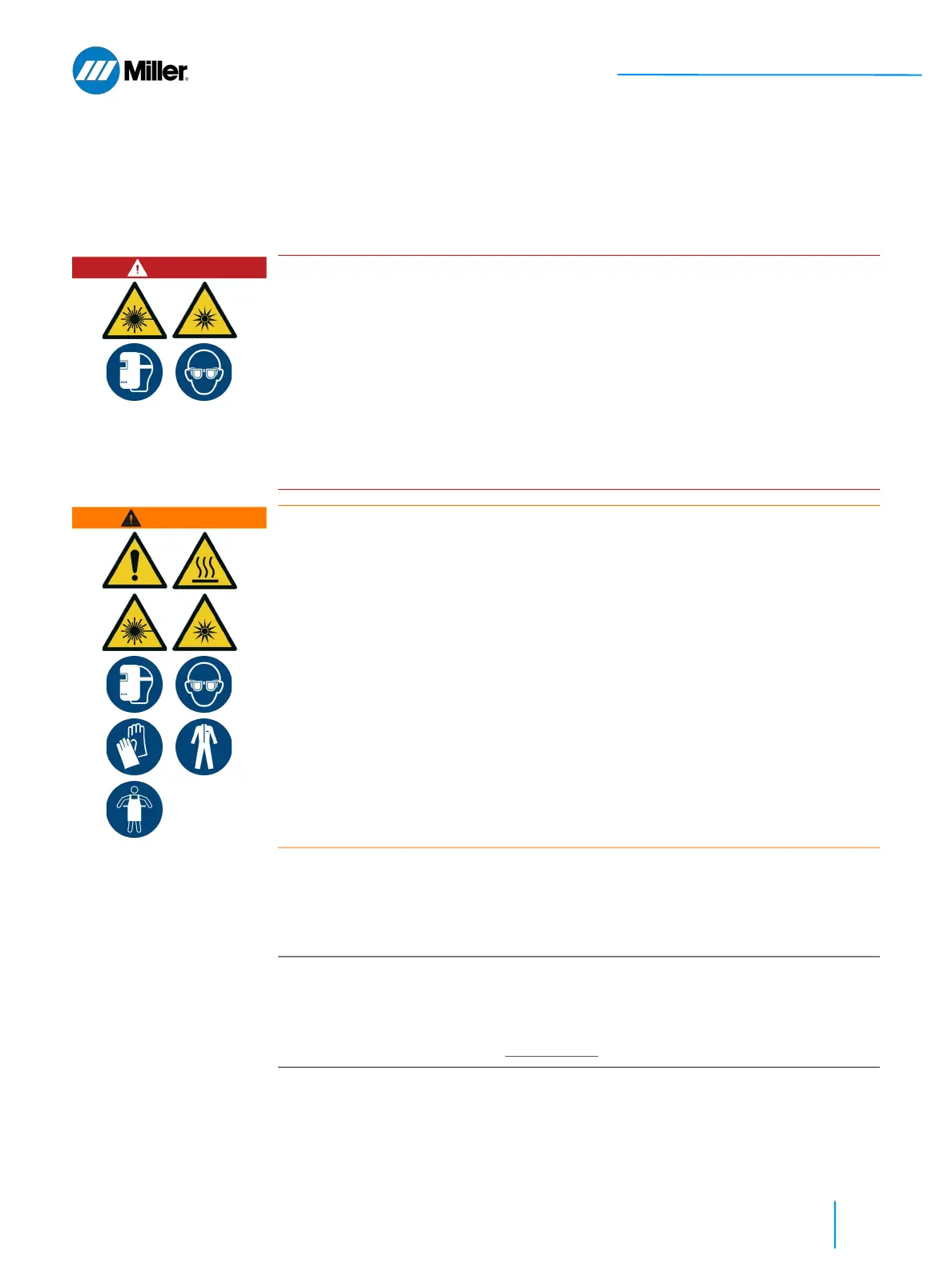
DANGER
Eye hazards during OptX device operation
Risk of permanent eye damage and vision impairment from invisible reflected and
scattered Class 4 laser radiation. Also risk of eye damage as a result of exposure
to UV light, welding bright light, heat and sparks produced during the material
processing.
All persons in the Laser Controlled Area must wear the combination of (1) the
specified laser safety glasses, and (2) welding helmet with appropriate filters (for
UV and visible radiation) and face shield will offer the best protection during laser
welding.
A welding helmet can also protect the Operator from being injured due to hot
splatter, metal particulates and sparks.
WARNING
Skin hazards during welding. Mandatory PPE required.
Risk of skin burns from laser radiation, sparks and hot parts.
All persons in the Laser Controlled Area must take precautions to prevent skin
damage by wearing protective clothing.
Personal protective equipment includes: (1) welding helmet with appropriate
filters and face shield over specified laser safety glasses; (2) laser and heat-
resistant gloves, caps, suit, leather apron and other laser and heat-resistant
clothes.
IMPORTANT
When operating the device in laser cleaning mode an adjustment up to a 15 mm
beam wobble length is allowed.
Please note that it is possible to clean a part using the same nozzle tip that was
used during welding. However, for this case the beam wobble length should
always be set to a value of 5 mm or less.















 To Next Page