152
Version LMinicam Proteus
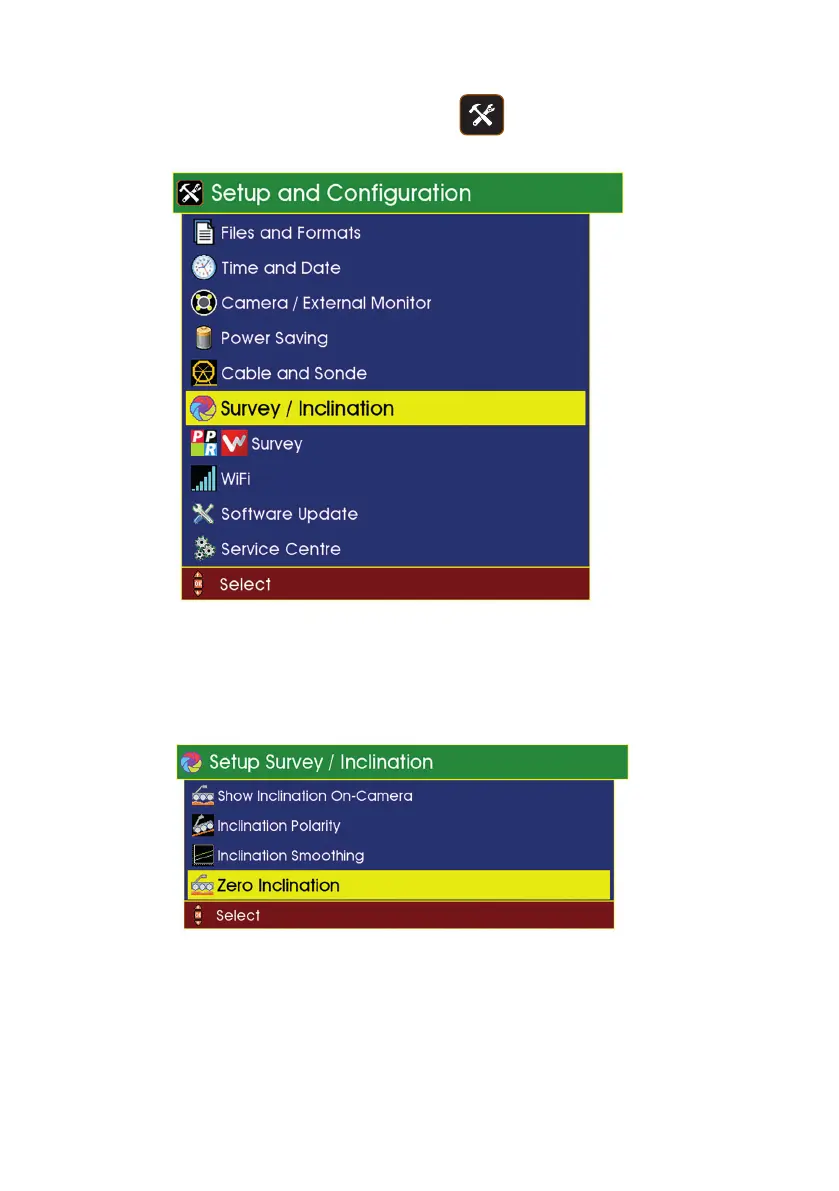
Power on your crawler, and press the Tools key, then select
“Survey / Inclination”.
If your crawler supports inclination zero calibration, you will see a menu
item “Zero Inclination”. If it does not support inclination zero calibration,
you can ignore the rest of this setup.
Select “Zero Inclination” and the rst stage of the zero calibration begins:



 To Next Page