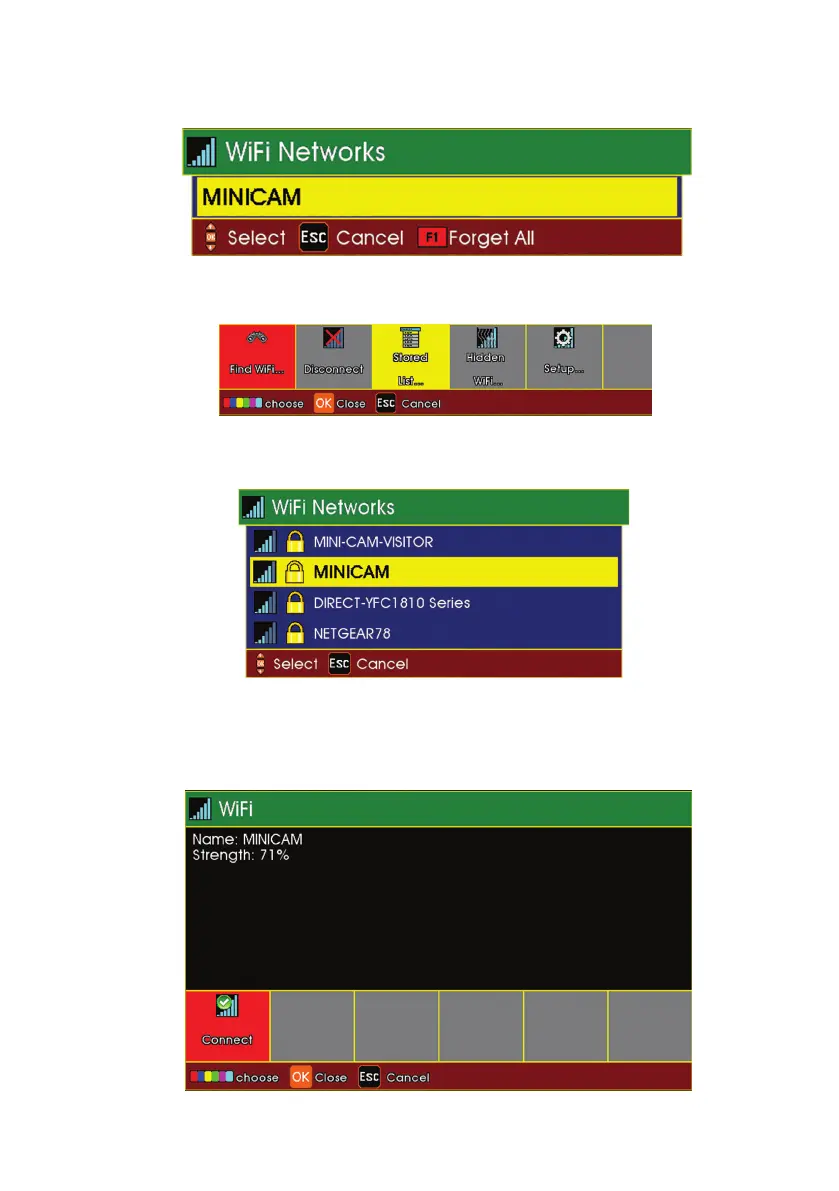
3 Select Stored F3 (Yellow Key) to view stored network URLs (addresses).
4 Select Find WiFi... F1 (Red Key) to search for available networks.
5 Select the required network from the menu.
6 Select Connect F1 (Red Key) to connect to the selected network
(you will have to type a WiFi password in if required).
61
Version L Minicam Proteus



 To Next Page