7
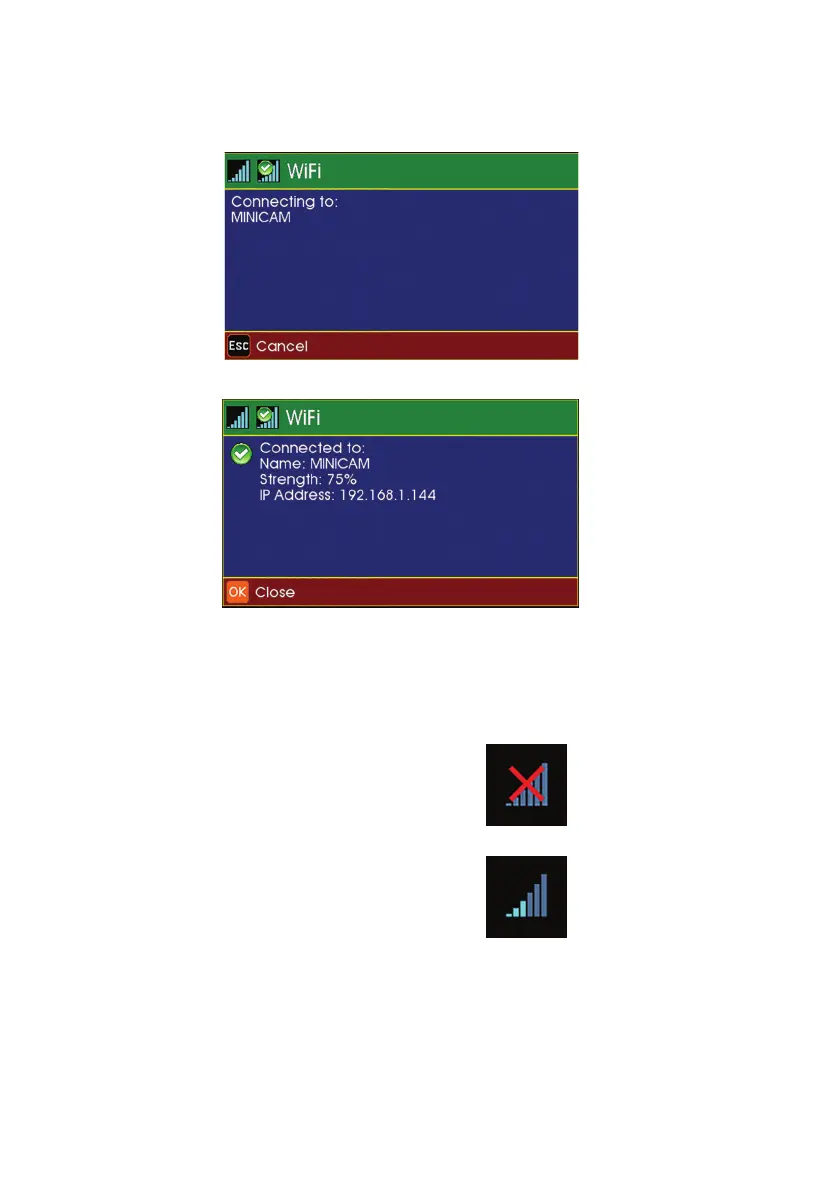
Status screens will display the connection progress, followed by
connection conrmation, signal strength and IP Address.
8
The main display screen shows the WiFi status icon at the bottom
right-hand side of the sidebar.
WiFi CONNECTED
Vertical blue coloured bars
indicate signal strength
WiFi NOT CONNECTED
Red cross indicates no
signal
62
Version LMinicam Proteus



 To Next Page