11. Commissioning
MiR1350 User Guide (en) 05/2022 - v.1.2 ©Copyright 2021-2022: Mobile Industrial Robots A/S. 154
Solution: Make the glass visible to the safety laser scanners by gluing non-
transparent window film on the glass in the scanner height, 150 to 250 mm, or
mark the wall as a Forbidden zone. Edit the map afterwards in the robot interface
and mark the glass as walls to help the robot localize.
Directional lanes
Issue: In some areas, such as long corridors, robots driving towards each other
may have a hard time passing each other efficiently.
Solution: If there is not enough space for the two robots to pass each other, you
can create a two-way lane using Directional zones in combination with Forbidden
or Unpreferred zones.
•
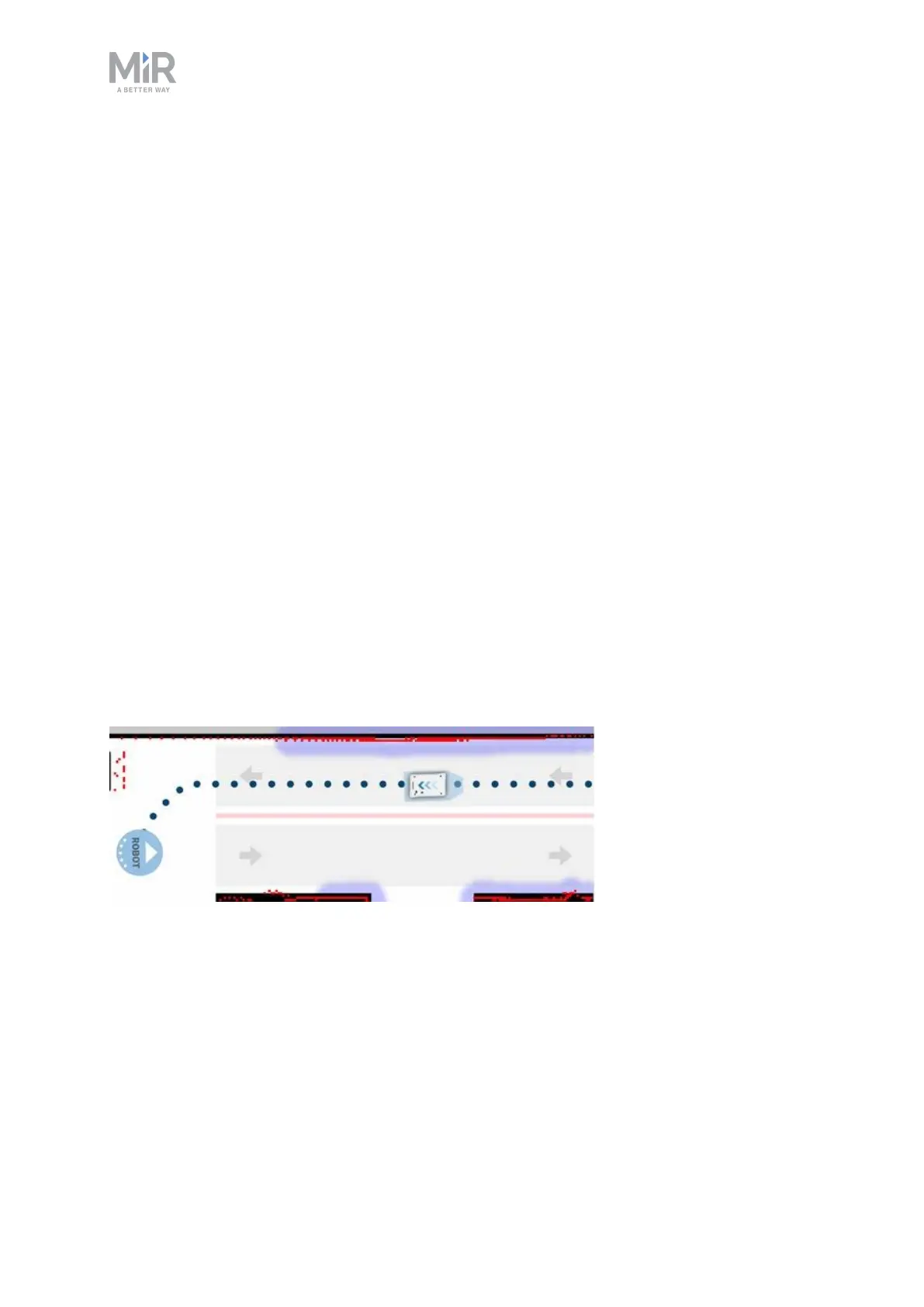
Create a thin Forbidden zone (red) in the middle of the corridor parallel to the
corridor walls. This is the lane separator.
•
Create Directional zones (gray with arrows) on both sides of the Forbidden
zone. Make the directions of the zones opposite.
With such a configuration, robots going in the opposite directions use different
lanes and do not get in each others' way. Replacing the Forbidden zone with an
Unpreferred zone gives robots more space for maneuvers, for example, if a robot
needs to cross the lane separator to drive around an obstacle.
Figure 11.7. The robot drives down a two-way lane. The two Directional zone lanes are separated
by a Forbidden zone.
If there isn't enough space for robots to pass each other, you can use a Limit-
robots zone to specify that only one robot may drive down the corridor at a time.



 To Next Page