12. Usage
MiR1350 User Guide (en) 05/2022 - v.1.2 ©Copyright 2021-2022: Mobile Industrial Robots A/S. 221
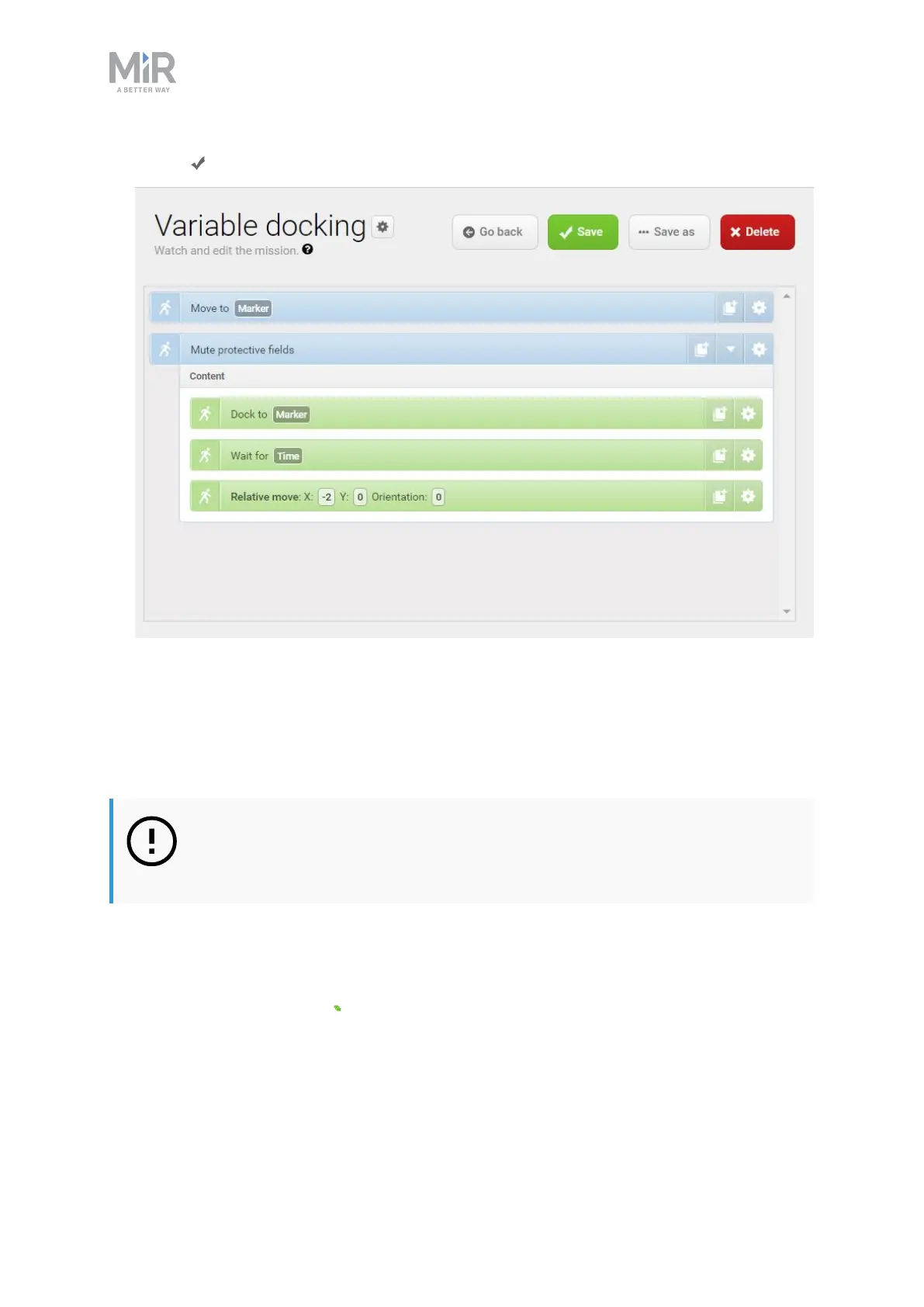
9. Select Save to save the mission.
12.6 Testing a mission
After you create a mission, always run the mission to test that the robot executes
it correctly.
NOTICE
Always test missions without load to minimize potential hazards.
To run a mission, follow these steps:
1. Go to Setup >Missions.
2. Select Queue mission next to the mission you want to run. The mission is
now added to the mission queue.



 To Next Page