6. Getting started
MiR1350 User Guide (en) 05/2022 - v.1.2 ©Copyright 2021-2022: Mobile Industrial Robots A/S. 58
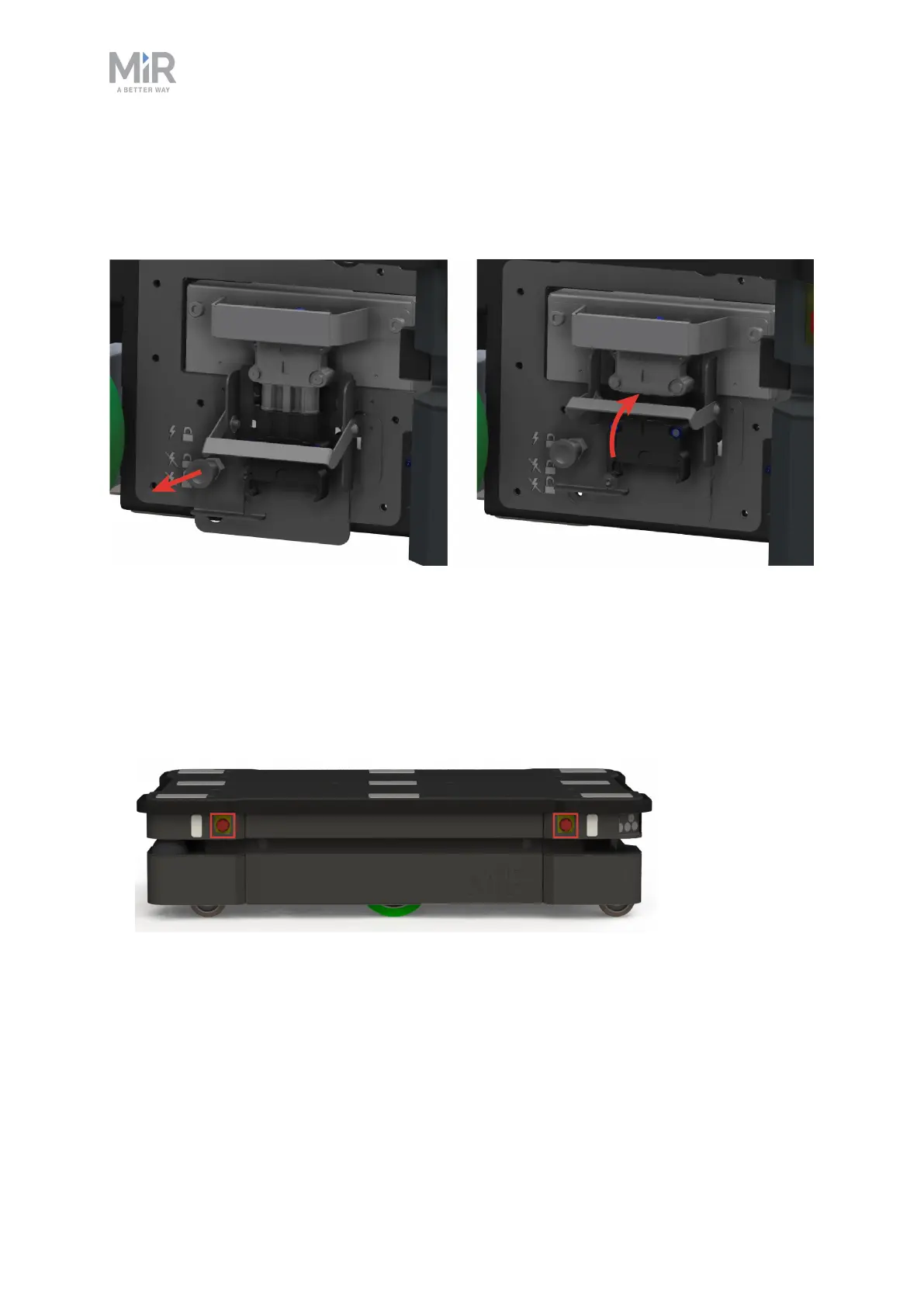
Once you have accessed the left side compartment, pull the Battery lock pin out,
and pull the Battery lever to the top position. The battery is now connected, and
you can close the side maintenance hatch.
6.4 Powering up the robot
To power up the robot, follow these steps:
1. Ensure that all four Emergency stop buttons are in the released state. Turn an
Emergency stop button counter-clockwise to release it.



 To Next Page