9. Navigation and guidance system
MiR1350 User Guide (en) 05/2022 - v.1.2 ©Copyright 2021-2022: Mobile Industrial Robots A/S. 87
9.2 User input
To enable the robot to navigate autonomously, you must provide the following:
•
A map of the area, either from a .png file or created with the robot using the
mapping function—see Creating and configuring maps on page143.
•
A goal destination on that map—see Markers on page155.
•
The current position of the robot on the map. This usually only needs to be
provided when a new map is activated.
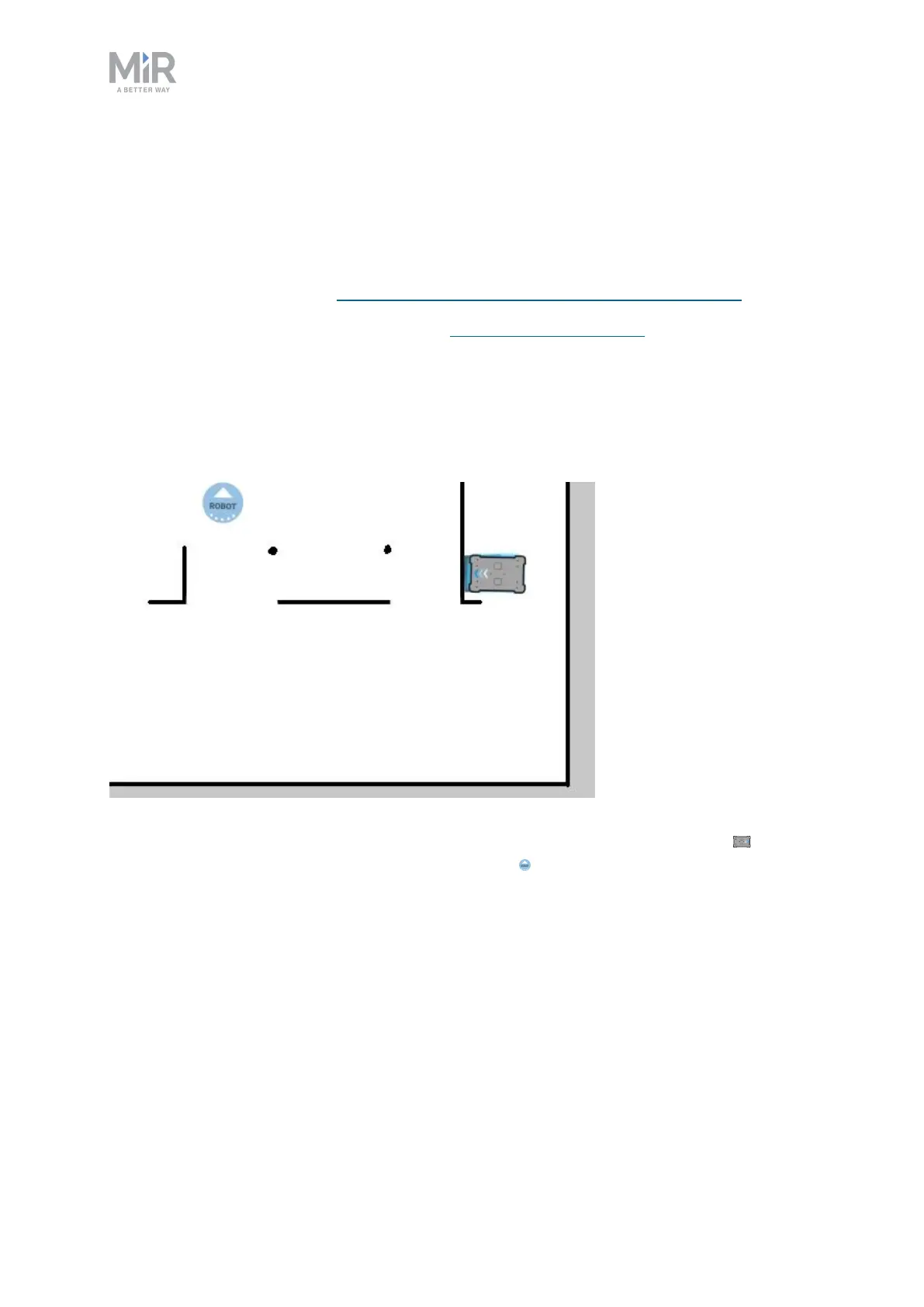
Figure 9.2. On the map, the current position of the robot is identified by the robot icon , and
the goal destination in this example is the robot position . The robot computer now determines
a path from the current position to the goal position.
Once the robot computer has a map with the robot's current position and a goal
destination, it begins planning a route between the two positions on the map
using the global planner.



 To Next Page