12. Usage
MiR1350 User Guide (en) 05/2022 - v.1.2 ©Copyright 2021-2022: Mobile Industrial Robots A/S. 200
12.2 Creating positions
The following steps describe how to create a position on a map. In this example,
we are creating a Robot position .
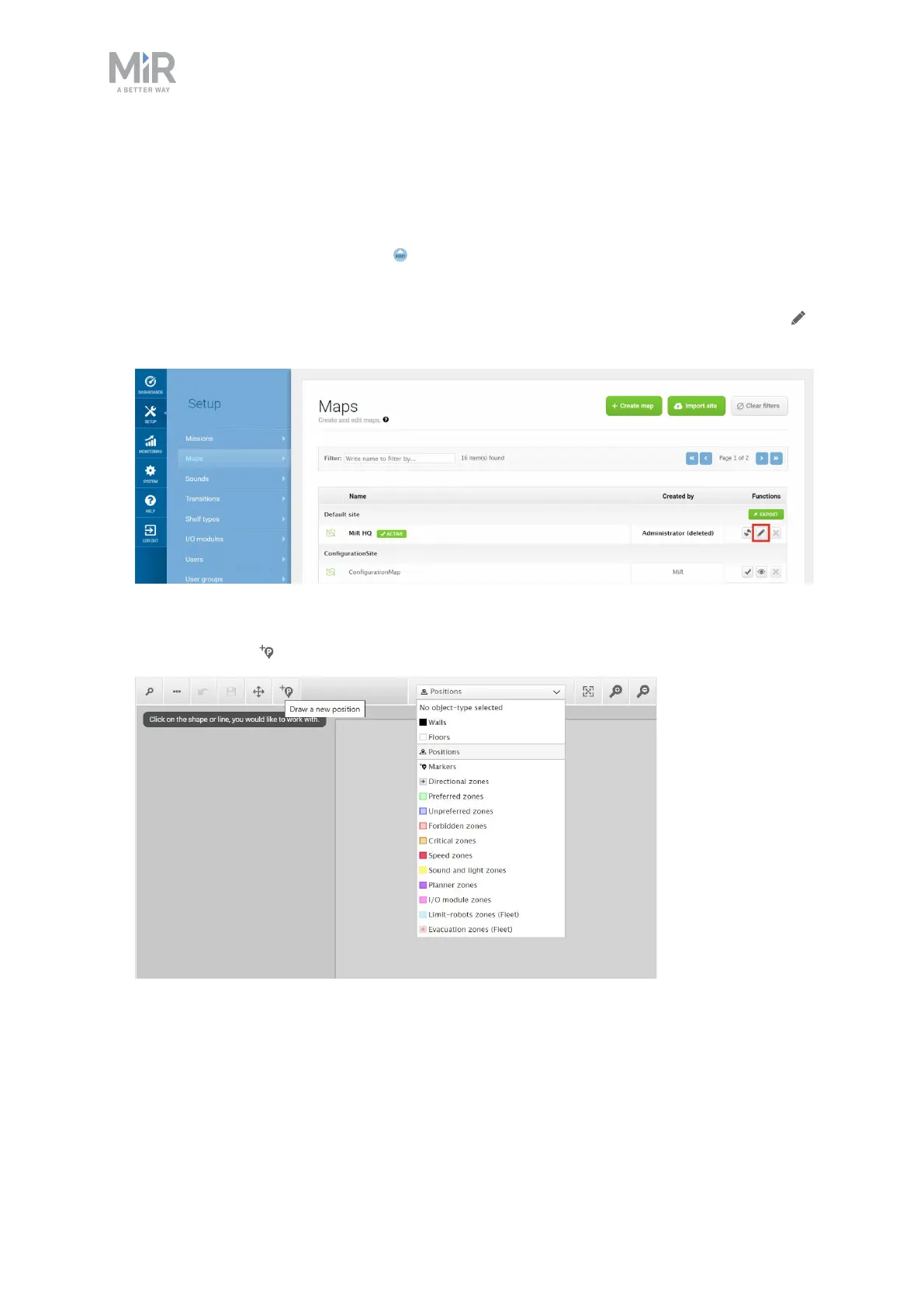
1. In the robot interface, go to the map editor of the map where you want to
create a position. This is done by going to Setup > Maps and selecting Edit
next to the map you would like to work on.
2. In the Object-type drop-down menu, select Positions, and then select Draw a
new position .
3. Select where on the map you want the position to be, and choose in which
direction you want it to face.



 To Next Page