12. Usage
MiR1350 User Guide (en) 05/2022 - v.1.2 ©Copyright 2021-2022: Mobile Industrial Robots A/S. 196
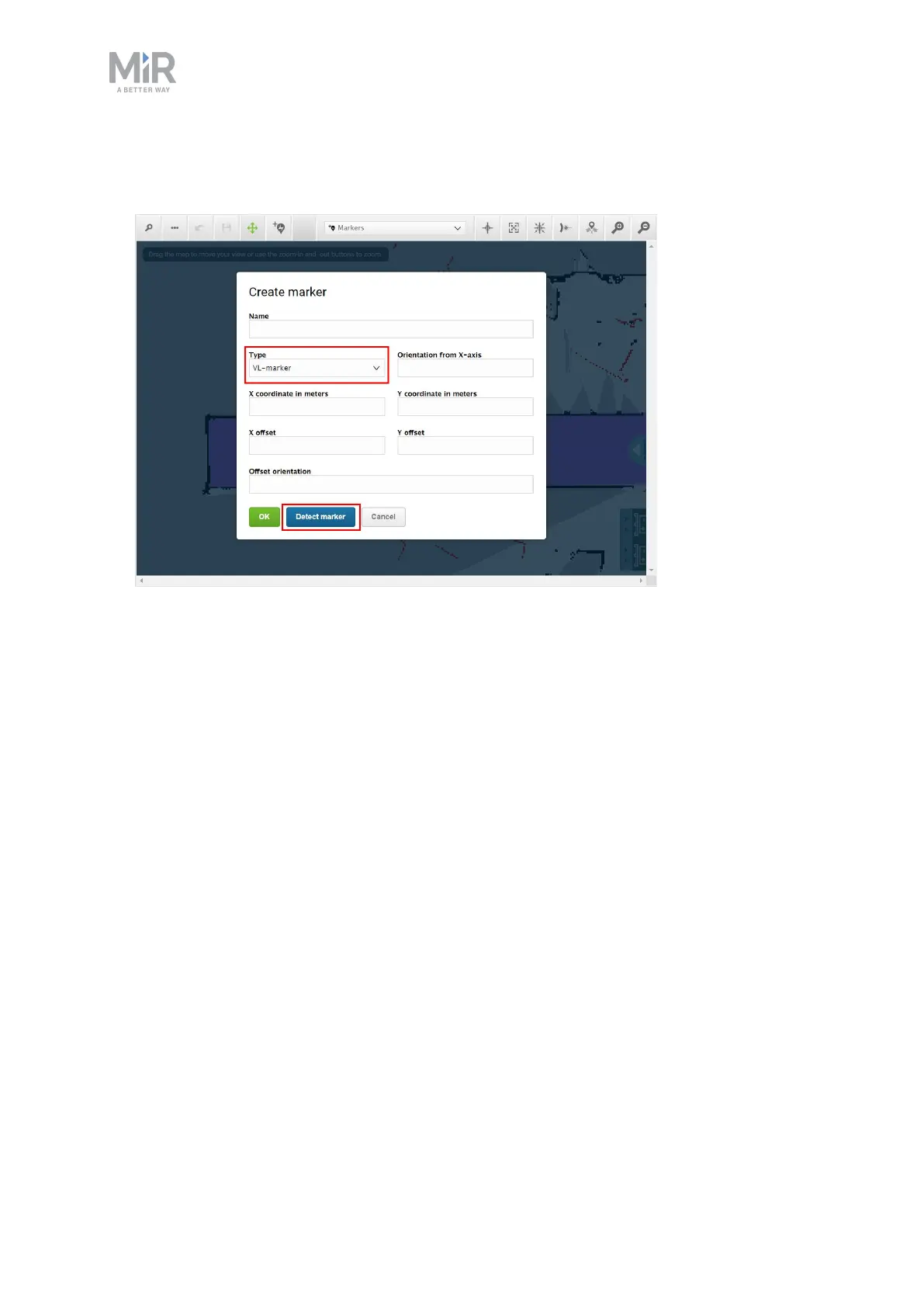
5. In the Create marker dialog box, name the marker. Under Type, select your
marker type. In this case, a VL-marker is used. Then select Detect marker.
The X, Y, and orientation values will automatically be filled out with the current
position of the robot.
•
If the robot cannot detect the marker, verify that the robot is correctly
positioned and that the laser scanners can detect the marker in the active
map by checking that red lines are displayed on the map where the marker
is.
•
If you are trying to make the robot detect an L-marker but it keeps detecting
other objects with a 90° angle instead, shield the objects that the robot is
not supposed to detect with a flat plate.
•
If you want the robot to dock straight to the marker, set the Offset
orientation to 0°. If you want the robot to reverse into the marker, set the
Offset orientation to 180°.



 To Next Page