The binding procedure is completed. If the receiver has an ID,
this ID number is displayed.
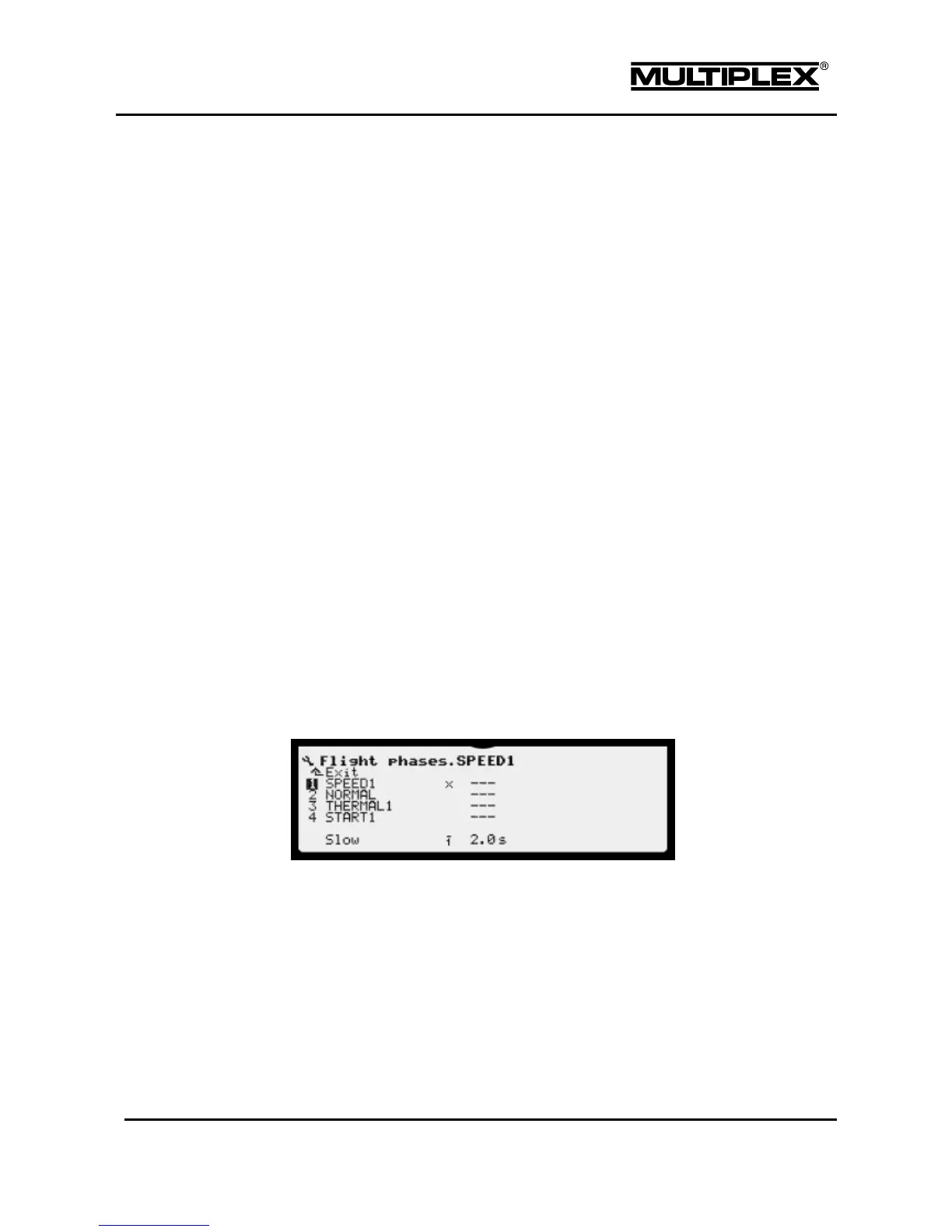
4.3.3 Flight phases
It is useful to have different settings and trims for specific flight phases when flying
models. The flight phases technology in the PROFI TX provides an easy and
convenient way to realize this. You can copy settings for one flight phase to
another, disable flight phases if they are not needed, assign switches to flight
phases, etc.
After switching to a different flight phase, the name of the new flight phase is
announced. If the flight phase is disabled, the flight phase is not switched. The
operator is alerted of the disabled flight phase by an announcement.
Refer to section 7.2.10 "Working with flight phases" on page 205 for information on
how to work with flight phases, assign switches to flight phases, disable / enable
flight phases, etc.
Flight phase number (1, 2, 3, or 4)
Identifies the flight phase in other menus. In the control function menus, all
settings that can differ between flight phases are accompanied by the
respective identifying number 1 to 4 for the flight phase.



 To Next Page