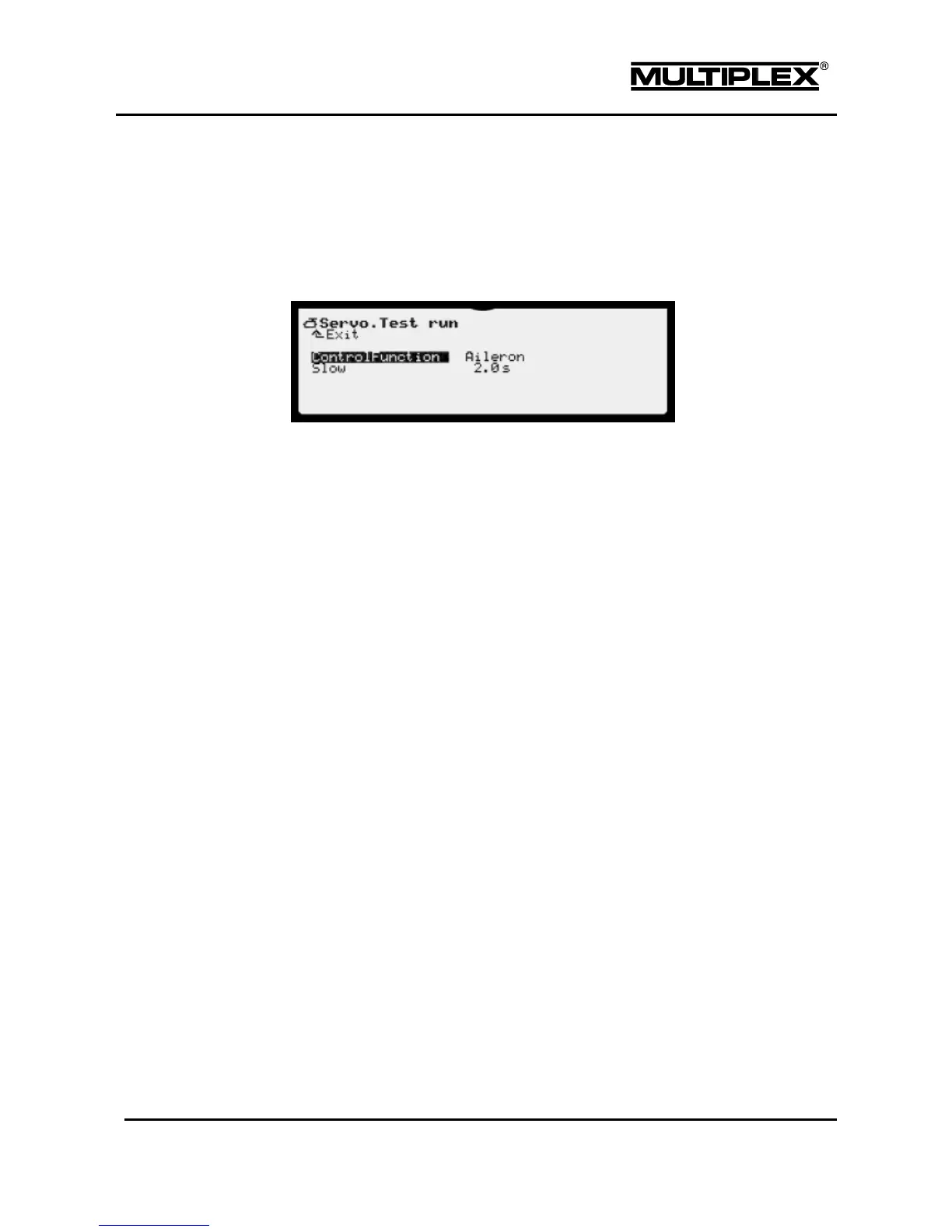
4.6.4 Test run
This function triggers an automatic servo run that can be used for testing or
demonstration purposes or as an aid in range checks.
While the test run is activated the selected control function cannot be
controlled manually!
ControlFunction
Here, you select the control function intended for continuous operation. The
test run is switched off when the name of the function is crossed out. Press the
+ / – buttons or use the central wheel to select the control function. When the
selection is changed, the test run is switched off so that critical functions such
as motor or landing gear are not operated when scrolling.
Slow
Time required by the control function to move from one end position to
the other.
Range: 0.1 to 6.0 seconds
OFF: Switched off, no movement
Starting a test run
Set the run time. Select the desired control function and then press the
REV/CLR button. An even control movement is generated—moving from one end
position of the control to the other. All the servos that are either directly controlled
by this function or indirectly using mixers start to run.
Stopping the test run
To stop the test run do one of the following:
Open the ControlFunction selection and press the REV/CLR button:
The control function is shown crossed out.
Open the ControlFunction selection and select a different control
function: The control function is shown crossed out.
Open Slow and set it to OFF.



 To Next Page