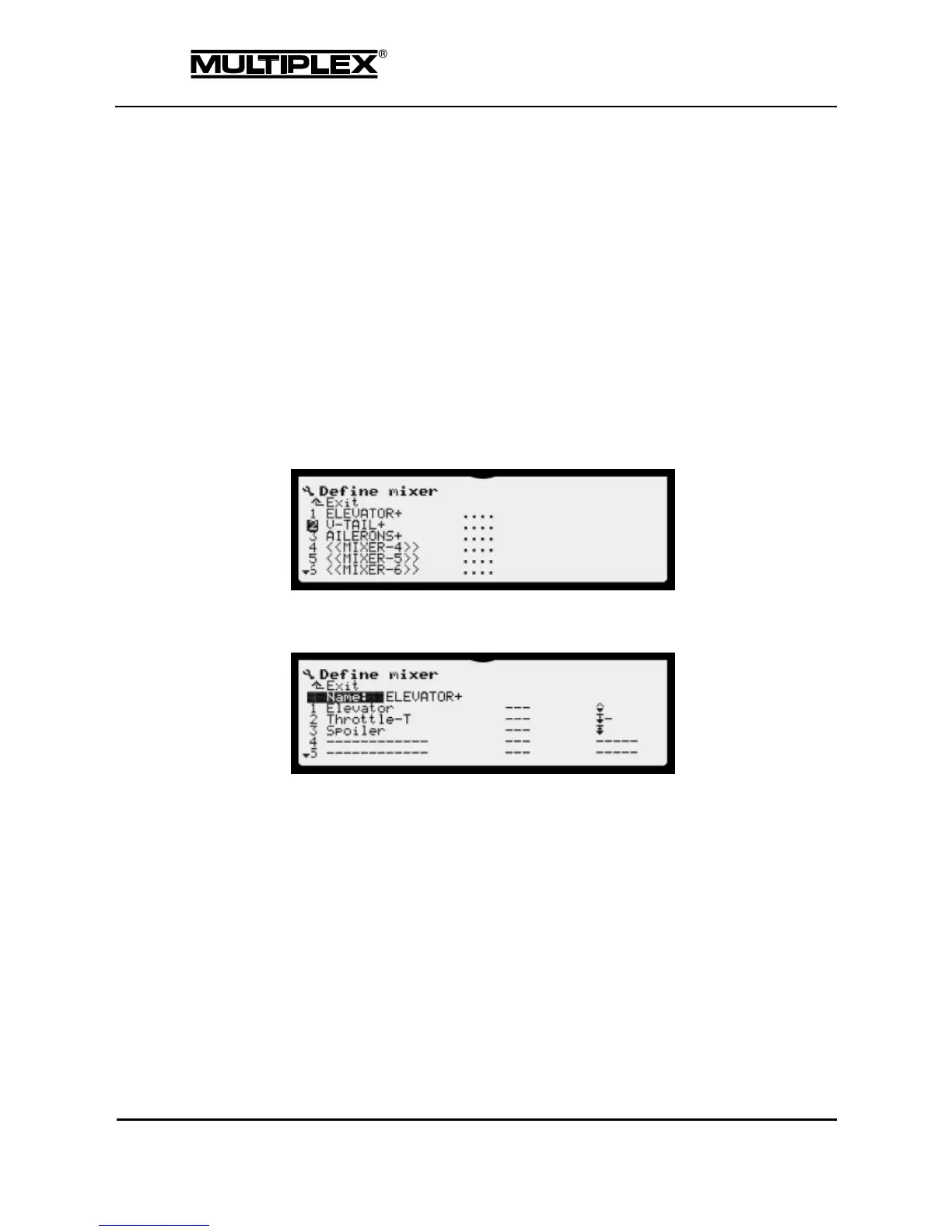
4.3.8 Define mixer
You can use the Define mixer menu to define how the mixers on the servo side
are construed. The parameters are configured in the Mixer menu (see section 4.5
"Mixer main menu" on page 132).
The mixer definition determines the structural design of the mixer. Each mixer can
combine up to eight control functions (mixer inputs). A switch can be assigned to
every input. The mixing method is defined using options.
The number of mixers depends on the model template selected. Helicopters have
2 of these mixers, while all other models have 7. Depending on the template,
several mixers may be pre-defined with meaningful names. These names are
used to assign the mixer outputs to the servos.
Each mixer has the following sub-menu:
4.3.8.1 Name
The Name parameter shows the name of the mixer.
You can enter a new name or edit the name as desired (see section 5.1.3 "Text
input" on page 166).
4.3.8.2 Mixer inputs
The name of the mixer is followed by eight numbered lines with three input fields
each.



 To Next Page