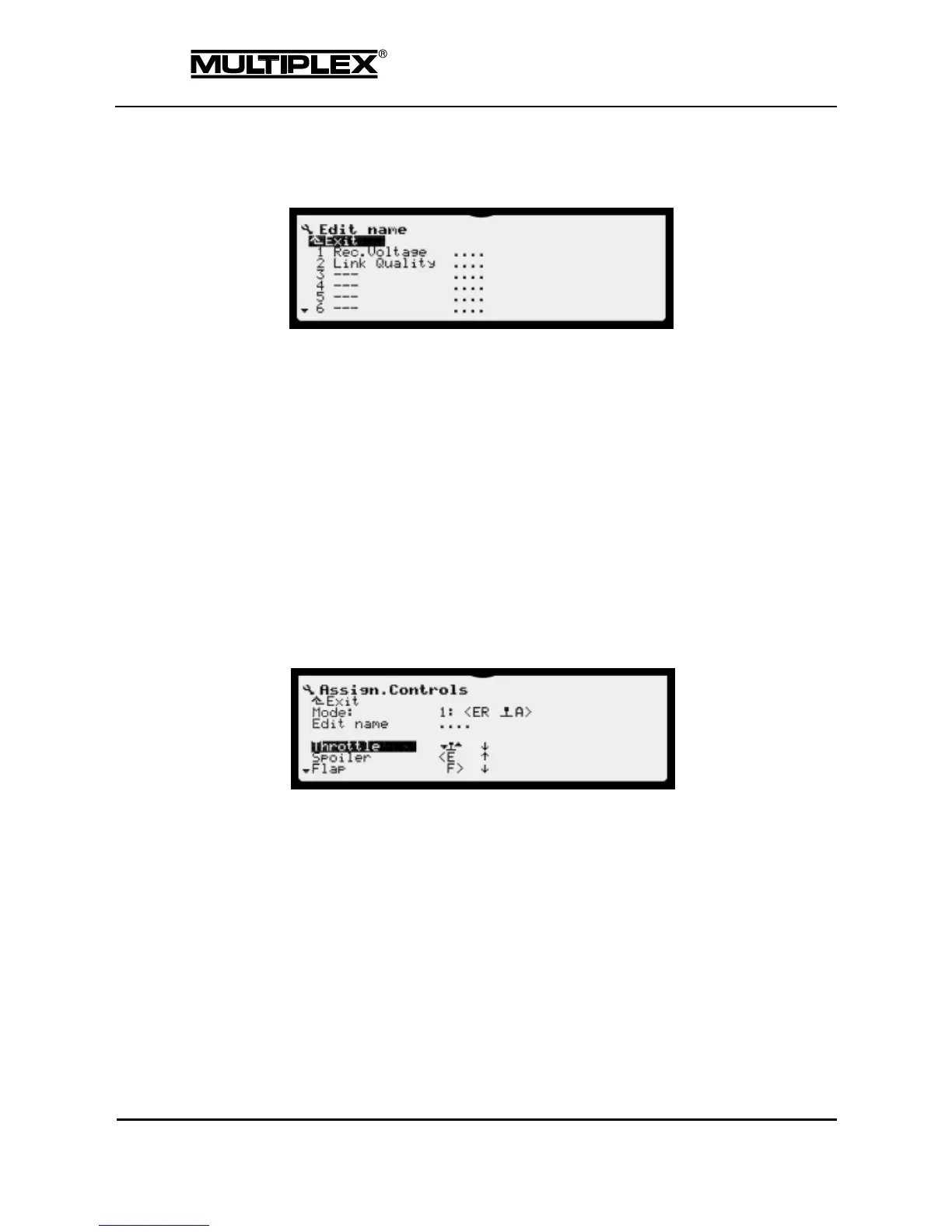
4.3.5.3 Edit name
Here, you specify suitable names for the sensors:
1. Select a name or an empty line.
2. Confirm your selection. The sub-menu is opened.
3. Enter a name or edit the name as desired (see section 5.1.3 "Text input" on
page 166).
4. Confirm your input.
4.3.6 Assign.Controls
You can use the Assign.Controls menu to assign controls (actuators) to control
functions, set the actuation direction, and define or edit the name of control
functions.
Mode
The controls mode defines how the main control functions are assigned to the
sticks (see section "Controls mode" on page 172).
Edit name
You can customise the names of the control functions as needed for your
model:
o Select a name or an empty line.
o Confirm your selection. The sub-menu is opened.
o Enter a name or edit the name as desired (see section 5.1.3 "Text
input" on page 166).
o Confirm your input.



 To Next Page