5 Operating the transmitter
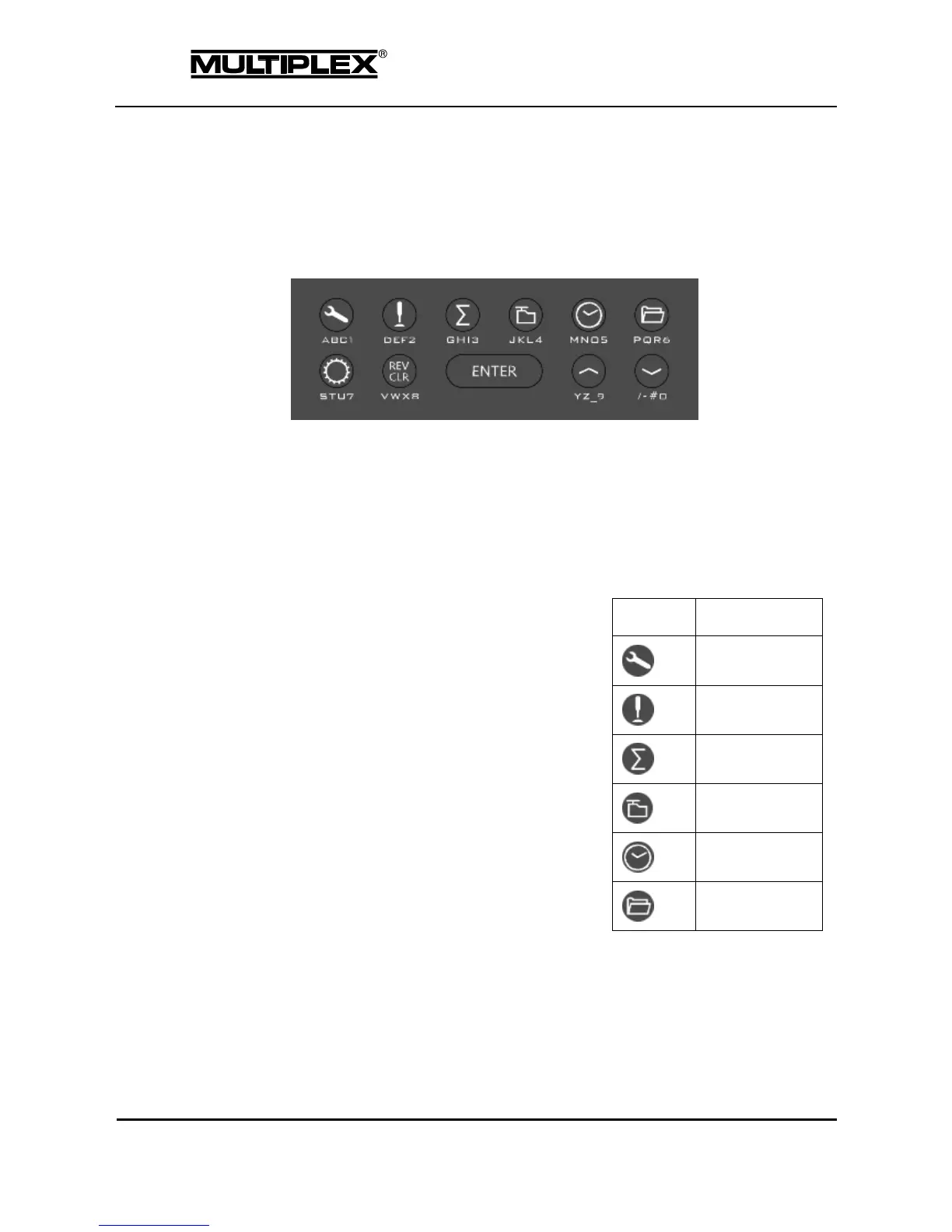
The PROFI TX is operated using the keypad and the central wheel.
5.1 Operation using the keypad
Figure 17: Keypad
5.1.1 Menu buttons
The keypad is arranged in two rows. The upper row provides quick and direct
access to the 6 main menus.
Pressing one of the buttons in a status
display or a different menu opens the
menu associated with the button.
If you press one of the buttons when the
associated menu is displayed, the screen
display switches to the parent menu level
until the current status display is shown
again.



 To Next Page