OK
When you have selected all options mentioned above move the input cursor to
OK. You create a new model memory with the settings selected above by
pressing the wheel or the ENTER button.
The device automatically switches to the new model memory and you can
immediately start to configure further settings.
If you decide that you do not wish to create a model template, close the input
screen using ¨Exit.
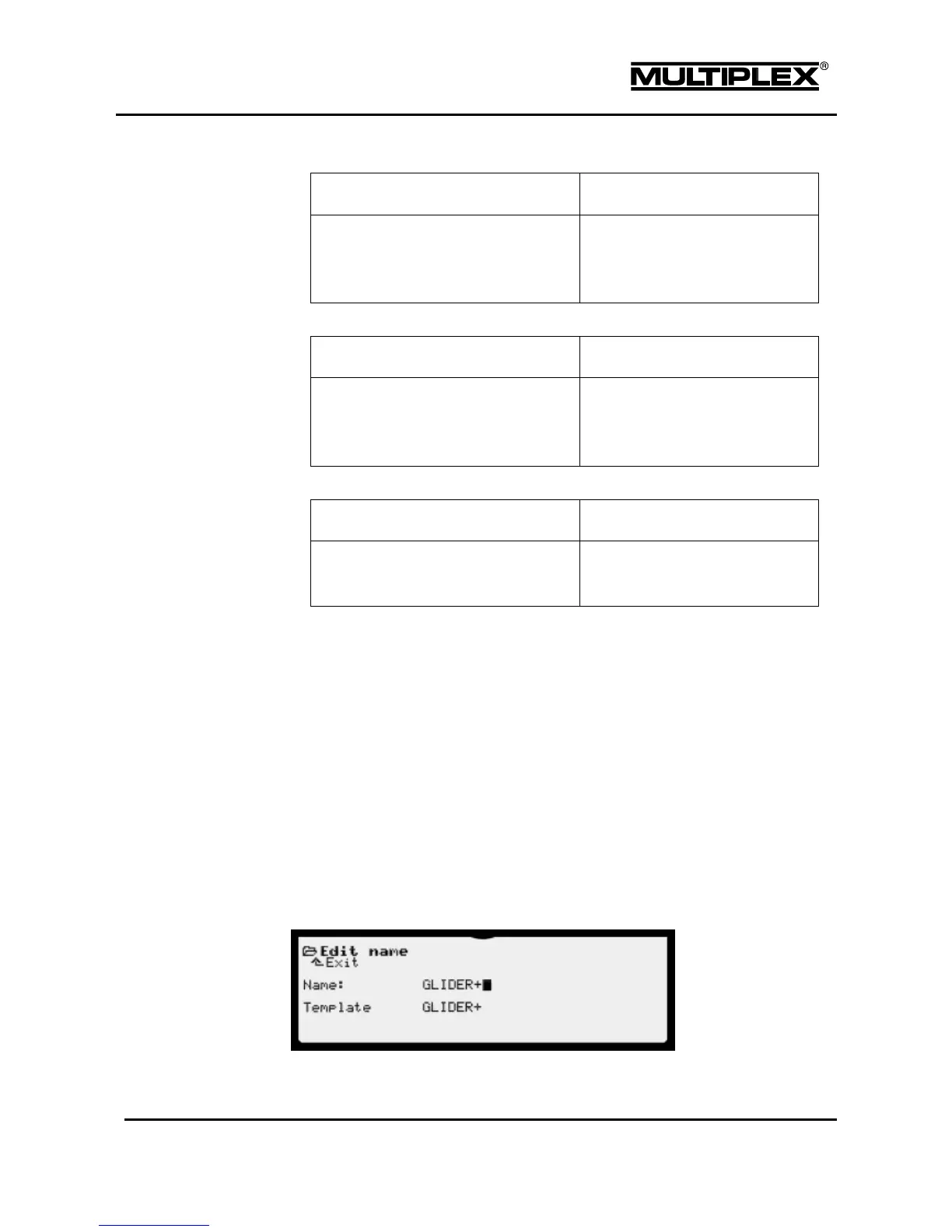
4.8.4 Edit name
You can use the Edit name menu to change the name of the currently selected
model. The name can have up to 18 characters.



 To Next Page