Linear, symmetrical collective pitch curve for the same collective pitch control when
climbing and descending; overall higher maximum collective pitch values since a
higher system speed is typically set (throttle curve) allowing higher climbing
performance:
7.2.10 Working with flight phases
Requirement
To allow working with flight phases, at least one switch must be assigned in the
Setup > Assign.Switches menu (either for Phase 4 or Phases 1-3).
Otherwise, the transmitter always operates in Phase 1.
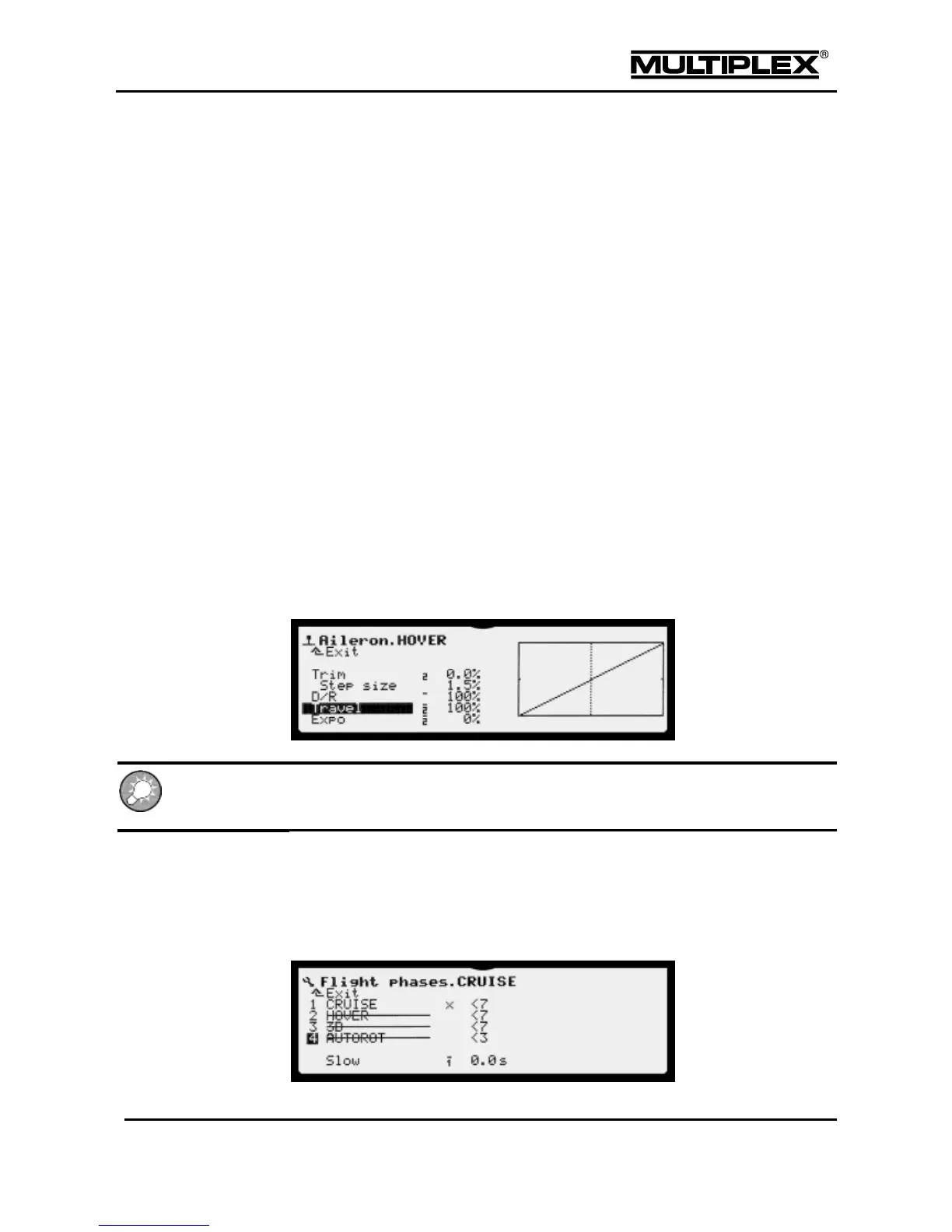
For each flight phase, you can customise the control characteristics on the
transmitter according to the requirements of the model (e.g. reduced control travels
for HOVER, maximum control travels for collective pitch for AUTOROT, V-shaped
throttle curve for 3D flying). In the control function menus, all settings that can differ
between flight phases are accompanied by the respective identifying number for
the flight phase.
Example: Aileron
Flight phase specific settings can only be configured for control functions and control
mixers. The servo settings are identical in all the flight phases.
7.2.10.1 Defaults in the Flight phases menu
1. Open the Setup main menu.
2. Open the Flight phases menu.



 To Next Page