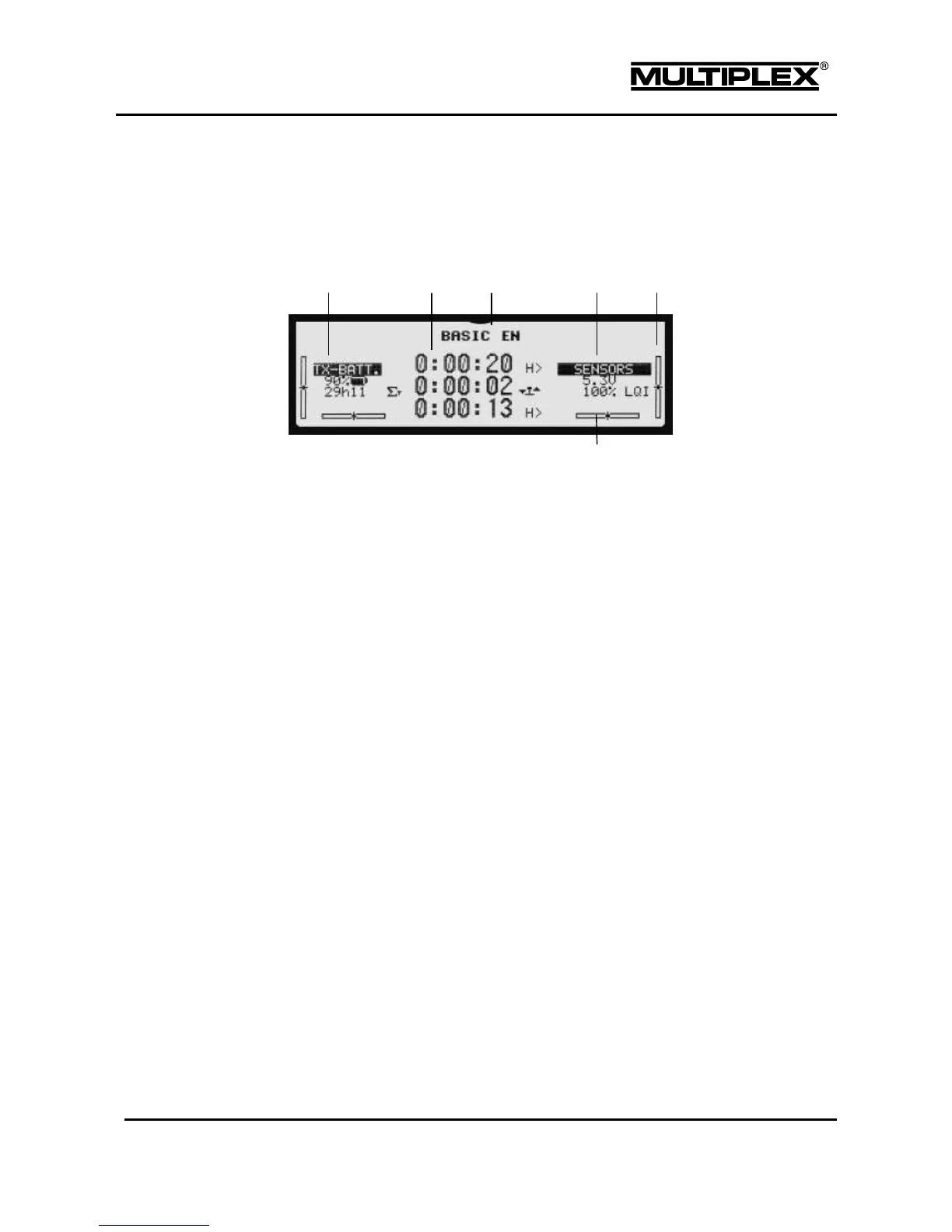
4.1.3 Status display #3
Status display #3 provides an overview of the timers (see section 4.7 "Timer main
menu" on page 152). The other elements are identical to status display #2.
Battery status (see section 4.1.2 "Status display #2" on page 88)
Timers:
Counting direction of the respective timer
Indication of the timer type
Assigned switch
Name of the model memory or status of the digi-adjusters, if used (see
section 4.1.2 "Status display #2" on page 88)
Values for the sensor addresses 0, 1, and 15 (see section 4.1.2 "Status
display #2" on page 88)
Trim display (see section 4.1.2 "Status display #2" on page 88).
Pressing the REV/CLR button in status display #3 resets all timers.



 To Next Page