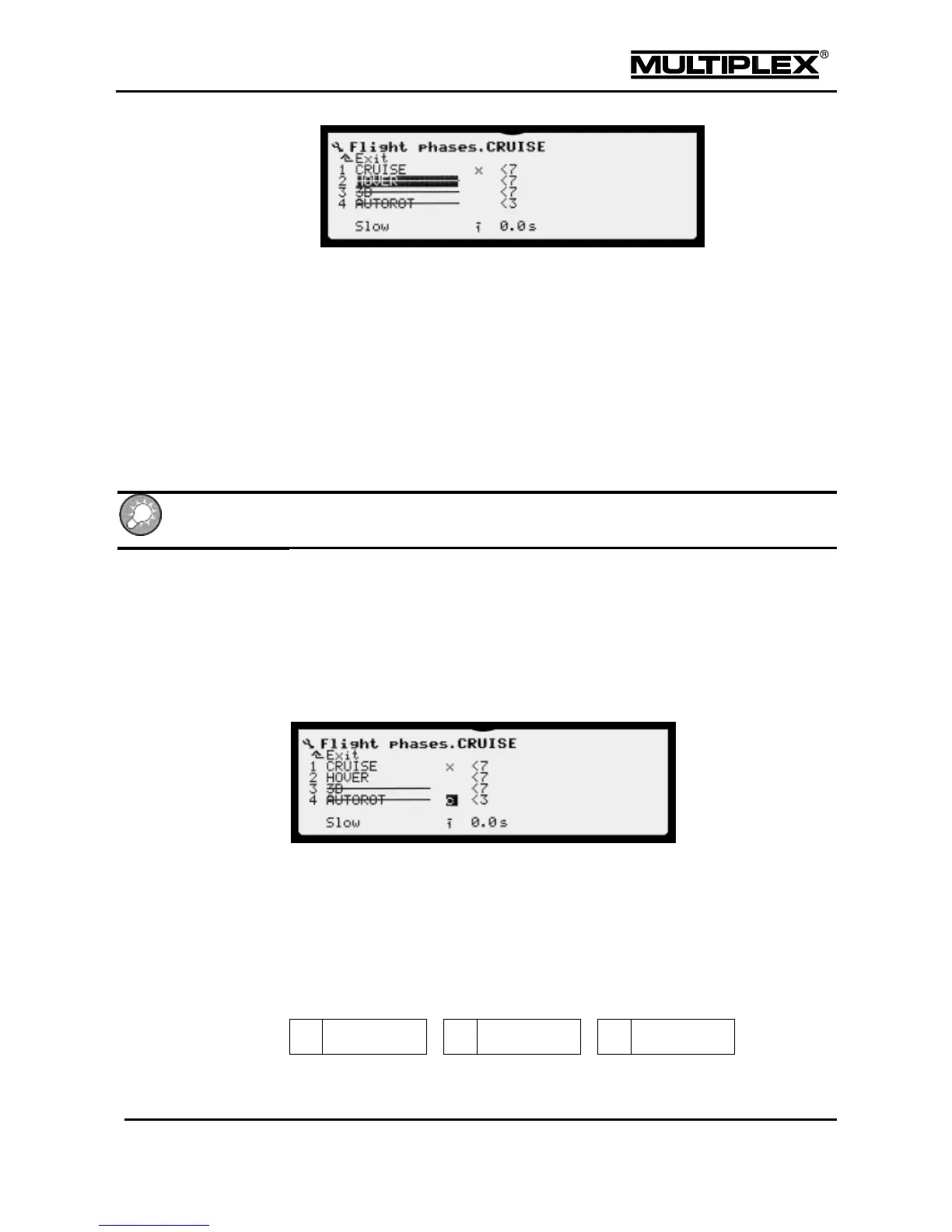
3. Select the respective flight phase in the menu.
4. Every time you press the REV/CLR button, the flight phase toggles between
disabled and enabled.
5. Confirm the change.
7.2.10.4 Copying flight phases
Once you have established the correct settings in one flight phase, you can copy
the values to another flight phase and then modify them. This eliminates the need
for re-entering all the settings from scratch.
1. Open the Setup main menu.
2. Open the Flight phases menu.
3. Select the active flight phase (with the X) and press the ENTER button twice:
A C (for "copy") is now shown above the X.
4. Select the copy target by moving the C to the respective line.
5. Press the ENTER button.
The cursor returns to the number of the active flight phase. Except for the run
times, all the flight phase specific settings are now identical to those of the
active flight phase.
7.2.10.5 Changing flight phase names
You can select any of the 13 pre-set names for the flight phases:



 To Next Page