Centre trim
The PROFI TX enables digital trim on each of the 4 stick axes.
"Centre trim" is applied to the main control functions "Aileron", "Elevator", and
"Rudder". For "Throttle" you can choose between idle and centre trim. The centre
trim only affects the control centre, but not the end-travels. Unlike standard trim,
this offers the advantage that no control travel must be reserved for trimming:
the servo travel is used fully.
Both servo end-points remain unchanged, regardless of the current trim position.
2.8.2 Trim buttons
On the PROFI TX, trimming is carried out using the trim buttons arranged below
and to the side of each stick unit (see section 2.1.1 " Top view" on page 23).
Every time you press a button the associated control axis is trimmed in the
direction in which the pressure is applied to the button. If you press and hold the
trim button for more than about 0.8 sec., the trim value changes continuously until
you release the button again (AUTO-REPEAT function). When the trim reaches
the neutral position, the AUTO-REPEAT function stops briefly.
Each trim increment is accompanied by an audible signal. On reaching the neutral
position or the end-point, specific audible signals are emitted.
As an option, the current trim value can be announced when the trim button is
released. You can activate this announcement in the Setup > Transmitter >
Sounds menu (see section 4.3.9 "Transmitter" on page 114).
2.8.3 On-screen trim display
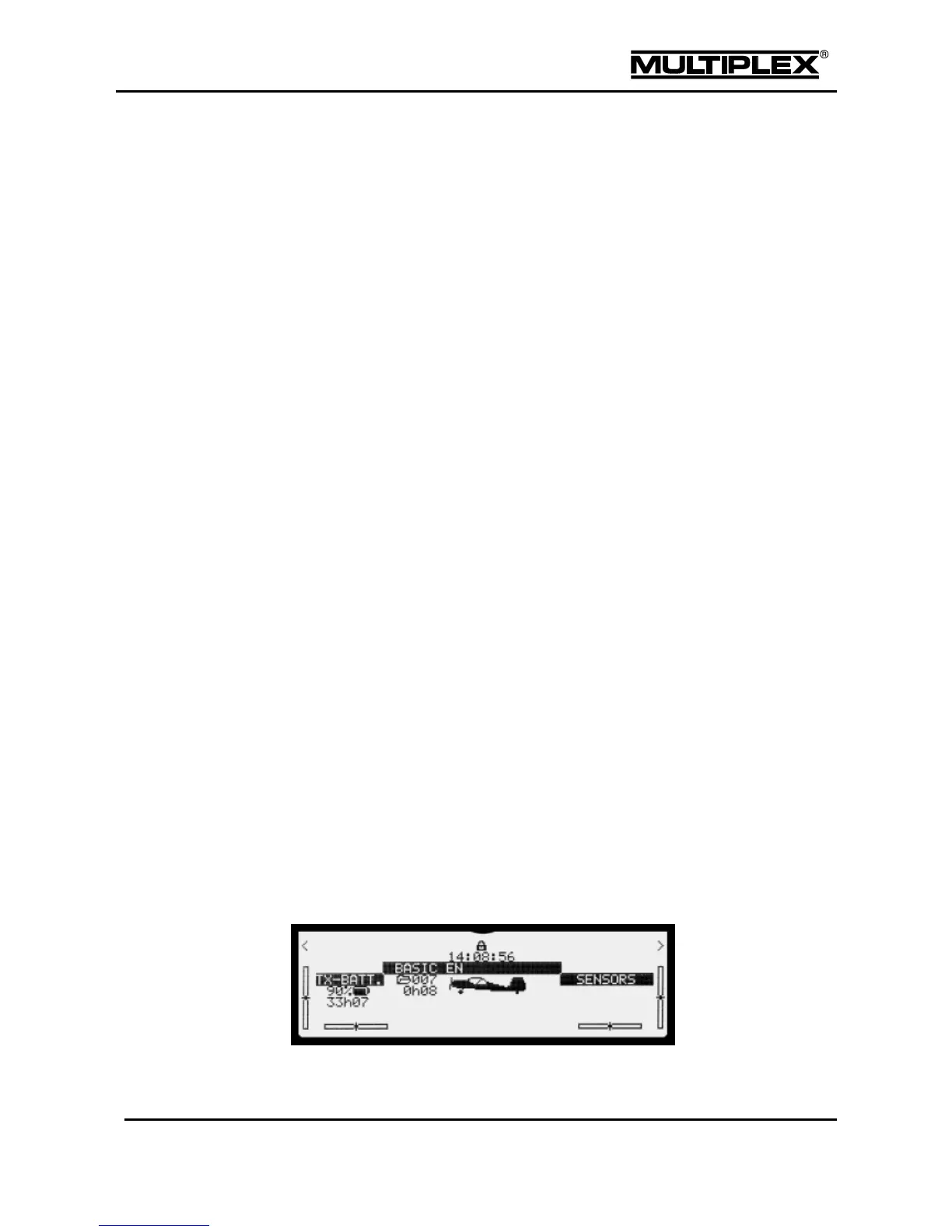
Graphic display
The trim positions are displayed as bars on both sides and at the bottom of the
screen in the status displays #2 to #8:
Figure 7: On-screen trim display



 To Next Page