2.4.1.1 Charging via the PC
Proceed as follows:
1. Switch off the PROFI TX.
2. Lift the device. The recessed control for the sliding latch is located on the
underside of the case.
3. Slide the sliding latch towards the device centre.
4. Switch on the PC. Connect the supplied USB cable to a USB socket on the
PC and to the mini USB socket on the PROFI TX.
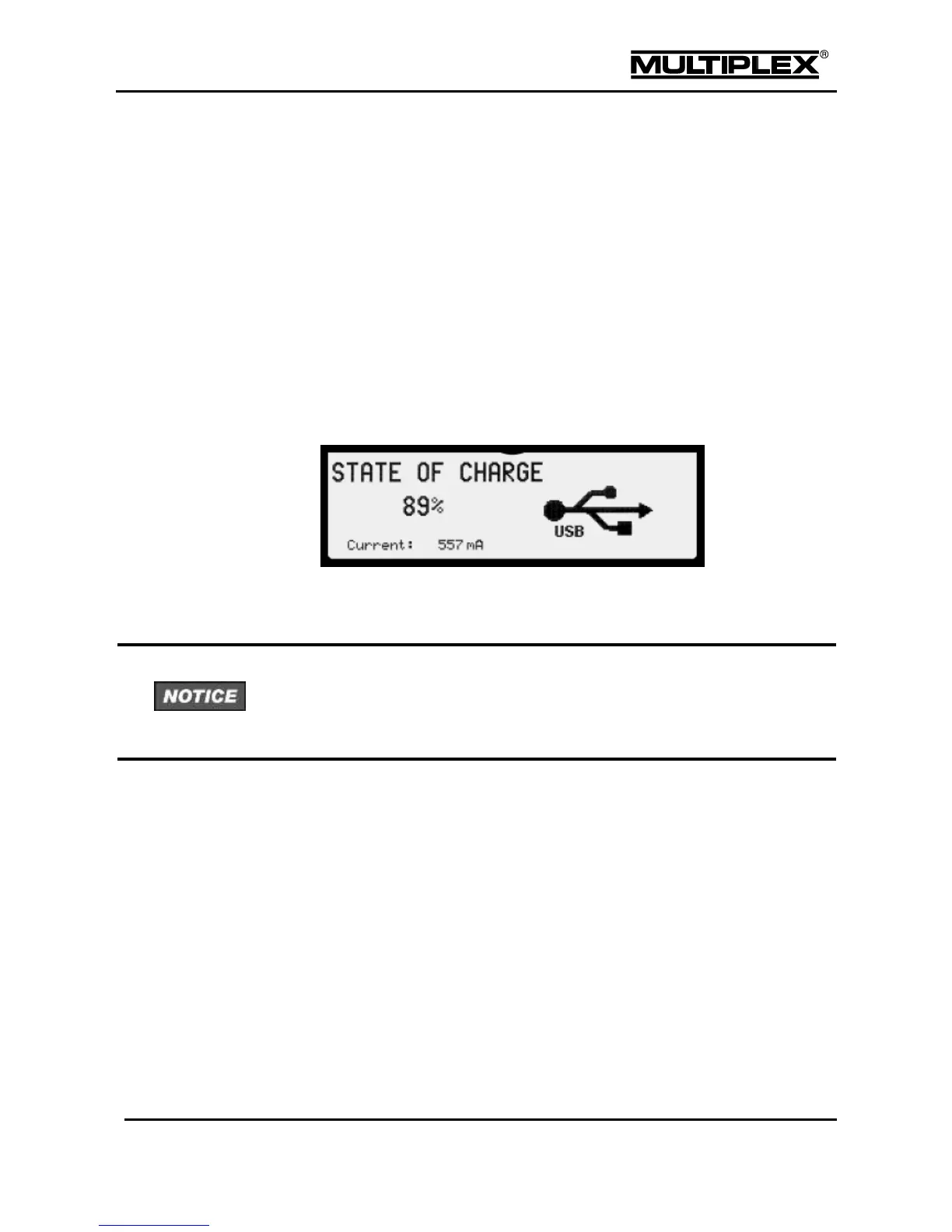
o The PROFI TX starts automatically in charging mode.
o The figure below is shown on the screen.
Maximum current: 500mA.
The PROFI TX logs into the PC as mass storage with the name
"PROFI TX".
Upon first time use, the PC automatically installs device drivers. Do not switch
off the PC and/or the transmitter and do not disconnect the USB cable while the
installation is in progress. This may take several minutes. Some operating systems
require an active Internet connection for this process.
If you press and hold the Power button until the annular light is fully lit, the
transmitter switches from charging mode to normal mode. The PROFI TX logs
off from the PC as USB mass storage and logs in again as a game controller
(see section 6 "Operating the transmitter " on page 176).
The RF module is disabled while a USB connection is established. It also remains
switched off after disconnection. Otherwise, the RF module would be re-enabled
when the host (PC, laptop, etc.) is switched off.



 To Next Page