Example of the Flap control function
Objective: Fixed, optimised flap position (camber) in specific flight phases.
You use 3 flight phases: SPEED1, NORMAL, THERMAL1.
Preparation: Use the GLIDER+ model template. A 3-position switch must be
assigned to the phases 1-3 for switching between the flight phases (see
page 109).
Open the Controls > Flap menu item. To begin with, set estimated values
for the Fixed value of the flight phases SPEED1 and THERMAL1. Retain the
value OFF for the NORMAL flight phase. Allocate a digi-adjuster (see page 168).
The allocation applies to all flight phases.
Now, you can use the digi-adjuster to optimise the camber in flight from the
status display. If OFF is selected, the digi-adjuster has no effect: The flaps are
controlled by the assigned control. When the optimum camber has been
identified allocation of the digi-adjuster can be erased (see page 169).
4.4.5 Gyro
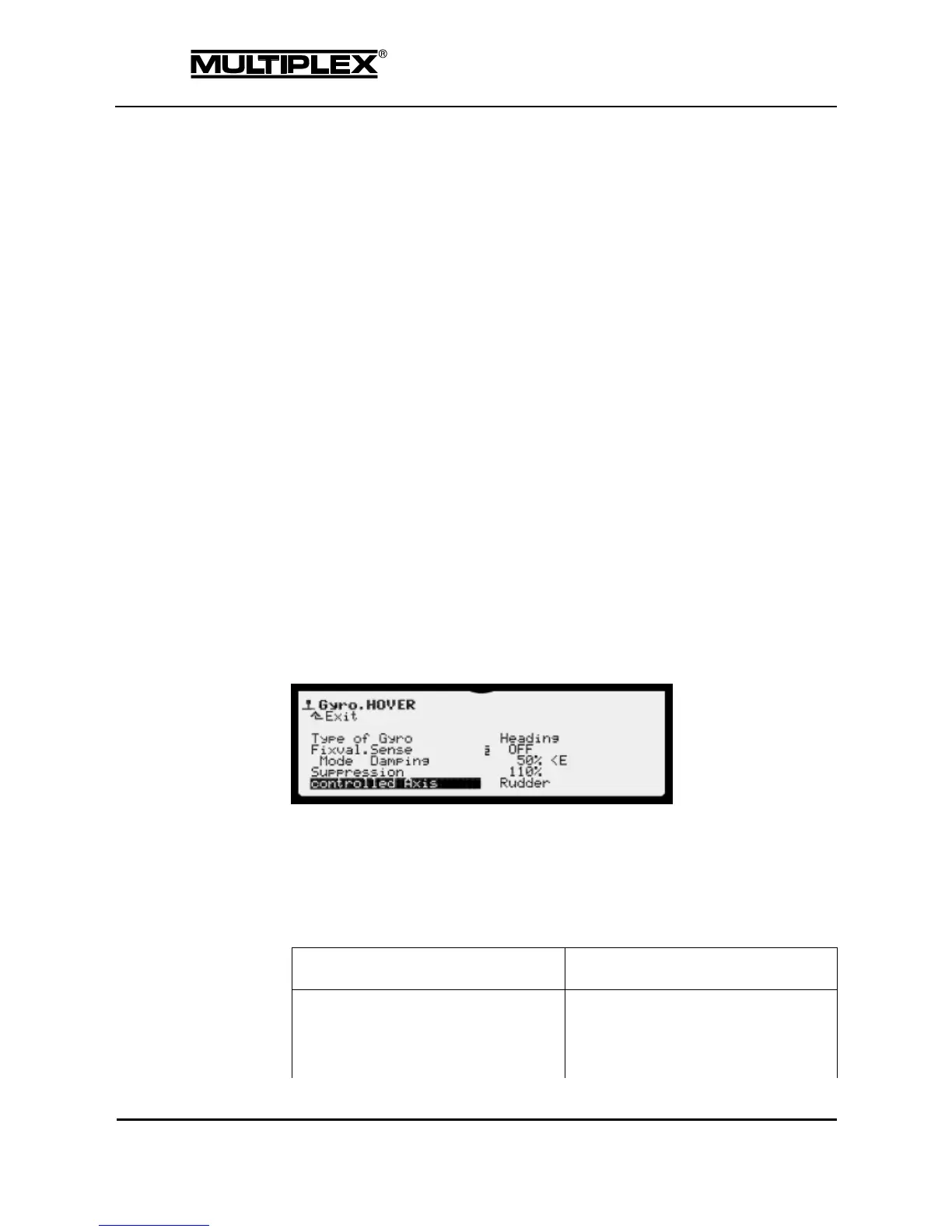
This control function is used to control the sensitivity of a gyro. You can select a
different sensitivity setting for each flight phase. Alternatively, you can control
the sensitivity using a control (actuator). To this end, simply set the sensitivity
to OFF and assign a control to the Gyro control function in the Setup >
Assign.Controls menu.
Select the gyro model used in Type of Gyro. If your gyro is heading-hold
capable, the gyro type Heading must be selected even if you only use the
damping function.
The following table lists the characteristics and differences between the two gyro
systems:



 To Next Page