2.5 Switching the transmitter on / off
Charge the transmitter battery!
The PROFI TX is supplied with a partially charged transmitter battery. You should
charge the battery prior to setup. Please observe the notes on charging (see
section 2.4 "
Transmitter battery" on page 40).
2.5.1 Switching on
To switch on the device proceed as follows:
1. Press and hold the Power button until the annular light is fully lit. The device is
switched on when you release the button.
If you press and hold the Power button for a prolonged period, the annular light turns
off again and the device is not switched on when you release the button (power-on
protection).
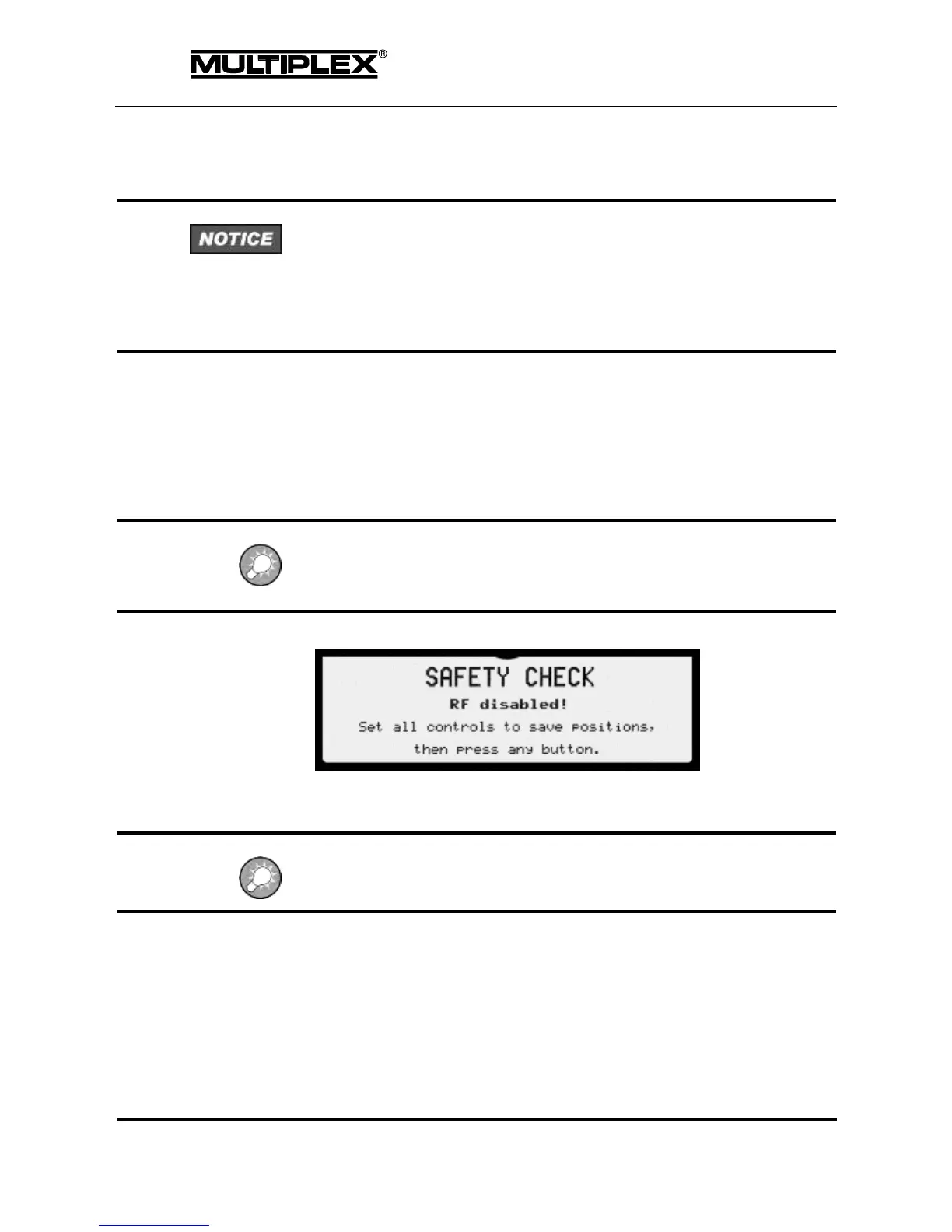
2. At this point, either the safety check prompt is displayed on the screen:
Or the language selection screen is shown, if the menu language has not yet
been selected (see section "Switching on for the first time" on page 45).
The RF module is switched off until the safety check is completed to prevent the
servo from moving to an undesired position.
3. Check if safety-related controls such as landing gear switches, flight phase
switches, and throttle sticks are in the proper position.
4. Press a button on the keypad: The safety check is completed, the RF module
is switched on, and status display #2 is shown.



 To Next Page