5.3 Digi-adjuster
A digi-adjuster can be installed in each of the two installation slots on the right and
left side at the transmitter front (see section 2.3.4 "Installing additional controls" on
page 36).
A digi-adjuster can be allocated to most of the set values. This allows direct and
quick optimisation of set values.
Digi-adjusters only function on the status display level.
5.3.1 Allocating a set value
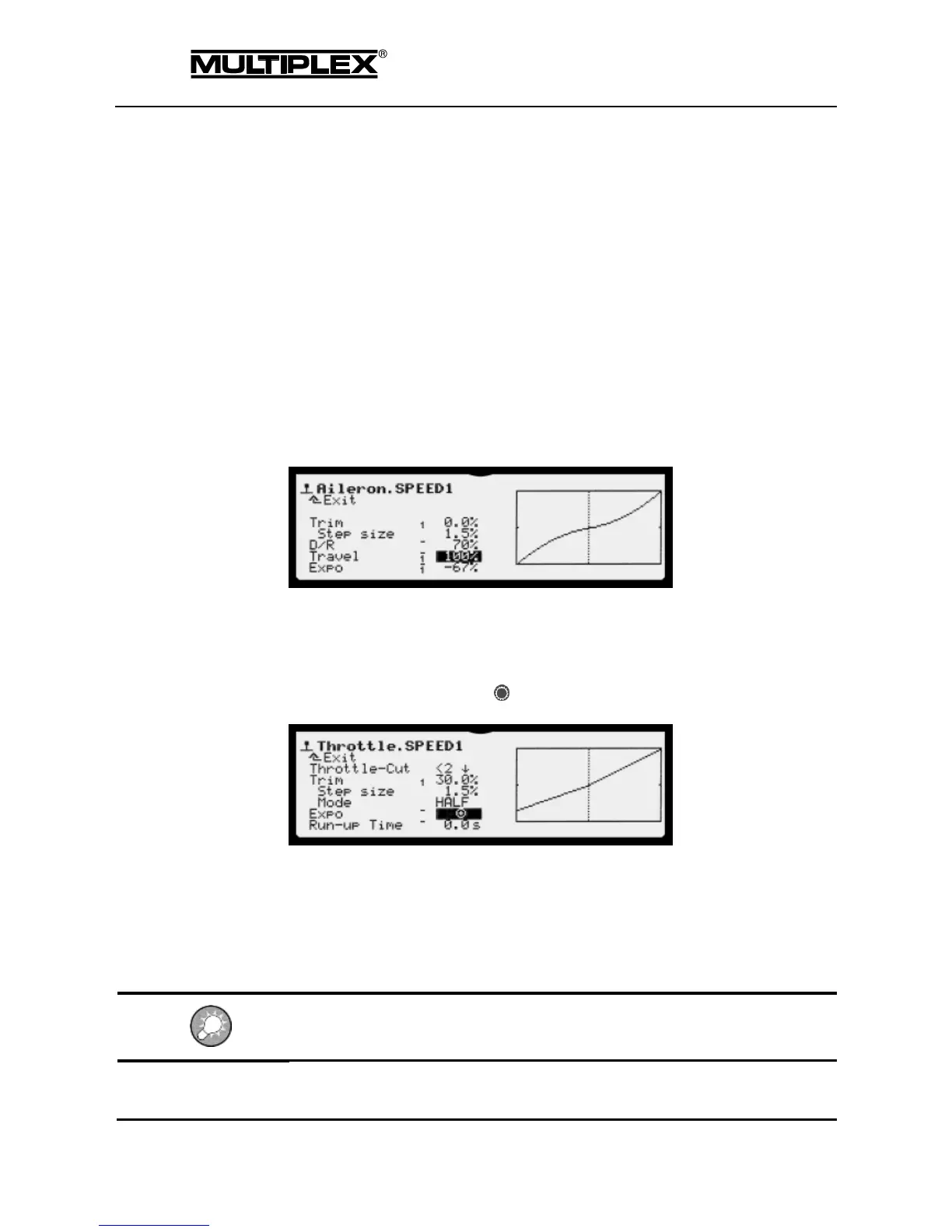
Values that can be allocated to a digi-adjuster are marked by a horizontal dash
preceding the input field.
1. Open the desired input field.
2. Press the allocation button .
The allocation icon is displayed in the input field: }§{
The following icon appears for values that cannot be allocated: ƒ.
3. Turn the desired digi-adjuster.
The ƒ icon disappears.
If you change your mind and decide not to allocate a digi-adjuster, simply close the
input field. The allocation icon disappears and the value is displayed again.



 To Next Page