You can switch the safety check on and off in the Memory > Safety check
menu. The safety check is activated by default when you create new model
templates (see page 162).
Switching on in Binding mode
Press and hold the ¡ button during startup until the status display is shown.
Switching on for range check
Press and hold the § button during startup until "Safety check" or the status
display is shown: The device starts up with reduced transmitting power when the
range check is performed (see section 2.6 "Range check" on page 46).
Switching on for the first time
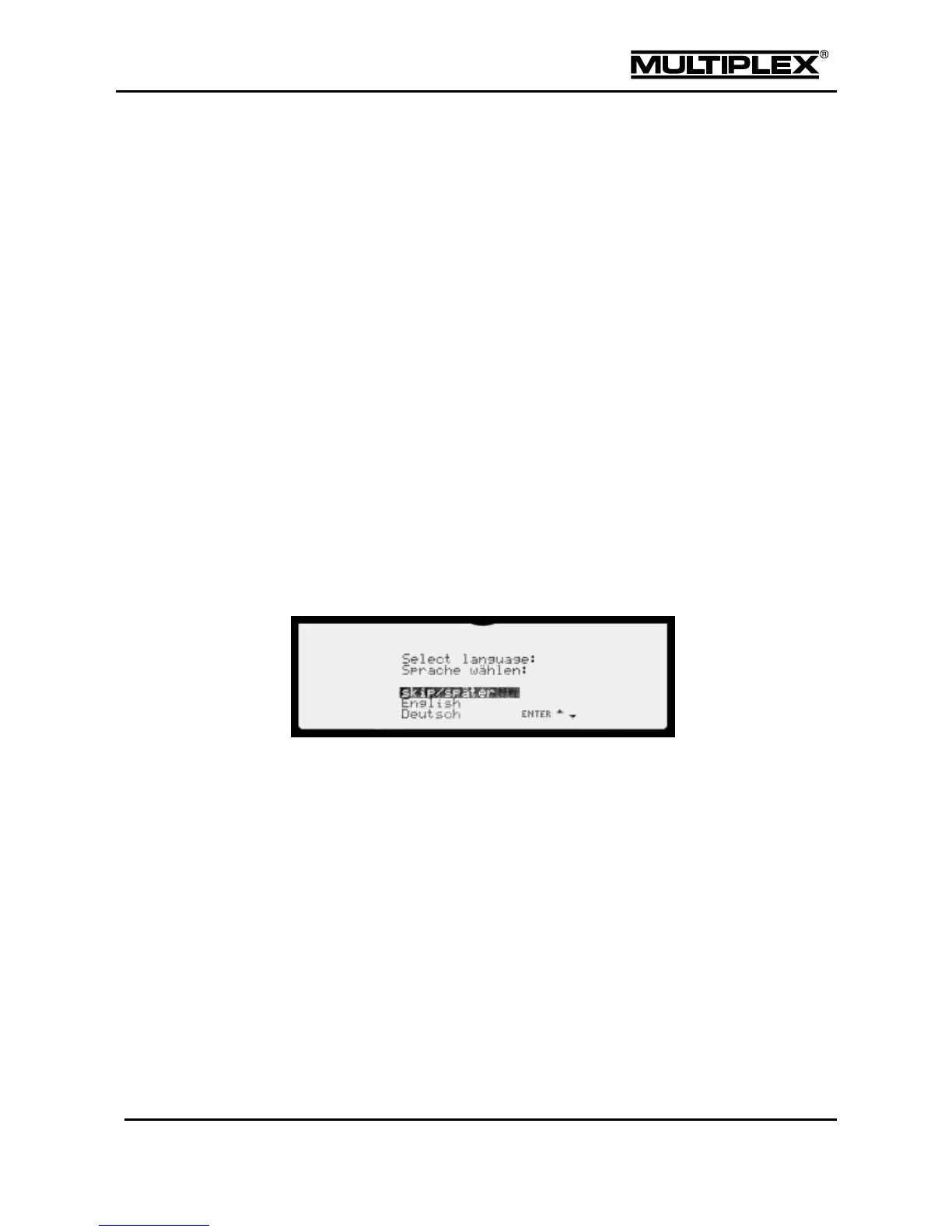
The very first time you switch on the PROFI TX is a special case. A language
selection menu is shown on the screen after startup. Here, you select the
language for:
1. Menus
2. Names of mixers, timers and control functions in the model templates
3. Speech output
The language is selected using the keypad (up/down/ENTER). If you select
"skip/später", transmitter functionality is restricted: Only one model memory is
available and its contents are not stored on the SD card when the device is
switched off. The menu is shown in English.
2.5.2 Switching off
Press and hold the Power button until the red annular light turns off completely to
switch off the device. The device is switched off when the annular ring turns off and
the button is released. If you press and hold the button for a prolonged period, the
annular ring returns to ready status. Now, you can release the button without the
device switching off (power-off protection).



 To Next Page