EasyManua.ls Logo

Multiplex Profi TX - PC Connectivity and Simulator Usage; Connecting Transmitter to PC

Multiplex Profi TX
227 pages
Print Icon
To Next Page IconTo Next Page
To Previous Page IconTo Previous Page
Loading...
Operating the transmitter
PROFI TX
Fixed-wing
models
Vehicles
Ships / boats
Tanks
Helicopters
9
Wheel Brake
Sound
Headlight
Headlight
Switching
channel-1
10
Gyro
Support Legs
ESP
Gyro
Gyro
11
Mixture
Horn
Horn
Switching
channel-2
12
Aux-1
Aux-1
Aux-4
Aux-2
Aux-3
13
Aux-2
Aux-2
Aux-5
Aux-3
Aux-4
14
Aux-3
Aux-3
Aux-6
Aux-4
Collective
15
Aux-4
Aux-4
Aux-7
Aux-5
Thr.Limiter
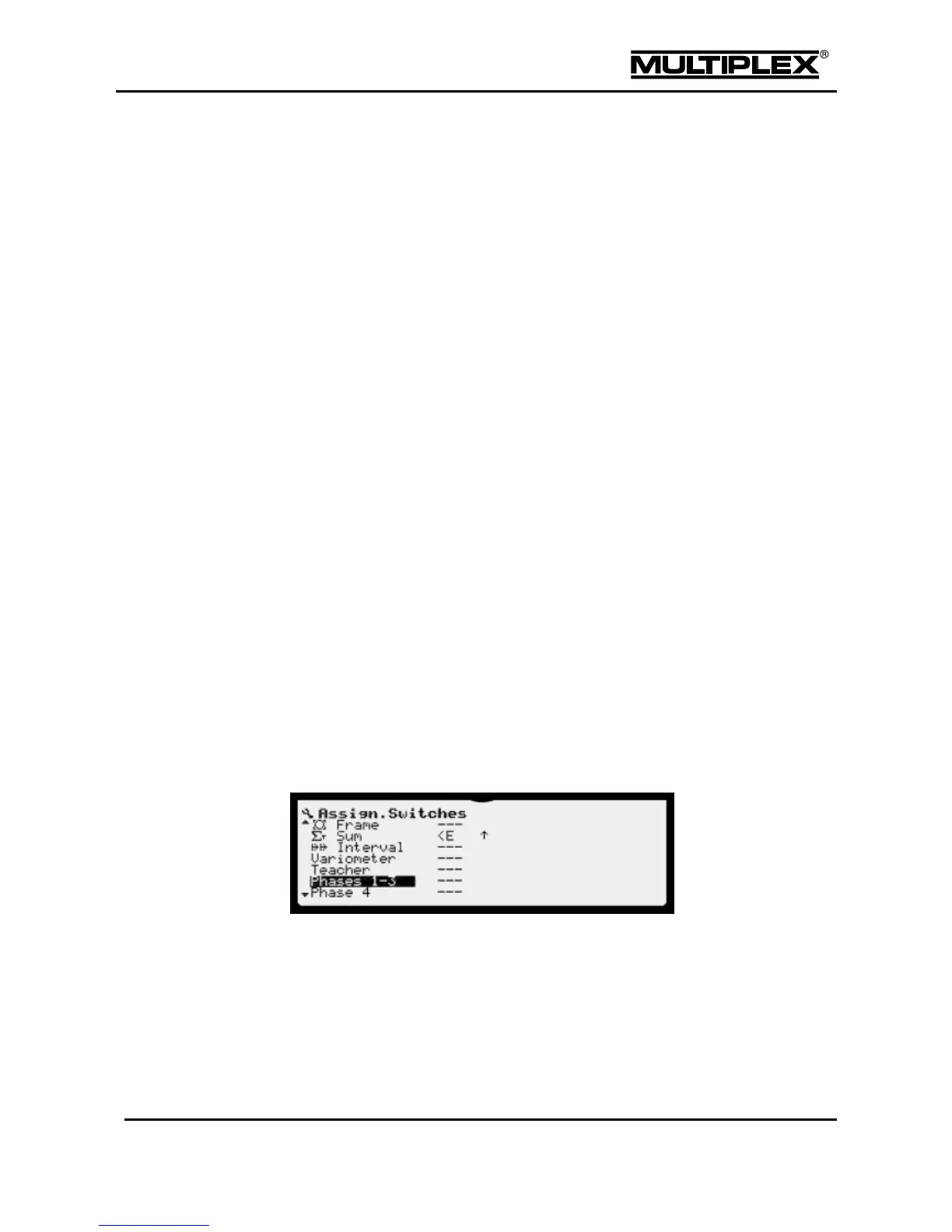
5.4.2 Assign.Switches
Switches are controls that toggle functions or switch functions on/off.
Switches are assigned in the Setup > Assign.Switches menu (see section
4.3.7 "Assign.Switches" on page 106). This menu includes a list of the switchable
functions provided in the software.
You can use this menu to customise the switch assignment according to your
needs.
To assign a switch proceed as follows:
1. Move the input cursor to the control function you wish to assign a switch to.
2. Open the desired input field.
3. Assign the desired switch by operating it.

Table of Contents

Other manuals for Multiplex Profi TX

Related product manuals