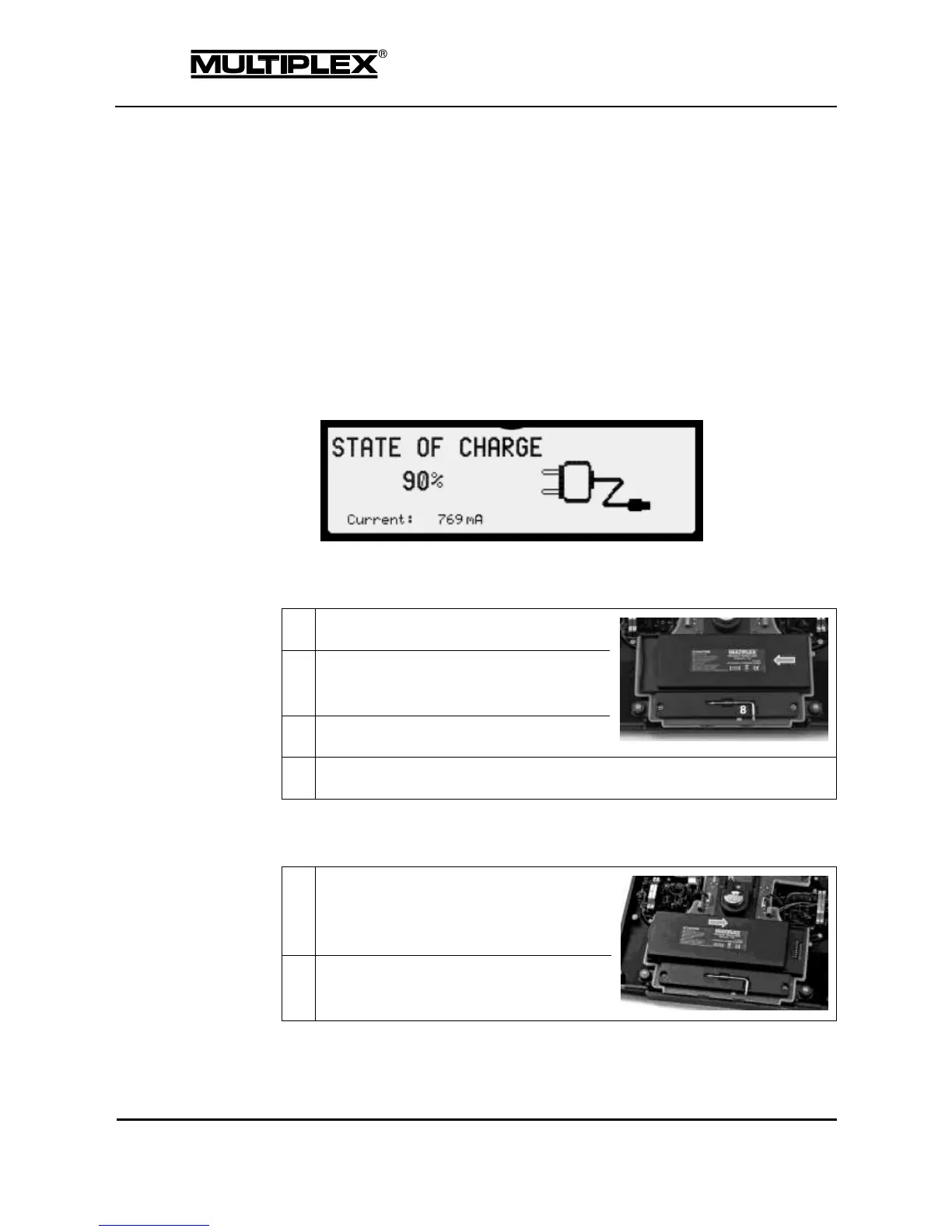
2.4.1.2 Charging the battery using the plug-in charger
Proceed as follows:
1. Lift the device (the recessed control for the sliding latch is located on the
underside of the case).
2. Slide the sliding latch towards the device centre.
3. Connect the supplied USB cable to the plug-in charger and to the mini
USB socket on the PROFI TX.
4. Connect the plug-in charger to a mains outlet.
The plug-in charger icon is shown on the right side of the screen and the state
of charge and the charging current are displayed on the left. Maximum current
(depending on charger and state of charge): 1500mA.
2.4.2 Removing the battery
Insert the battery on the left side of the
battery dock, with the rounded side facing
to the left.



 To Next Page