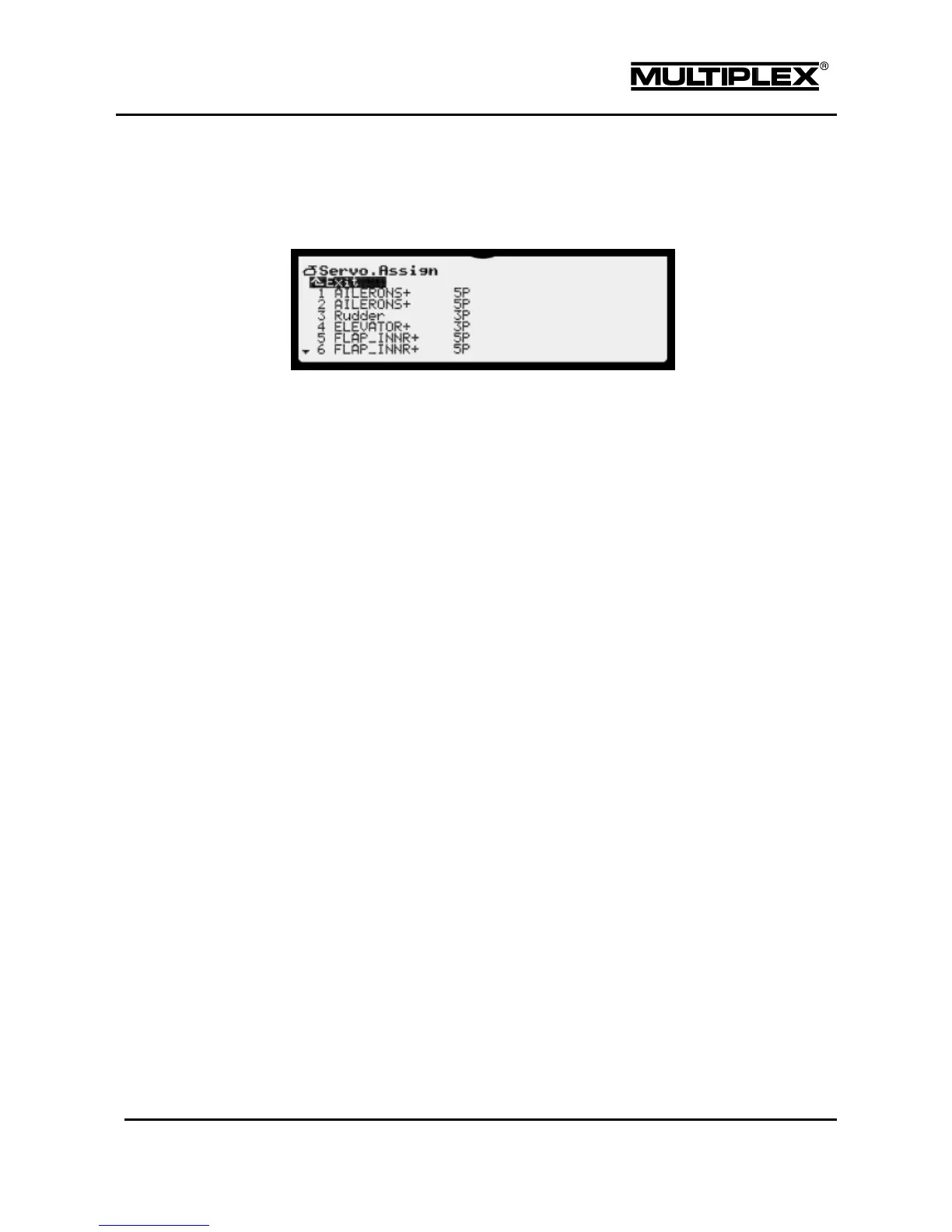
4.6.2 Assign
Here, you assign a control function or a mixer to your servos.
The menu shows a list of all the servos.
The following information is displayed for each servo:
Servo number
Number of the servo; corresponds to the number of the servo connector on the
receiver.
Control function / mixer
Here, you select the control function or mixer whose signal is to be fed to this
receiver output. Multiple output of control functions and mixers is possible, e.g.
if the elevator is linked to several servos.
"--------" has the following meaning: The receiver output is not used. A neutral
pulse is fed to the receiver.
nP
Number of servo calibration points available for selection in the Calibrate
menu (see page 146).
Assignment procedure
1. Select the servo.
2. Press the wheel or the ENTER button.
3. Select the function (control function or mixer).
4. Press the wheel or the ENTER button.
5. Select the number of calibration points.



 To Next Page