Creating and customising models
7.2.8 Throttle
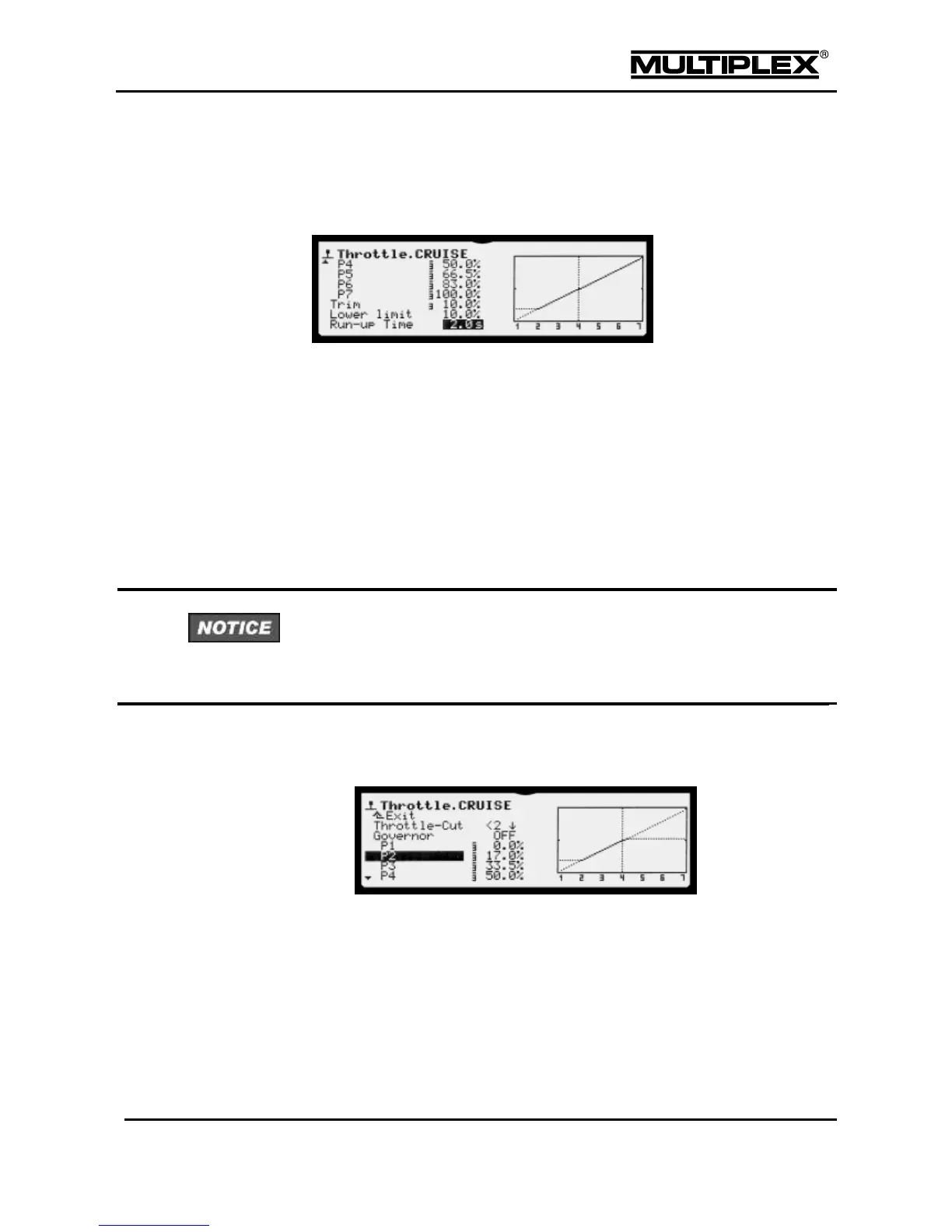
The Throttle control function can be adjusted using 7 curve points or using a
fixed value when the electric power system operates in Governor mode.
Each flight phase has a specific curve. Only in the AUTOROT flight phase, all the
curve points have the same value (yielding a straight line).
To assist model adjustment when the motor is running Throttle can be limited
towards full throttle using a limiter. In all the helicopter templates, the right-
hand slider F> is used for this function (changing; see page 104). During
adjustment, reduce the limiter to a value that prevents the model from taking off.
The purpose of the throttle-cut switch is to switch off the power system
quickly in case of an emergency.
No Throttle-Cut switch is assigned in the templates. You must assign a switch
before you start operating your model (see page 109). Always use a dip-switch. If
a button were used, electric motors would start up again when the button is
released!
The limiter (upper dashed horizontal line) limits the throttle upwards to allow
the model to be adjusted (slider at the top = no limit). The sum of lower
limit + trim
FPH
restricts Throttle downwards as the idle limit for I.C.
engines (upper dashed horizontal line).
The idle limit is switched off in the AUTOROT flight phase, even if flight phase
specific trim was or is set to 0.0%.
Sometimes, it can be useful to operate the throttle directly without any restrictions.
To do so, assign a switch to the CS/DTC switched function as described on



 To Next Page