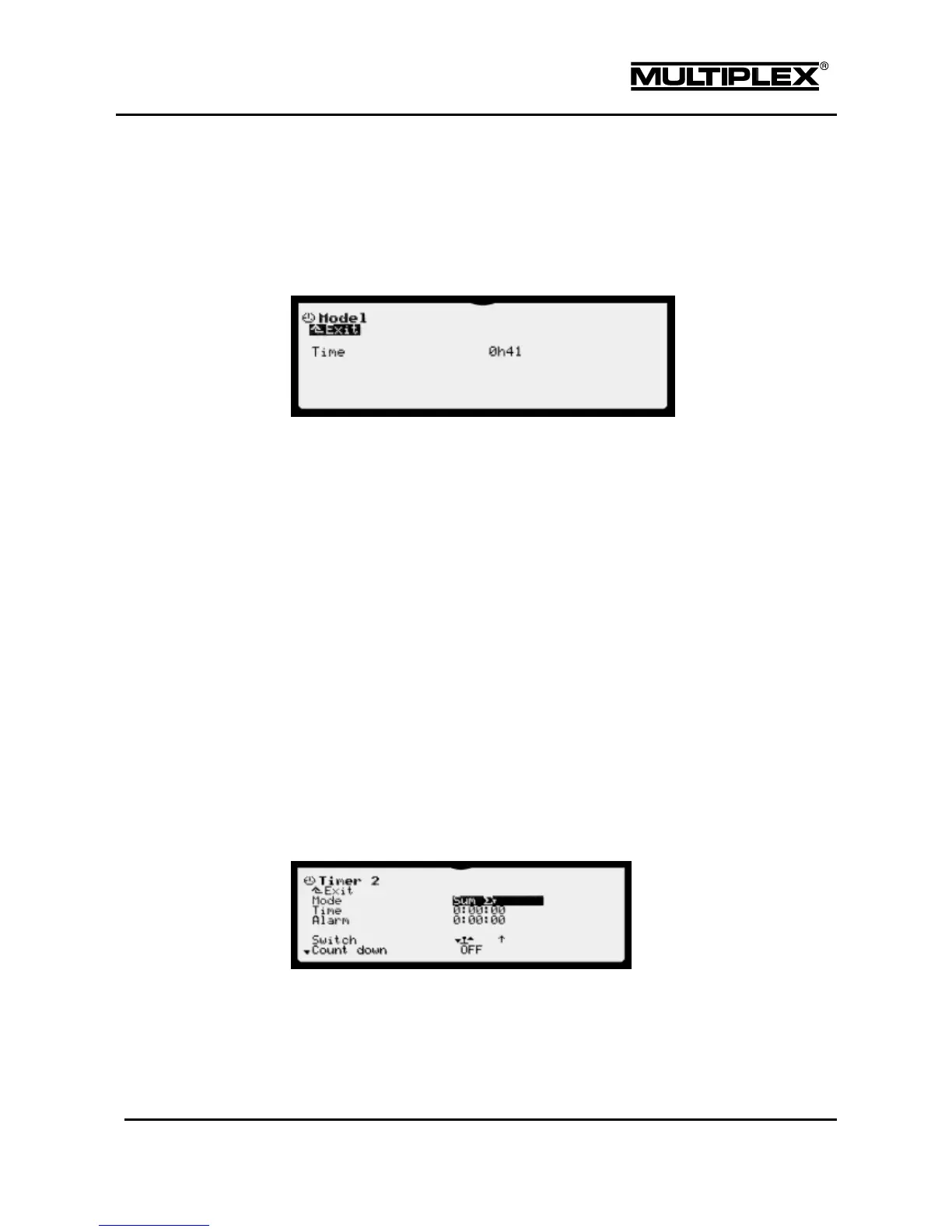
4.7.1 Model uptime count
The Model timer is available for each model memory. It records the operating time
(uptime count) for each model. The timer only runs when the transmitter emits RF
signals.
Time
Displays the summed up operating time (uptime count) for the model in hours
and minutes.
Range: 1000 h 00 m
Resetting the timer to 0h00
1. Select the input field Time.
2. Press the wheel or the ENTER button to open the input field.
3. Press the REV/CLR button.
4. Press the wheel or the ENTER button to close the input field.
4.7.2 Timer 1 to timer 3
The three timers are suitable for universal use and share the same structure. Each
timer can be configured freely. You can select operating mode, counting mode (Up
or Count down), etc. as required.
Each timer has time markers at 5-4-3-2-1 minute(s) and 30-20-15-10-5-0 seconds.
Mode
Select the operating mode for the timer: frame, sum, or interval



 To Next Page