1. Frame: A time window is monitored. Frame times are set in competitions,
for example, where a certain flying task must be completed within a
specified time.
a. The timer starts when the assigned switch is set to the ON
position.
b. It can only be stopped when either the alarm time (frame time) is
reached or the frame is opened using the freely assignable "Frame
OPEN" switch.
2. Sum: The timer measures the time during which the assigned switch is set
to ON.
3. Interval: This operating mode is used to monitor a specified time
repeatedly or only once.
Time
This field indicates the time that has elapsed since timer start. After selecting
this field you can reset the timer to zero by pressing the REV/CLR button.
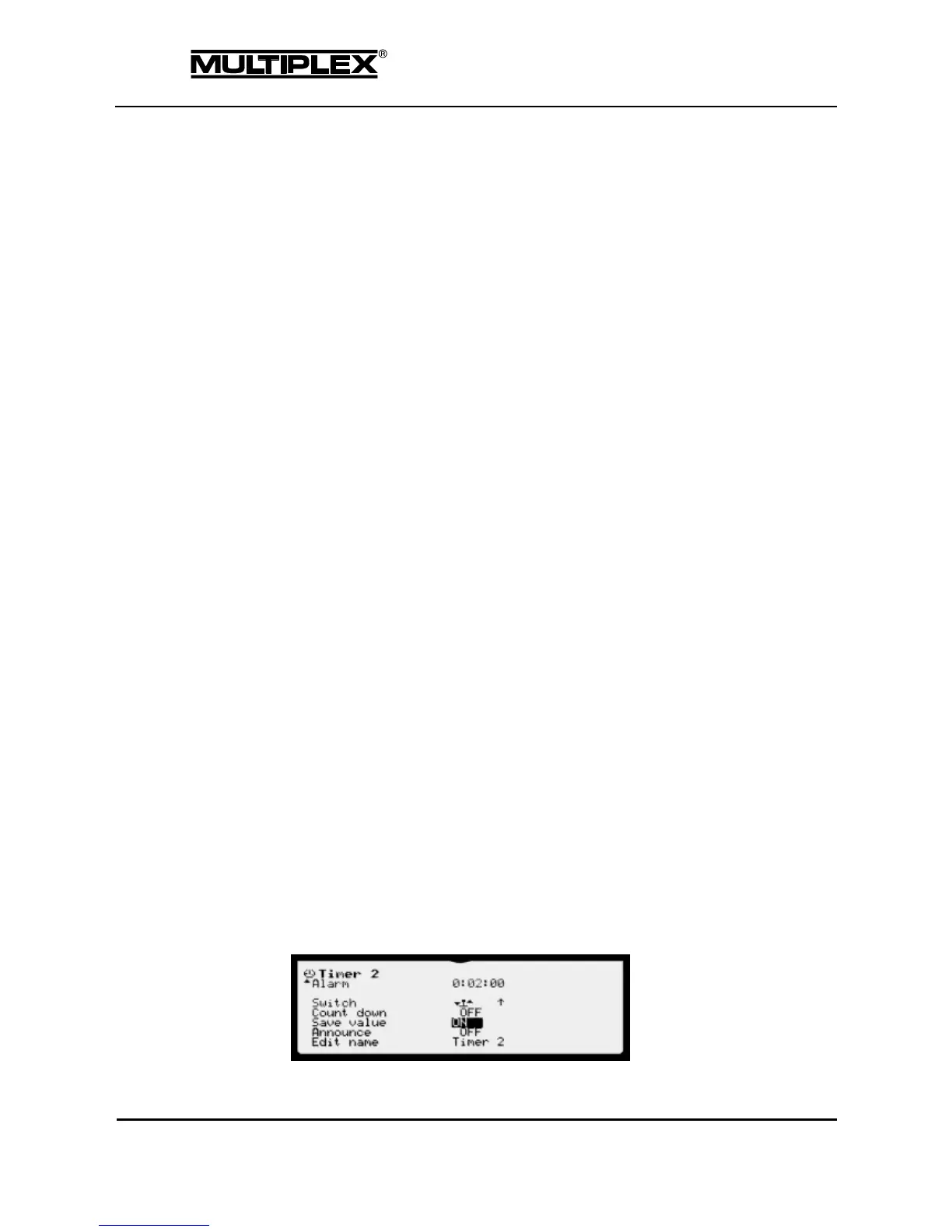
Alarm
Time at which an alarm is to be issued. When Count down is selected, the
timer starts at this time, counts down to zero; when zero is reached, the timer
counts up again. The alarm is issued when zero is reached.
Maximum setting range: 4:00:00
Switch
Displays the switch used to control the timer and the respective switched state.
If the switch is set to ON, i.e. the timer is running, an asterisk "*" is shown next
to the arrow. Refer to page 109 for information on how to assign the switch.
Count down
When Count down is activated, the timer starts at the specified alarm time,
counts down to zero and then up again. The alarm is issued when zero is
reached.
Otherwise, the timer starts at zero and counts up.
Save value



 To Next Page