5.3.2 Setting a value
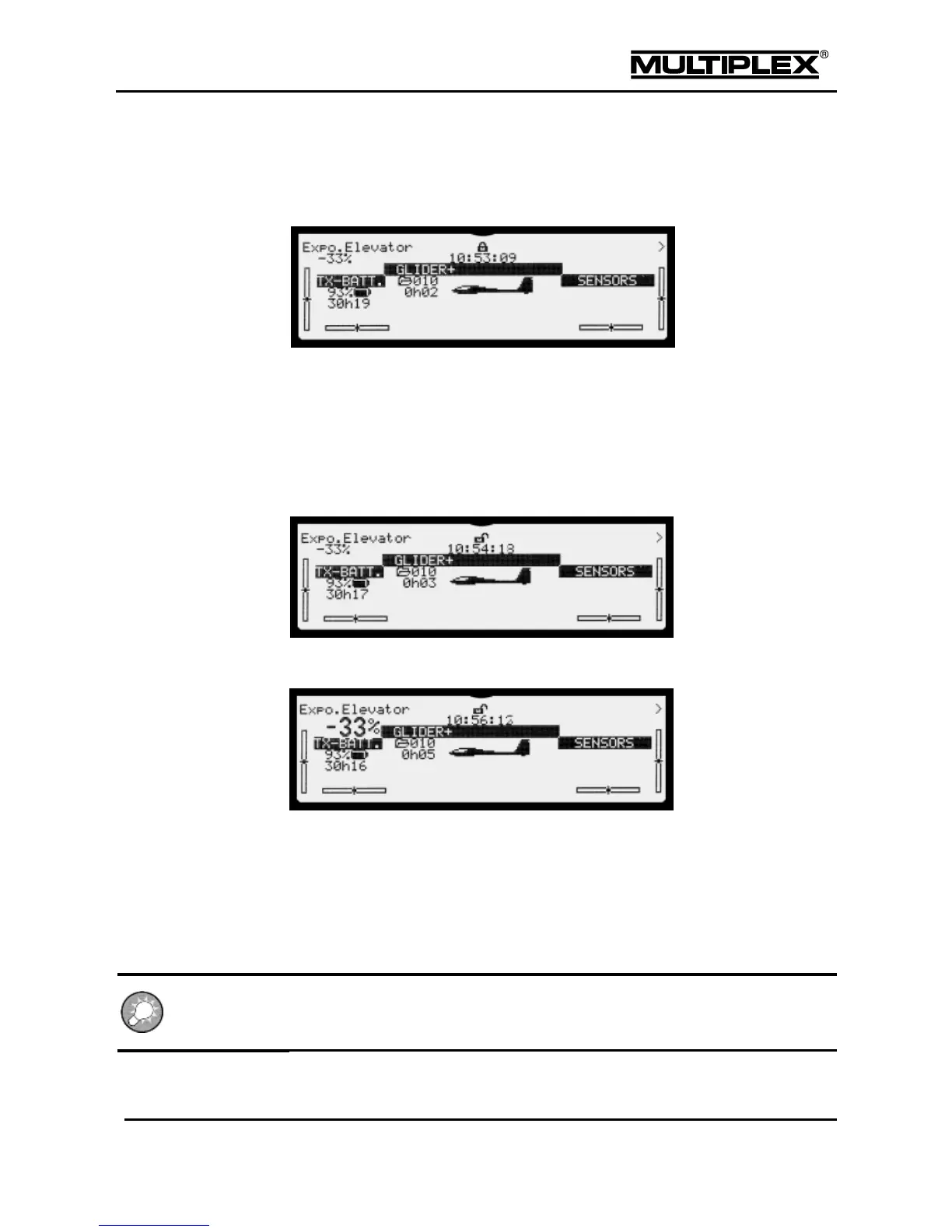
Initially, the digi-adjusters are disabled after switching the device on. The padlock
icon in the middle of the first line is closed.
1. Press the allocation button F to open the input.
In the status displays #2 to #8, the button activates / deactivates the
optional digi-adjusters.
The padlock icon changes from closed to open.
If a value is allocated, the set value is displayed in the first line in the
top left corner.
Turn one of the digi-adjusters: The set value is temporarily displayed in
double font size for easier reading.
5.3.3 Erasing the allocation
Press the allocation button § to open the padlock icon.
Press and hold the REV/CLR button and turn the digi-adjuster for which you
wish to erase the allocation.



 To Next Page