Operating the transmitter
5.1.2 Buttons for special functions
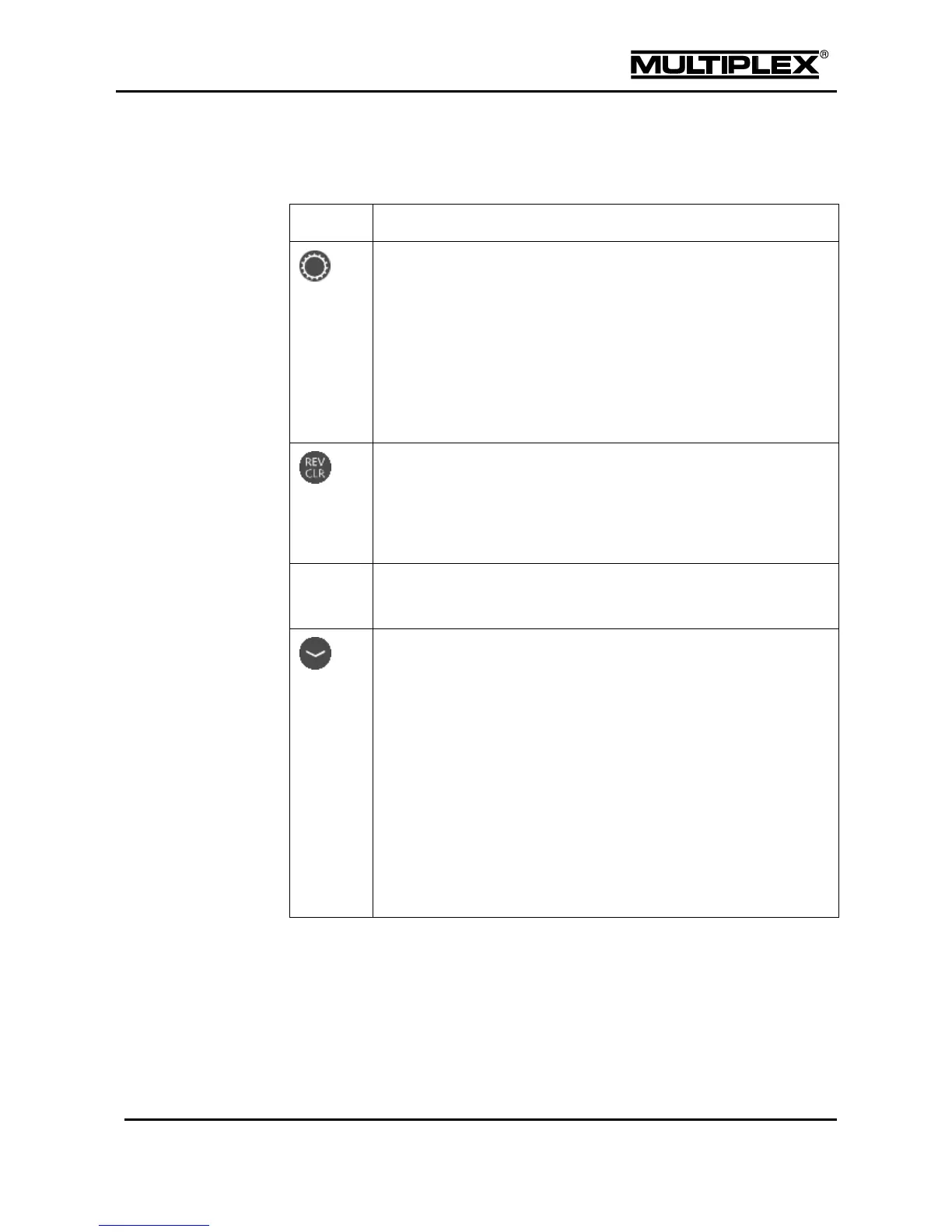
The lower keypad row provides the following functions:
Allocation button:
Activation button for the digi-adjusters (see section 5.3
"Digi-adjuster" on page 168).
In the menu: Servo > Calibrate:
The servo—and all the other servos to which the same control
function or mixer is assigned—automatically assume the
position corresponding to the percentage figure at the selected
calibration point (see section 4.6.1 "Calibrate" on page 146).
Erases and/or reverses (inverts) set values. Confirmation when
erasing model memories or text.
In case of bipolar set values, pressing the button three times restores
the original value: Invert—Erase—Restore.
Open / close input fields or trigger a function; pressing the button has
the same effect as pressing the wheel.
Down (minus) button; pressing the button has the same effect as
turning the wheel in the anti-clockwise direction:
In the status displays:
Every time you press the button the screen cycles back to the
previous status display.
In the menus:
Every time you press the button the cursor is moved to the
previous menu item.
In a scrollable field:
Every time you press the button the value or the content of the
scrollable field is reduced.



 To Next Page