Use electronic means as little as possible to reduce the servo travels. Otherwise,
you will forfeit servo resolution!
If possible, implement major changes using control surface linkages.
7.1.3.1 Configuring aileron differential
1. Open the Mixer > Differnt.Ail menu.
2. Set Mode to ON and Differnt.Ail to + or -100%.
3. Set aileron travel to the left.
In case of stick travel to the left, only the left aileron should move.
If the right control surface moves, reverse the differential using the REV/CLR
button (-100%).
4. Now, reset Differnt.Ail to 50% (+ or -). The suitable value is determined
later in flight. If the transmitter has a digi-adjuster, you can allocate the
differential for the set value to it (see section "Allocating a set value" on
page 168).
7.1.3.2 Adjusting control surface travel and maximum servo travel
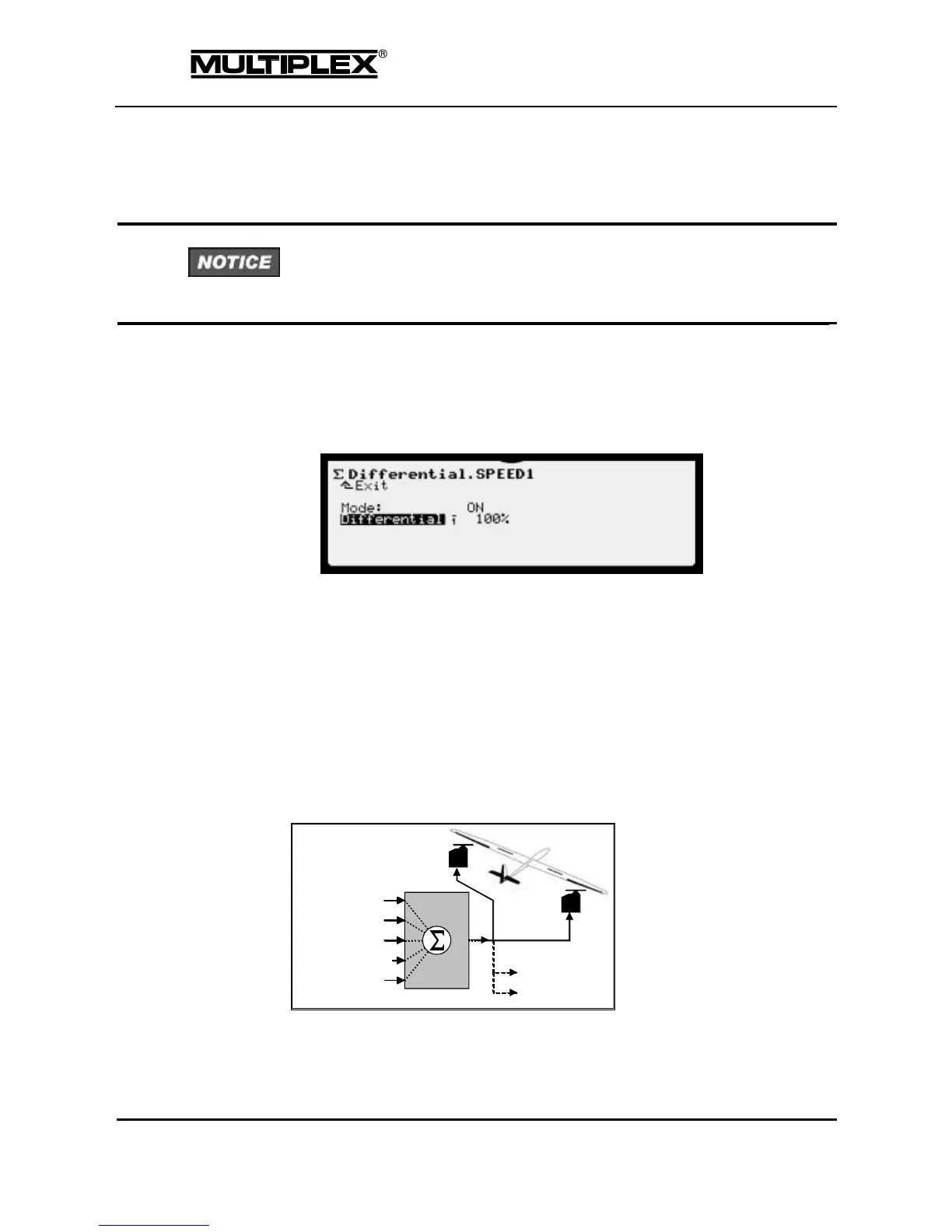
The AILERONS+ mixer is defined as follows:
Figure 18: Principle of the AILERONS+ mixer
1. Open the Servo > Calibrate > 1: AILERONS+ menu.



 To Next Page