Creating and customising models
3. Select the GLIDER+ model template as Template. This is the most complex of
all fixed-wing templates and thus offers more "training material" than the other
templates.
4. Open the Memory > Edit name main menu and enter a unique and
descriptive name for the model (see section 4.8.4 "Edit" on page 161).
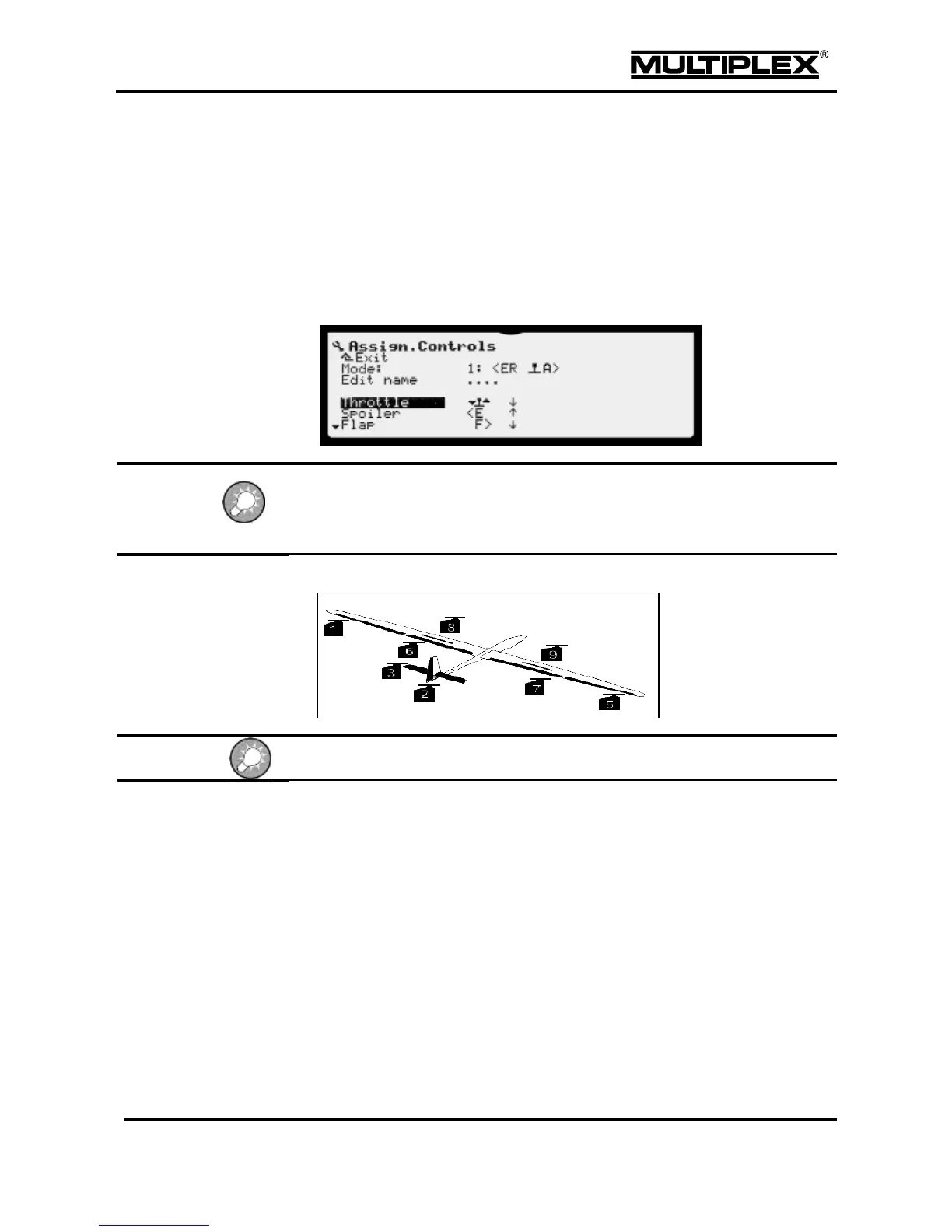
5. Assign the desired controls (actuators) to the control functions in the Setup >
Assign.Controls menu (see section 4.3.6 "Assign.Controls" on page 104).
Pay attention to the zero positions when assigning "Throttle" and "Spoiler"!
The arrow next to the control name (F>, <E, etc.) points in the direction of the
zero position.
6. Connect the servos as shown in the following figure.
Do not connect the electric motors yet!
Perform the binding procedure (see section "Binding" on page 47).



 To Next Page