4.9 Error messages
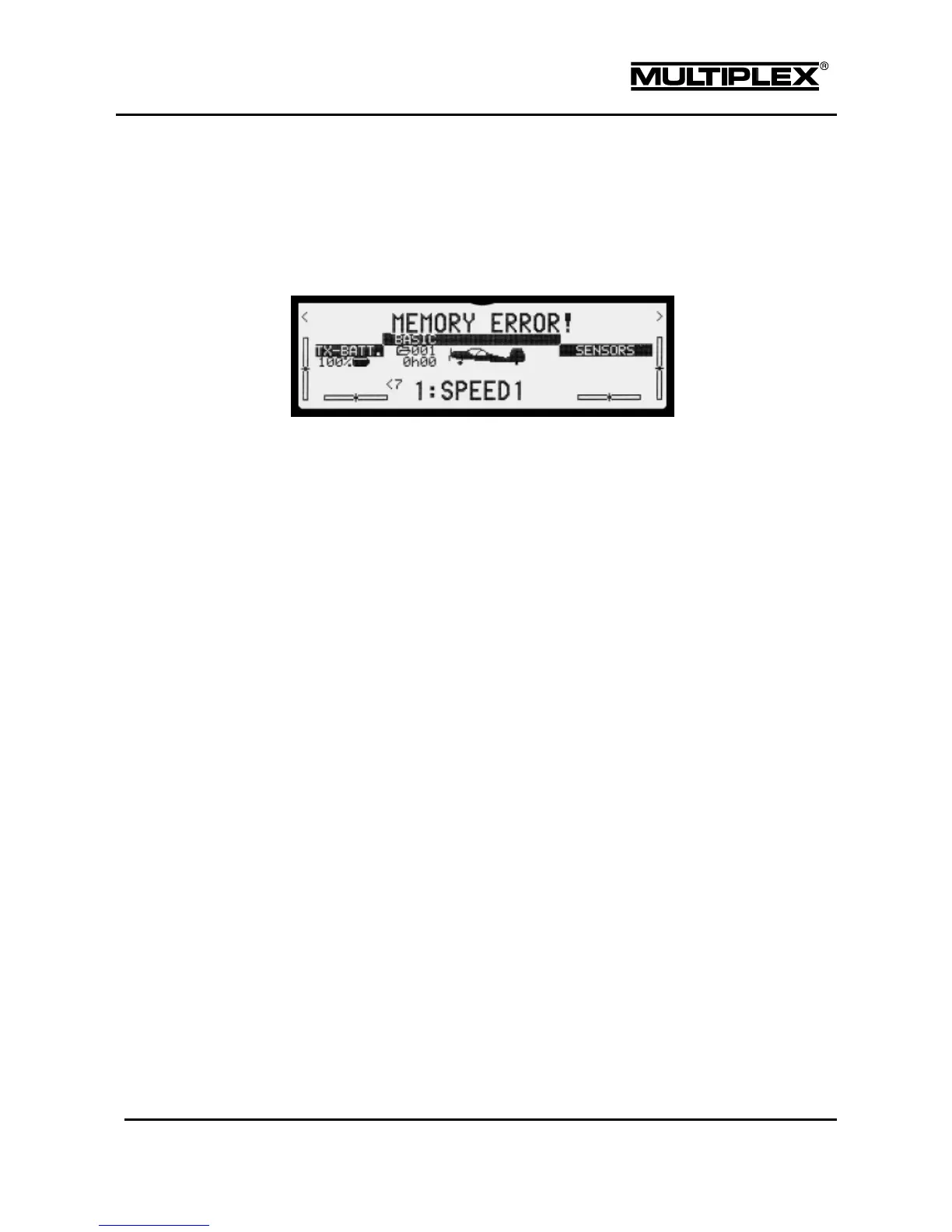
The PROFI TX checks the condition of the current memory when it is switched
on or the model memory is switched. If it detects a problem, the following error
message appears:
If this error message is displayed, proceed as follows:
Copy the memory to a different memory number.
Change the name to "defective". For safety reasons, this memory
must not be used again.
Switch to the copy.
Carefully check all the settings of the model memory.
Contact a Service Centre if the error occurs repeatedly.



 To Next Page