2.3.5 Installing additional modules
You can add four modules to the PROFI TX.
Never install two identical modules!
When these operating instructions were released for print, only the COPILOT
module (item no. 45184) was available (see section 10.2 "Accessories" on
page 213).
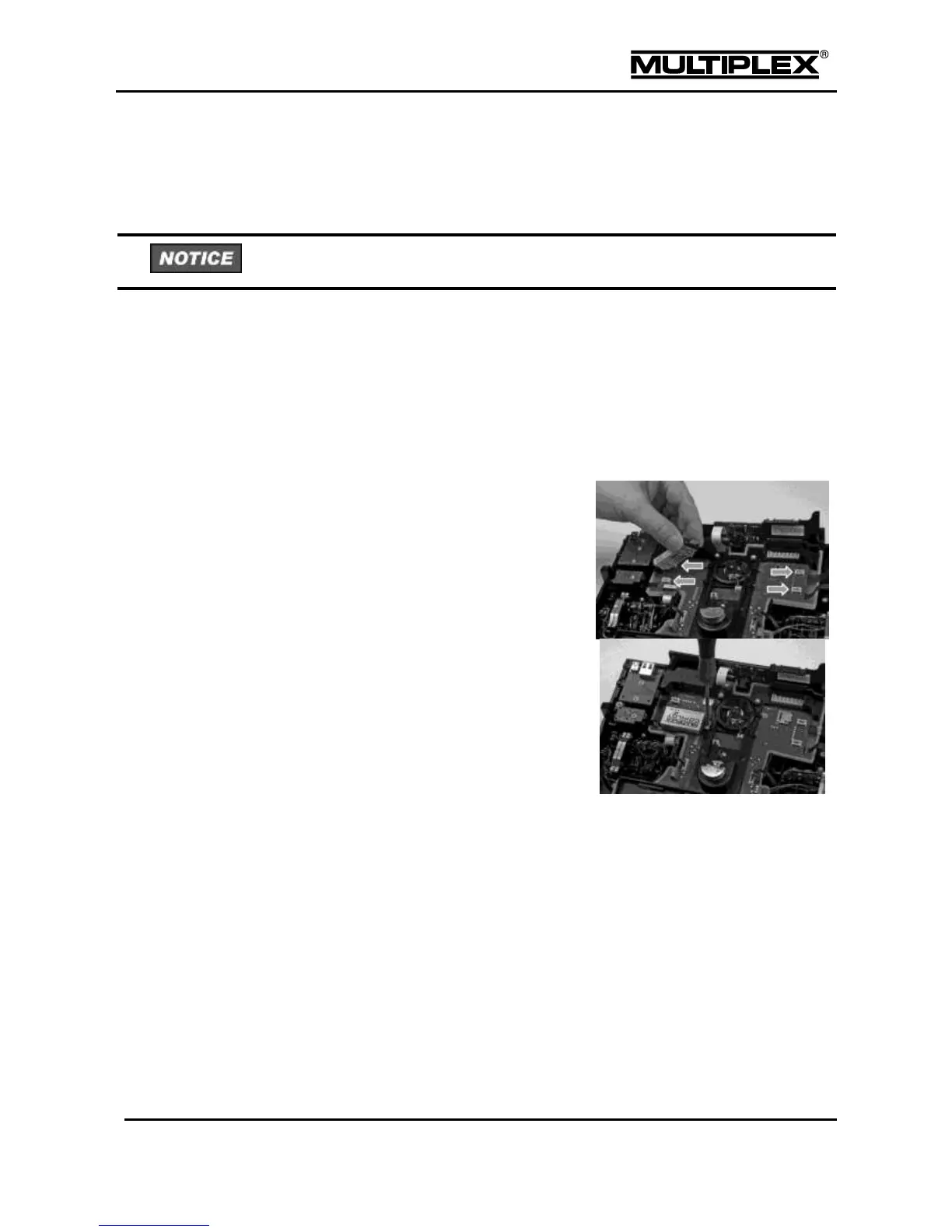
To install a module proceed as follows:
Switch off the transmitter.
Disconnect the headset and USB cables.
Insert the module in one of the 4 slots
and make sure that the respective fixing
clip faces the transmitter centre and is
aligned with a fixing bore on the central
plastic part.
Tighten the screw supplied.
Take care not to over-tighten the screw.
Switch on the transmitter.
Verify that the module operates correctly. Refer to the section "Trainer mode"
on page 49 for more details.



 To Next Page