4 The menus
The PROFI TX software is divided into status displays and menus that are
structured in several levels.
4.1 Status displays
The 8 status displays provide information about transmitter, model and sensors.
The status display is shown after transmitter startup or when exiting the main
menus.
Press the + or – buttons or use the central wheel to toggle between screens. Every
clockwise increment on the central wheel cycles to the next status display (see also
section 5 "Operating the transmitter" on page 164).
Status display #2 is always active when the device is switched on or when a
different memory is selected.
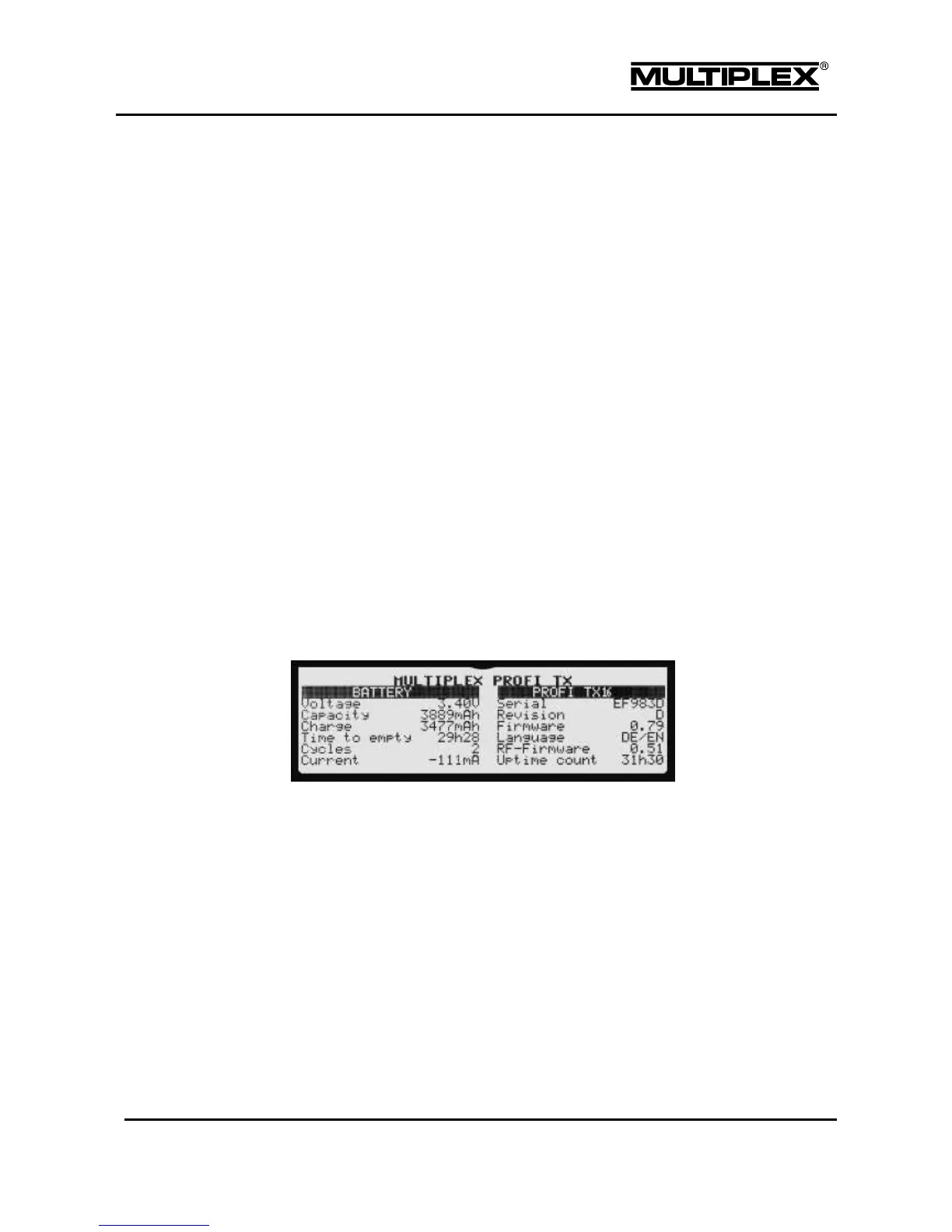
4.1.1 Status display #1
Turn the wheel to the left. Status display #1 provides an overview of the current
battery and device status:
The device name is shown in the first line. The text can be edited (menu:
Setup > Transmitter > User data > Name parameter, see section
4.3.9 "Transmitter" on page 114).
The left half of the screen provides information about the battery, e.g. battery
voltage, remaining operating time (time to empty), etc.
The right half of the table provides information about the device, e.g. serial
number, total uptime count, etc.



 To Next Page