4.8.1 Select
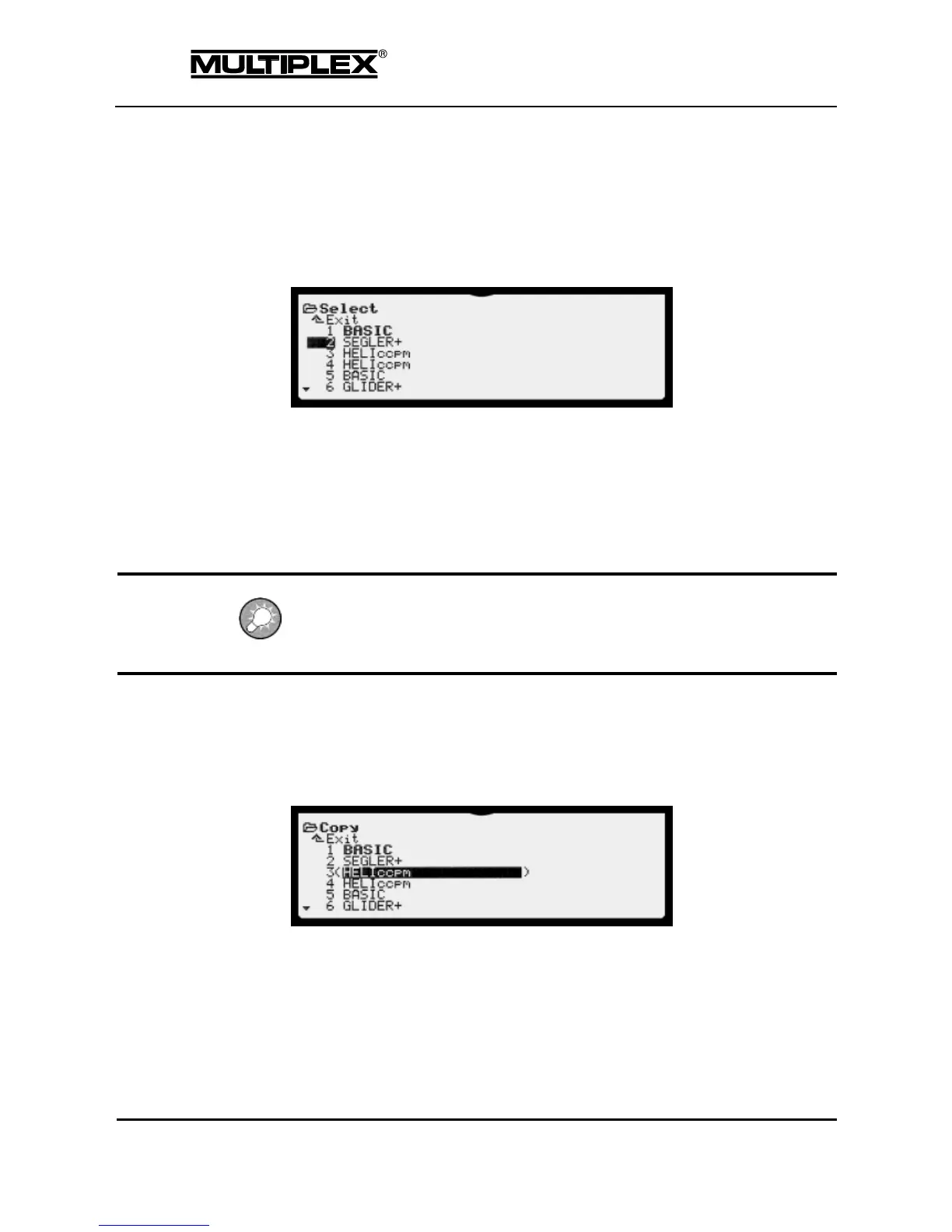
You can switch to a different model memory in this menu. The menu shows a
list of all the available model memories. The name of the current model memory
is bolded.
Move the input cursor to the desired model memory. The change takes effect when
you press the wheel or the ENTER button.
The model memory currently in use is stored to the internal SD card and the newly
selected model memory is loaded from the card.
Then, the screen switches to status display #2.
If the safety check is switched on (Safety check menu, see page 162), the safety
check prompt is displayed on the screen when you change the model memory.
Press any transmitter button to exit the safety check.
4.8.2 Copy
You can copy the model memory to a different memory cell in this menu.
The menu shows a list of all the available model memories. The current memory is
bolded.
1. Select a model memory.
2. Confirm your selection by pressing the wheel or the ENTER button.



 To Next Page