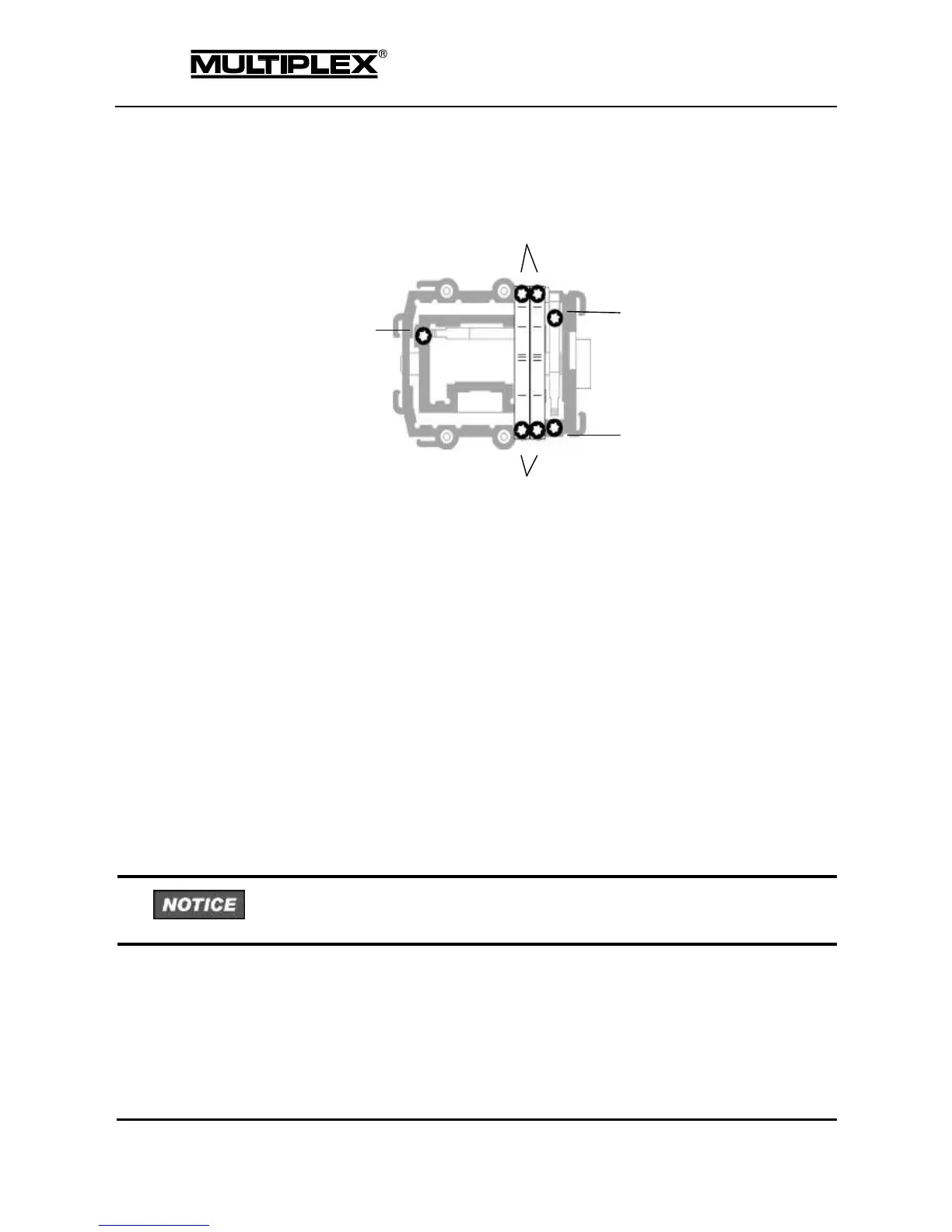
2.3.2.2 Adjusting ratchet, friction and centring force
Figure 6: Adjuster screws on the stick
Ratchet and friction
The PROFI TX is supplied as standard with self-centring sticks. The springs for use
with a ratchet or friction system are already fitted to both stick units, and can be
activated quickly and easily.
The screws (2) hold the springs. The screws (3) are used to adjust the level of
ratchet / friction action. The more the screw is tightened, the harder the ratchet or
friction.
If required, you can set a superimposed ratchet / friction action by activating both
springs on one stick. This will help you achieve perfect control as needed.
1. Switch off the transmitter and open it.
2. Using the TORX screwdriver, tighten the TORX screw (turn clockwise) on the
appropriate centring lever (1) to the point where the stick centring action is
completely disabled.



 To Next Page